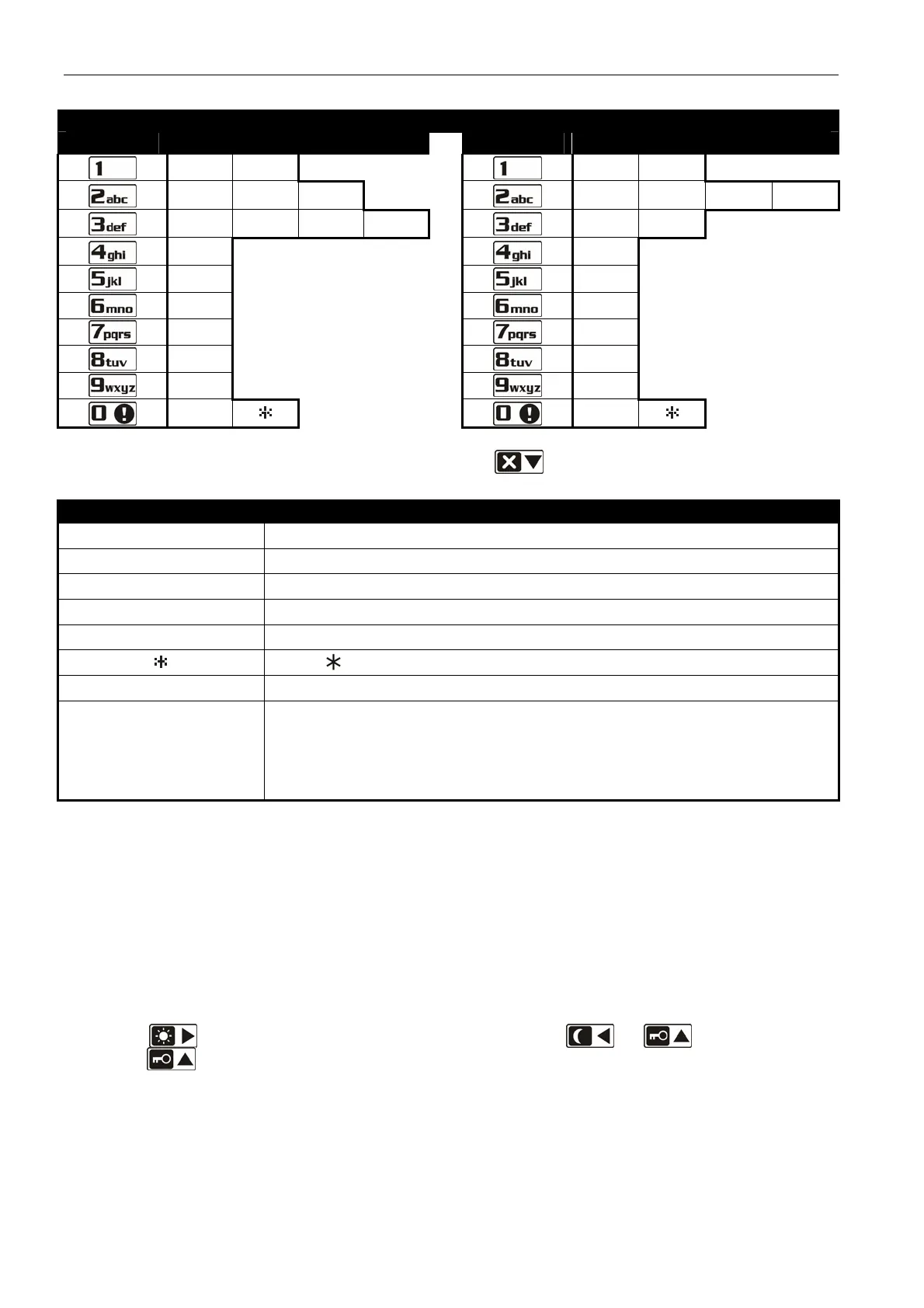
12 Programming Manual SATEL
Characters available after next keystroke
key mode [ABC]
key mode [abc]
1 #
1 #
2 B C
2 a b c
3 D E F
3 d
4
4
5
5
6
6
7
7
8
9
8
0
0
Table 1. Characters available in the keypad when entering telephone numbers (to change the
letter case, press ).
Special character Function description
B switch-over to pulse dialing
C switch-over to tone dialing (DTMF)
D waiting for additional signal
E 3 second pause
F 10 second pause
signal in DTMF mode
# signal # in DTMF mode
a
b
c
d
other signals generated in DTMF mode
Table 2. Special character functions.
Entering names
Keep pressing particular keys until the required character appears. Characters available
in the keypad are presented in Table 3. Hold down the key to display the digit assigned
to the key.
Shown on the right side in the upper line of the display is information about the letter
case: [ABC] or [abc] (it will be displayed after pressing any key and will be visible for a
few seconds after the last keystroke).
The
key moves the cursor to the right, and the or key – to the left.
The key deletes the character on the left side of the cursor.














 To Next Page