SATEL VERSA 39
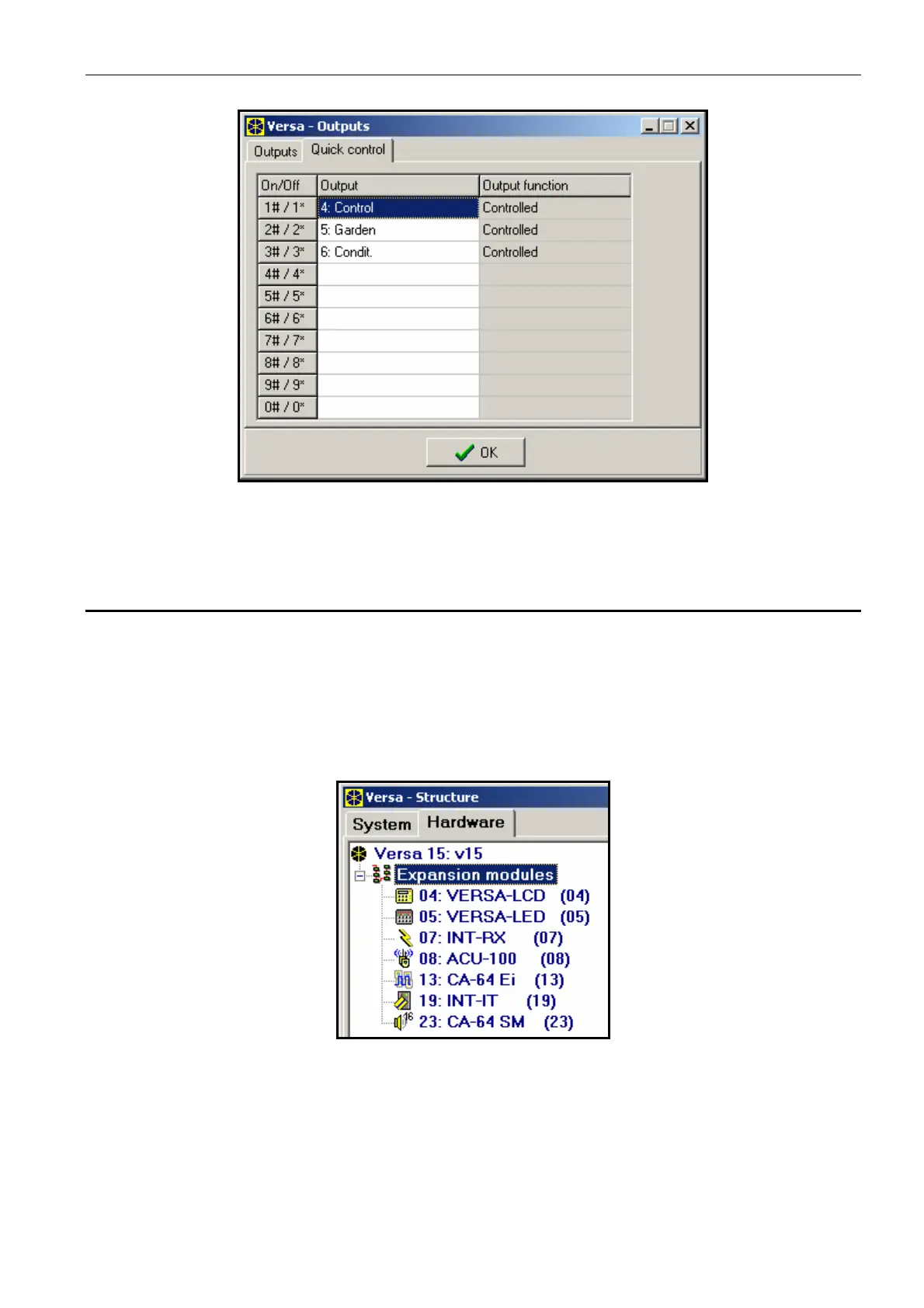
Fig. 11. Assigning the outputs to corresponding keypad keys in the DLOADX program (an
example of configuration).
7. Programming Keypads and Expanders
In the DLOADX program, the working parameters of keypads and expanders should be
programmed in the "Versa – Structure" window, "Hardware" tab, after the required device is
selected in the list (see. Fig. 12). In the keypad, their working parameters should be
configured by means of the SETTINGS function (SERVICE MODE X2. HARDWARE X1. KPDS &
EXPS
. X2. SETTINGS). Having selected the device from the displayed list, the programming is
performed using the "step by step" method.
Fig. 12. List of devices connected to the control panel, displayed in the "Hardware" tab,
“Versa – Structure" window (an example of configuration).
The following can be programmed for all devices connected to the communication bus:
Name – individual name of the device (up to 16 characters).
Tamper signaled in partition – the partition in which tamper alarm will be triggered in the
event of tamper or disconnection of the device from the system.














 To Next Page