SATEL VERSA 25
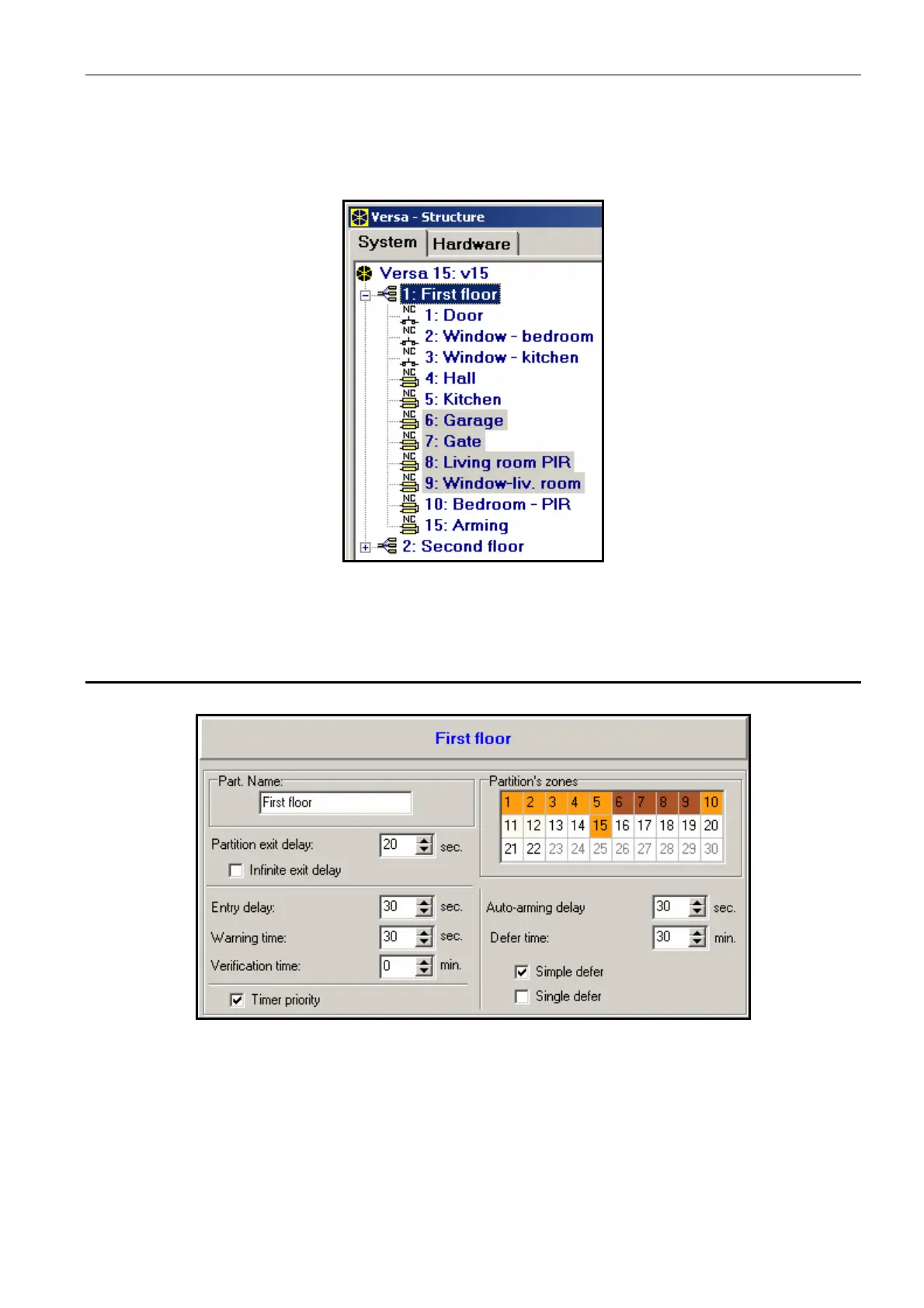
In the DLOADX program, the partition parameters are programmed in the "Versa – Structure"
window, "System" tab. The partitions and zones are presented in a tree-like form on the left
side of the window (see: Fig. 6). In the keypad, the partition parameters are configured by
using the functions available in the PARTITIONS submenu (SERVICE MODE X1. PARTITIONS).
Fig. 6. List of partitions and zones in a tree-like form in the "System" tab, "Versa – Structure"
window (an example of configuration).
4.1 Partition parameters
Fig. 7. Programming partition parameters in the "Versa – Structure" window, DLOADX
program (an example of configuration).
Name – individual name of the partition (up to 16 characters ).
Partition exit delay – the time counted from the moment of partition arming which
enables the protected area to be left without triggering an alarm. Violation of the zones
with the reaction type 0. ENTRY/EXIT, 1. ENTRY/EXIT FINAL, 2. ENTRY/EXIT ROUTE or
4. DOUBLE KNOCK during the exit delay time will trigger no alarm. Up to 255 seconds can
be programmed.














 To Next Page