48 Programming Manual SATEL
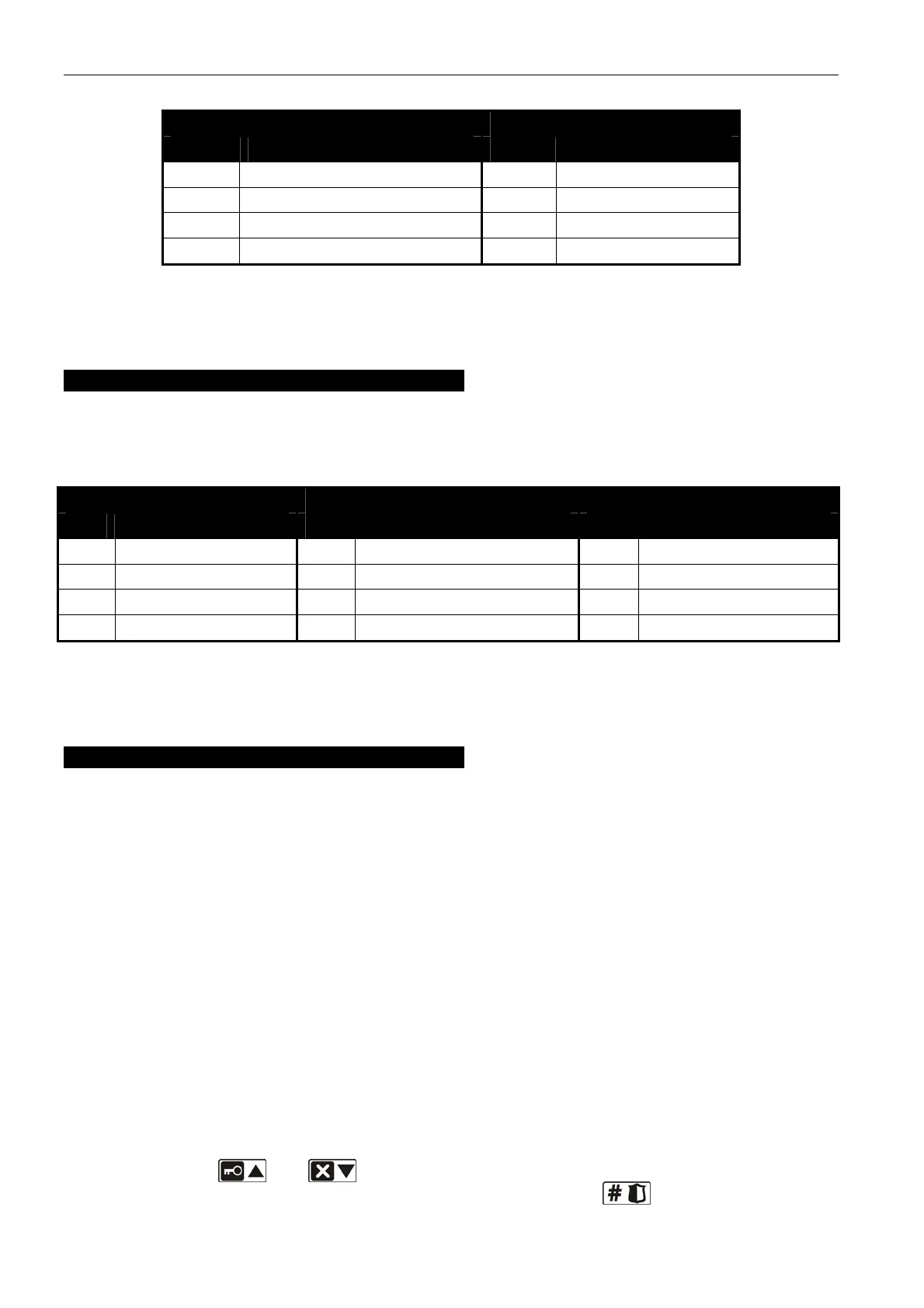
1st digit 2nd digit
digit acoustic signaling digit signaling time
1 sound type 1 1 1 minute
2 sound type 2 2 3 minutes
3 sound type 3 3 6 minutes
4 sound type 4 4 9 minutes
Table 10.
For example, entering the values 2-3 means that acoustic signaling type 2 has been selected
and that its duration will be 6 minutes.
ASP-205 siren
Configure the parameters of signaling triggered by the outputs to which the siren is assigned.
Each output can trigger an individual type of signaling, thus you should program parameters
for two signaling types, entering in each case a 3-digit sequence according to Table 11.
1st digit 2nd digit 3rd digit
digit signaling time digit acoustic signaling digit optical signaling
1 1 minute 0 none 0 disabled
2 3 minutes 1 sound type 1 1 enabled
3 6 minutes 2 sound type 2 - -
4 9 minutes 3 sound type 3 - -
Table 11.
For example, entering the values 2-0-1 means that the signaling will last 3 minutes, the
acoustic signaling has been disabled, and the optical signaling enabled.
ASW-100 E and ASW-100 F controllers
Enter a digit from the 0 to 2 range, which corresponds to the selected mode of operation:
0 – electric circuit is only remotely controlled;
1 – electric circuit may be controlled remotely or manually;
2 – electric circuit may be controlled remotely or manually, but remote control can be
manually disabled.
7.2.7 Configuration of wireless devices by means of the LCD keypad
The working parameters for each wireless device are configured by the "step by step"
method as the device is added to the system. In the first step, the FILTER parameter should
be always programmed, which is applicable to nearly all wireless devices (except for the
ARF-100 tester). The next steps depend on the type of device (e.g. for most detectors, it is
defined in the next step whether the detector is to be always active).
The parameters of each wireless device can be modified at any moment by means of the
CONFIGURE DEVICE function (SERVICE MODE X2. HARDWARE X1. KPDS & EXPS. X3. ACU-100
X2. C
ONFIG. DEVICE). After the function is started, the keypad will display a list of zones to
which the wireless devices are assigned. Even if the device occupies a few zones, only the
first of them can be displayed. The number of displayed zones depends on the type of
device. Using the and keys, select from the list the zone to which the device to
be configured is assigned, and confirm your selection using the
key. Described below














 To Next Page