SATEL VERSA 49
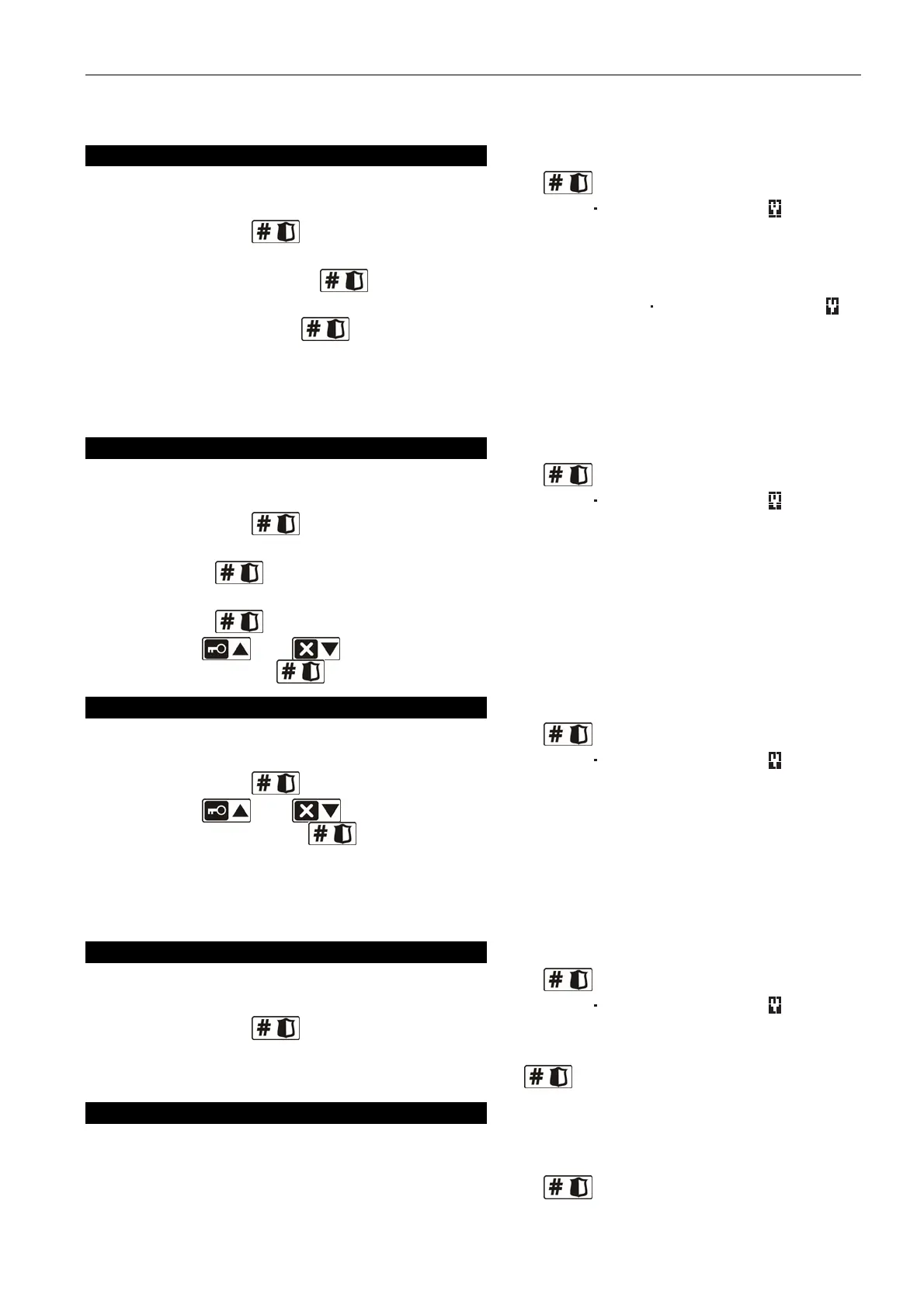
is "step by step" programming the settings of the wireless devices for which additional
configuration options and parameters are available.
APD-100 detector
1. Enter an appropriate value for the FILTER and press .
2. Determine whether the detector is to be always active ( – option disabled, – option
enabled). Press .
3. Enter a digit from the 1 to 3 range, corresponding to the selected sensitivity level (see:
page 46 Table 8). Press .
4. Determine whether the pet immunity option is to be enabled ( – option disabled, –
option enabled. Press .
Note: The last (fourth) step of programming is available for detectors with firmware version
2.01 or newer. In the detectors with older firmware, the programming ends after the
third step.
APMD-150 detector
1. Enter an appropriate value for the FILTER and press .
2. Determine whether the detector is to be always active ( – option disabled, – option
enabled). Press .
3. Enter a digit from the 1 to 4 range, corresponding to the selected sensitivity of infrared
path. Press .
4. Enter a digit from the 1 to 8 range, corresponding to the selected sensitivity of microwave
path. Press .
5. Using the and keys, select the way of operation in the test mode (PIR+MW,
PIR or MW). Press .
AMD-100 and AMD-101 detector
1. Enter an appropriate value for the FILTER and press .
2. Determine whether the detector is to be always active ( – option disabled, – option
enabled). Press
.
3. Using the and keys, select which of the two reed switches (lower or side) is
to be active. Press key
.
Note: The last (third) step of programming is available for detectors with electronics version
3.5 D or newer. In the detectors with older electronics, the programming ends after the
second step.
AGD-100 detector
1. Enter an appropriate value for the FILTER and press .
2. Determine whether the detector is to be always active ( – option disabled, – option
enabled). Press .
3. Enter a digit from the 1 to 3 range, corresponding to the selected sensitivity of high-
frequency channel (see: page 46 Table 8). Press .
AVD-100 detector
The AVD-100 detector occupies 2 zones. Select the first one of the two zones to which the
detector is assigned and:
1. Enter an appropriate value for the FILTER and press .



 To Next Page