56 Programming Manual SATEL
3. Determine whether the control panel, prior to dialing the number, should check the
telephone line for dialing signal (global option NO DIAL TONE TEST).
4. Determine the reaction to signals received after dialing the number (global option NO
ANSWER TONE TEST
).
5. Determine whether the event codes will be sent to both monitoring stations or to one of
them only (enable one of the options: STATION 1 OR 2, STATION 1, STATION 2 or STATION 1
AND
2).
6. Determine whether the number of events from the same source is to be limited (option
EVENTS AMOUNT LIMITING).
7. Determine when the restore code is to be sent (options RESTORE AFTER BELL, RESTORE
AFTER DISARM
).
8. Program the following for the monitoring station to which event codes are to be sent:
– format in which the codes will be sent,
– telephone number,
– the number of attempts to connect to the station after which, if there is no connection,
the control panel will suspend reporting,
– time for which reporting will be suspended after the programmed number of attempts to
establish connection with the station has been made,
– identifiers with which the events will be sent,
– additional options (if Ademco Express, Contact ID, SIA or TELIM format is selected).
9. Define the parameters of test transmissions.
10. If a transmission format other than CONTACT ID (FULL) or SIA (FULL) is selected, program
the codes for events which are to be reported.
10. Messaging
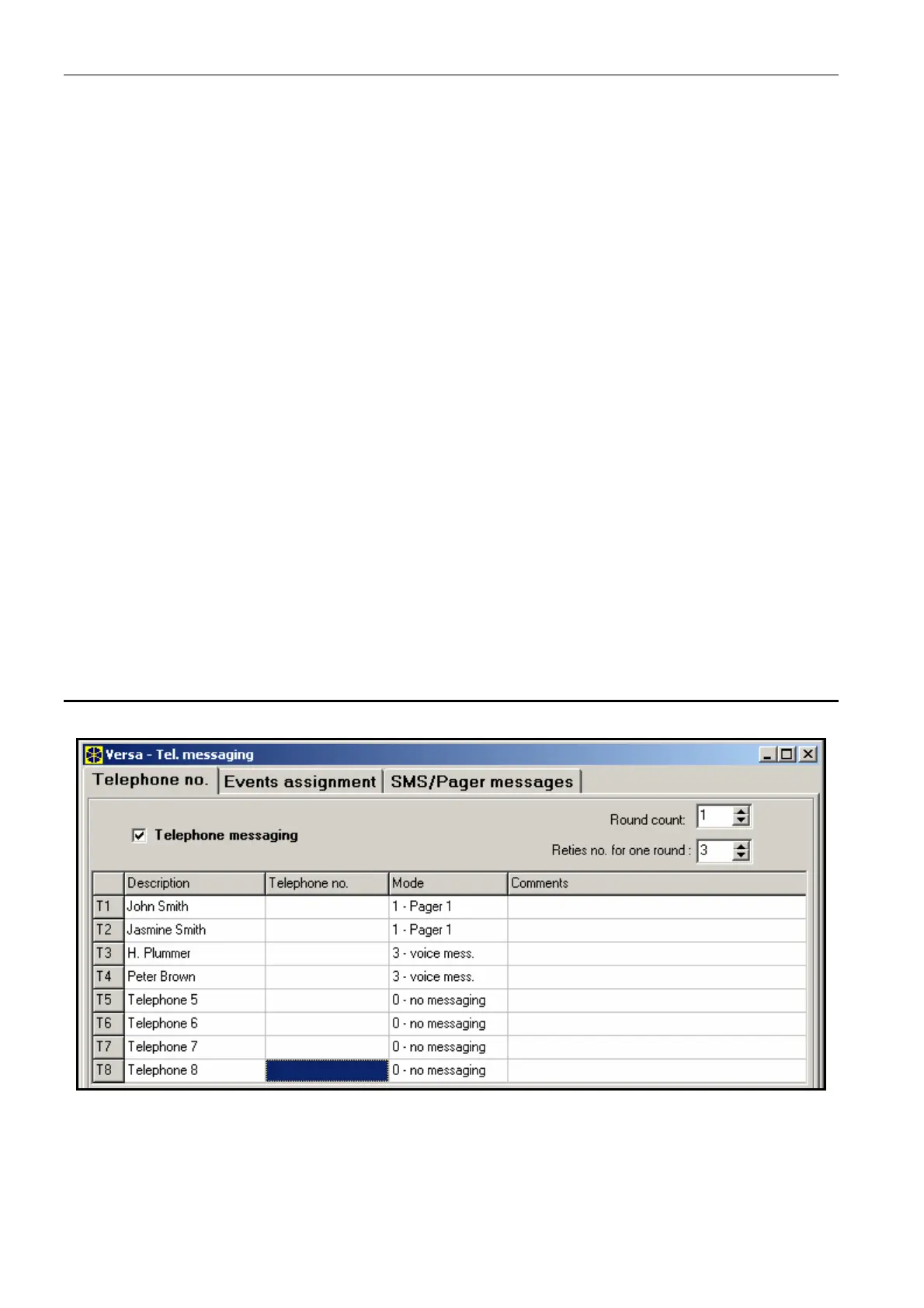
Fig. 18. Programming the messaging parameters in the DLOADX program (an example of
configuration).
The VERSA series control panels can notify about occurrence of specified events by means
of 64 text messages (the SMS messages are sent by means of SATEL's GSM modules) and
16 voice messages (connection of voice synthesizer is required).














 To Next Page