SATEL VERSA 13
6.5.2 Beeps generated during programming
1 short beep – pressing any number key.
2 short beeps – entering the user menu, submenu or a function, or going to a next
programming step.
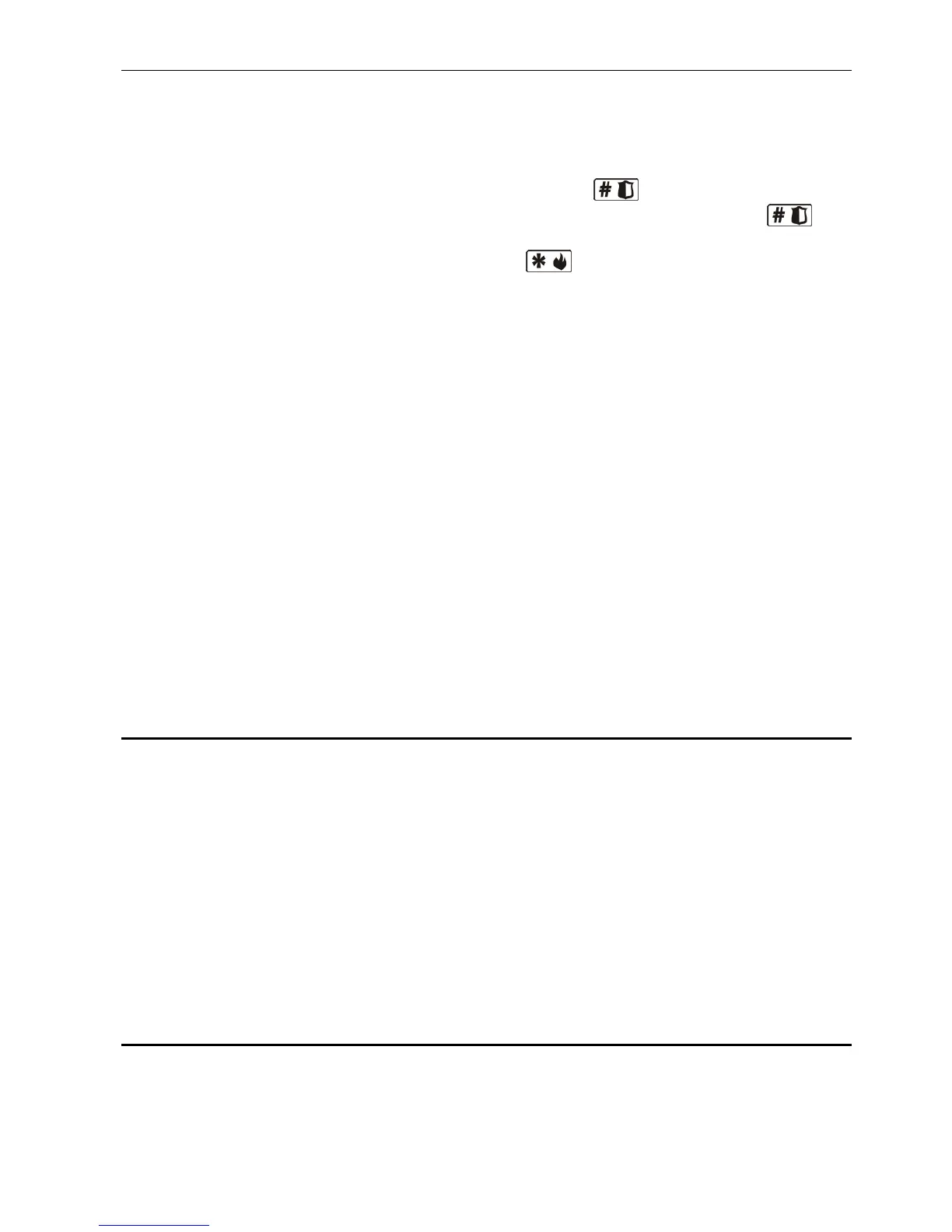
3 short beeps – exiting the service function on pressing the key.
4 short beeps and 1 long beep – termination of the user function on pressing the key,
or quitting the service mode.
2 long beeps – exiting the function on pressing the key, or an unavailable function.
6.5.3 Events signaled by sounds
5 short beeps – zone violation.
Long beep every 3 seconds, followed by a series of short beeps for 10 seconds
and 1 long beep – countdown of exit delay (if the time is shorter than 10 seconds, only
the final sequence of short beeps will be generated).
A sequence of 7 beeps of diminishing duration, repeated every few seconds –
countdown of auto-arming delay.
2 short beeps every seconds – countdown of entry delay.
2 short beeps every 3 seconds – signaling a new trouble.
Short beep every 0.5 seconds – warning alarm.
Continuous beep – alarm.
Long beep every second – fire alarm.
Notes:
• Only installer selected events are signaled.
• Alarms are signaled during the KEYPAD'S ALARM TIME (programmed by the installer).
• If the global GRADE 2 option is enabled by installer, the keypad will not signal by sounds
any new troubles and alarms.
6.6 Codes
The control panel can be operated from the keypad after entering a code (only a few
functions can be run without the code). By default, the following codes are pre-programmed
in the control panel:
user 30 code: 1111
service code: 12345
The default codes enable individual codes to be assigned to the people who are to use the
alarm system (see section USERS p. 22). For security reasons, different people should not
share the same code. The control panel supports codes of 4 to 8 characters, but the installer
can determine what should be the minimum code length.
Note: The default codes should be changed as soon as possible (see section CHANGE OWN
CODE
p. 22).
6.7 Arming
The user must have the ARMING right.
It is possible to arm both partitions or each partition separately. It is also possible to toggle
between the armed modes, i.e. the user does not have to disarm the partition to arm it in
another mode. If an alarm is signaled, arming will result in clearing the alarm (but this does
not apply to the quick arming feature).















 To Next Page