SATEL VERSA 19
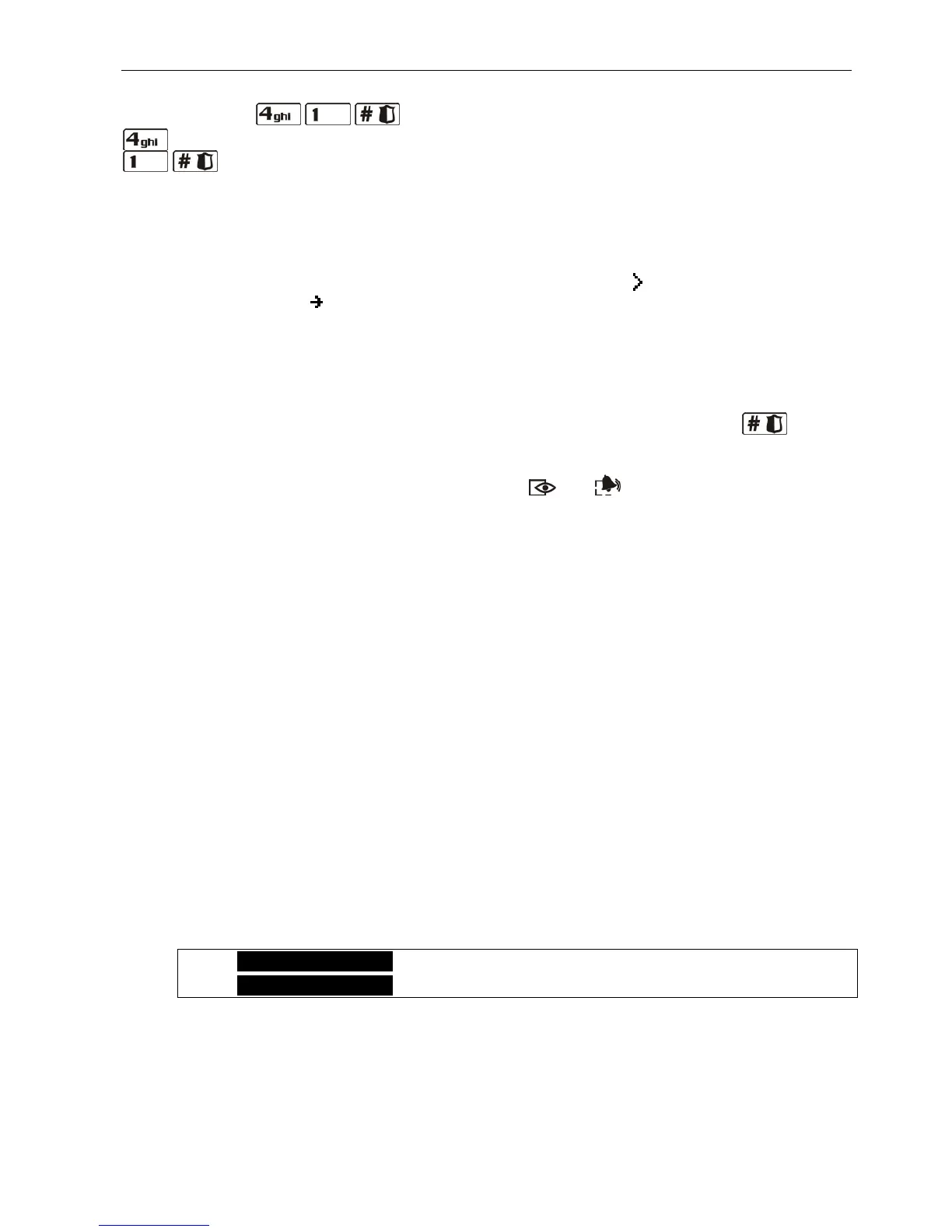
For example, to start the zone inhibiting function, enter the user menu and press
successively the keys, where:
- enter submenu 4. BYPASSES;
- start function 1. INHIBIT.
Notes:
• When using the numerical shortcuts, remember that the sequence of digits which starts
a function e.g. from the main menu level will not start the same function from the
submenu level.
• In the LCD keypad, the shape of the submenu cursor is: , and that of the function
indicating cursor is : .
6.12.3 "Step by step" programming method
In case of some functions (e.g. adding and editing users, configuring timer settings, etc.), the
programming is effected by using the "step by step" method. After calling the function and
selecting the item to be configured from the list, the first parameter available for programming
will be displayed. Irrespective of whether or not it will be modified, pressing the key will
take you automatically to programming the next parameter (the changes will be saved). After
all available parameters have been configured, you will either return to the selection list or
exit the user menu, depending on the function. The and LEDs of the first and second
partition show the number of programming step in binary format (see: page 20, Table 1).
Some programming steps may be sometimes not available.
6.12.4 User functions list
Shown in square brackets are key sequences that enable calling the given submenu or
starting the given function from the main menu level. The functions that are only available
after entering the service code have been specially highlighted (white text against black
background). The access to other functions depends on the user rights. Highlighted with
a frame are the functions which are available or change the operating mode, if the global
GRADE 2 option has been enabled by the installer.
[1#] 1. Change code changing own code
[2] 2. Users
[21#] 1. New user adding new user
[22#] 2. Edit user editing user
[23#] 3. Remove user removing user
[3#] 3. Abort v.msg. canceling telephone messaging
[4] 4. Bypasses
[41#] 1. Inhibit inhibiting zones
[42#] 2. Isolate isolating zones
[5#] 5. Event log viewing events
[5#1#] 1. All viewing all events
[5#2#] 2. Grade2 backup viewing events required for Grade 2
[6] 6. Settings
[61#] 1. A-arm defer. auto-arming deferment
[62#] 2. RTC clock programming the clock
[63#] 3. Timers programming the timers
[64#] 4. Tel. numbers programming telephone numbers to be notified
[65#] 5. Msg.clr.codes programming codes to acknowledge messaging















 To Next Page