signal in DTMF mode
# signal # in DTMF mode
a
b
c
d
other signals generated in DTMF mode
Table 5. Special character functions.
4. Press the key to confirm the entered number.
6.22 Programming codes to acknowledge messaging
The function can be run by a user having the PROGRAMMING authorization.
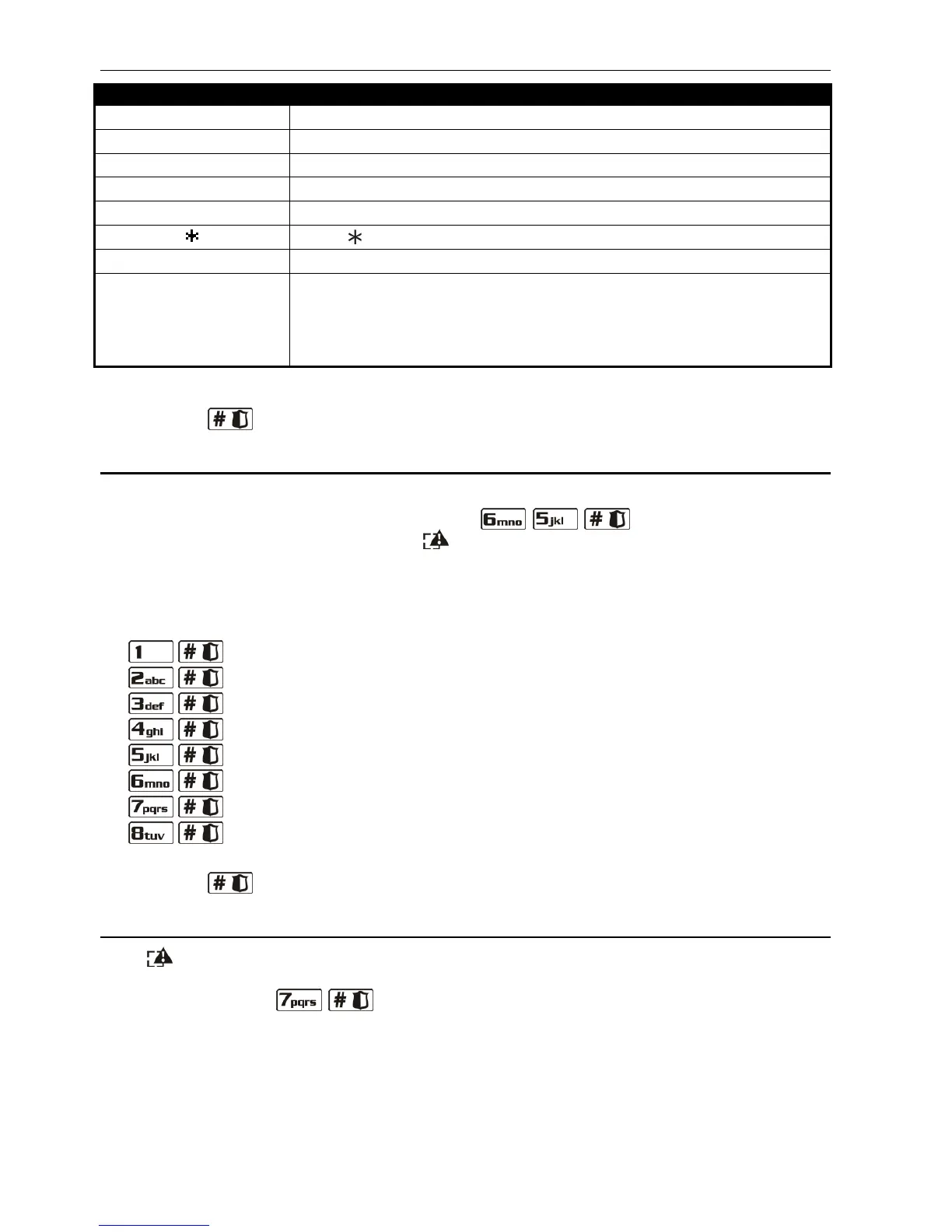
1. Enter the user menu and press in turn the keys. 2 short beeps will
confirm entering the function, and the LED will light up.
2. Press in turn the corresponding keys to select the telephone number for which the voice
messaging acknowledgement code is to be defined (the users can only program the
codes for telephone numbers to be notified by voice messaging, while the installer can
program codes for all telephone numbers):
- telephone 1;
- telephone 2;
- telephone 3;
- telephone 4.
- telephone 5;
- telephone 6;
- telephone 7;
- telephone 8.
3. Press the corresponding numeric keys to enter a 4-digit code (see: ENTERING DIGITS).
4. Press the key to confirm the entered code.
6.23 Checking the troubles and system state
If the LED is blinking, the user who has the INSPECTION right can check the cause of such
signaling, using for it the 7. SYSTEM STATE function. To start the function, enter the user menu
and press in turn the keys. In the LED keypad, information on troubles will be
presented by means of LEDs. The information presented in the LCD keypad depends on the
control panel settings. If the global GRADE 2 option is enabled by the installer, the following
information can be displayed (the higher position means the higher state priority):
– alarm in partition;
– alarm from zone;
– bypassed zone;
– trouble;















 To Next Page