SECTION II
TESTING AND TROUBLESHOOTING
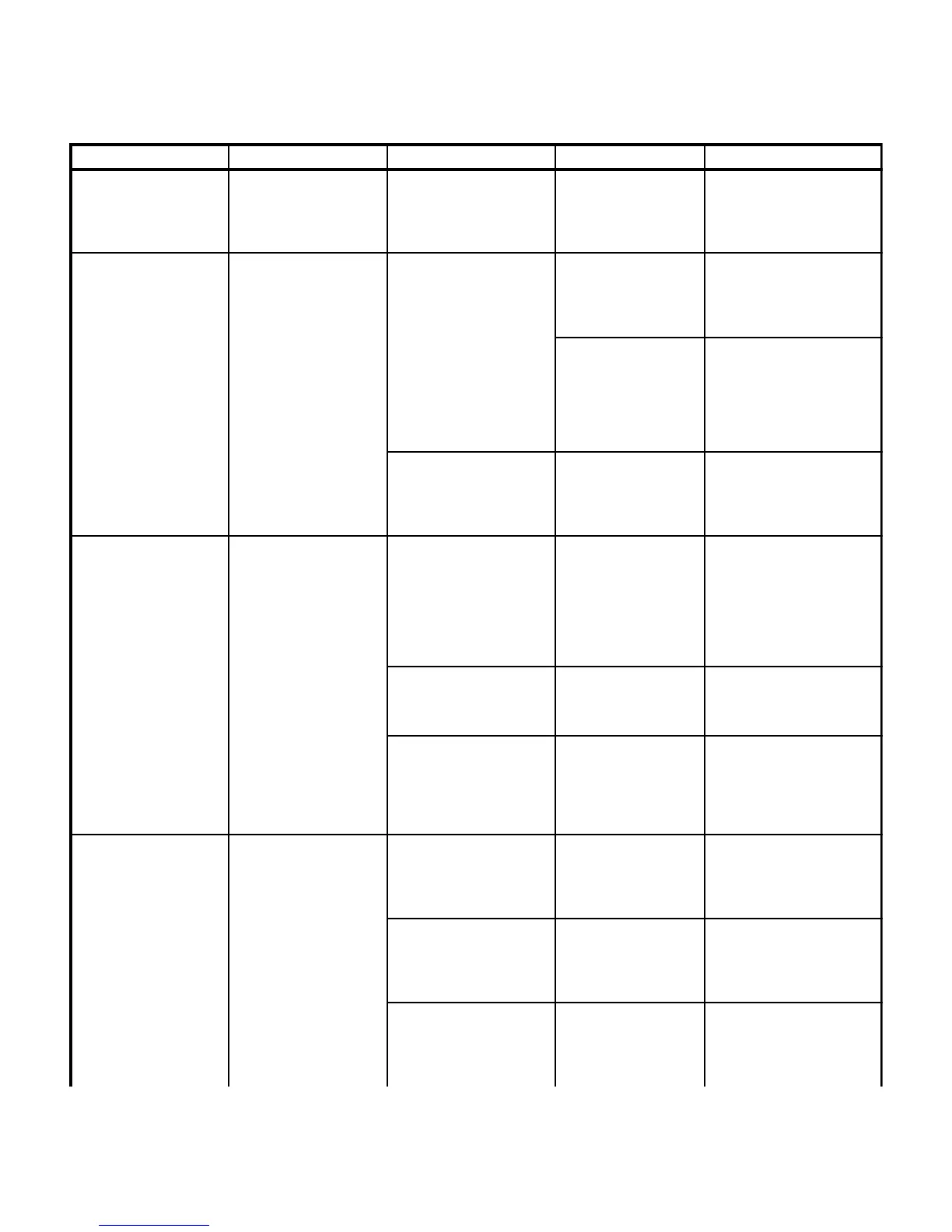
Table 2-1. Troubleshooting Guide
Page 2-13Printed in U.S.A.
Problem Symptom Probable Cause Check Correction
Error code E13 (Overheat
- Motor #1) displays on
hand control - Continued.
When ENABLE button is
pressed, error code E13
appears on hand control -
Continued.
Wires or wire connections
between motor #1 primary
thermostat and main
controller board are broken,
loose, or dirty.
See Figure 5-1 for this
check. Perform a
continuity check on all
suspect wires or
connections.
Clean any dirty connections.
Tighten any loose
connections. Replace any
broken connectors or wires.
Error code E14 (Overheat
- Motor #2) displays on
hand control.
When ENABLE button is
pressed, error code E14
appears on hand control.
Motor #2 is overheated and
has tripped its primary
thermostat.
Wait 60 to 90 minutes to
allow motor to cool down
and the primary
thermostat to reset.
Wait 60 to 90 minutes to allow
motor to cool down and the
primary thermostat to reset.
Replace primary thermostat.
Refer to para 4.40.
After table is operational
again, check to see if
motor #2 overheats
continually.
If motor #2 overheats
continually (E14), replace
primary thermostat. Refer to
para 4.40. If motor #2 still
continues to overheat (E14),
replace motor. Refer to para
4.26.
Wires or wire connections
between motor #2 primary
thermostat and main
controller board are broken,
loose, or dirty.
See Figure 5-1 for this
check. Perform a
continuity check on all
suspect wires or
connections.
Clean any dirty connections.
Tighten any loose
connections. Replace any
broken connectors or wires.
Error code E15 (Hand
Control Button Switch
Failure) displays on hand
control.
When ENABLE button is
pressed, error code E15
appears on hand control.
One of two button switches
for a function is stuck in
closed position or will not
complete circuit when
pressed.
See Figure 5-1 for this
check. Perform a
continuity check on both
button switches of
suspect function (button
switch not depressed =
open / button switch
depressed = continuity.
If check fails, replace button
board. Refer to para 4.4.
Hand control board is
malfunctioning.
Replace suspect hand
control board with known
working hand control
board.
Replace hand control board.
Refer to para 4.5.
Wires or wire connections
between hand control
board, hand control port,
distribution board, and main
control board are broken,
loose, or dirty.
See Figure 5-1 for this
check. Perform a
continuity check on all
suspect wires or
connections.
Clean any dirty connections.
Tighten any loose
connections. Replace any
broken connectors or wires.
When ENABLE and
UNLOCK buttons on hand
control are pressed, floor
lock cylinders do not
retract.
Main floor lock cylinders do
not retract properly.
All floor lock valve spool is
clogged.
Check for foreign matter
in valve spool.
Remove valve spool and clean
valve spool ports out.
Replace valve spool
component if necessary.
Inside surfaces of main floor
lock cylinder is dirty /
covered with foreign matter,
which prevents the cylinder
from retracting fully.
Check for foreign matter
on inside surfaces of
main floor lock cylinders.
Disassemble and clean main
floor lock cylinders.
Pilot operated check valve is
malfunctioning - not opening
check valve or check valve is
clogged.
Check for broken or bent
components or foreign
matter in pilot operated
check valve.
Remove pilot operated check
valve components. Clean out
any foreign matter. Replace
any broken or bent
components.
© Schaerer Mayfield USA, Inc. 2004


 To Next Page