3 Operation
3--27
F--9999--8 Build 8 Issue 1
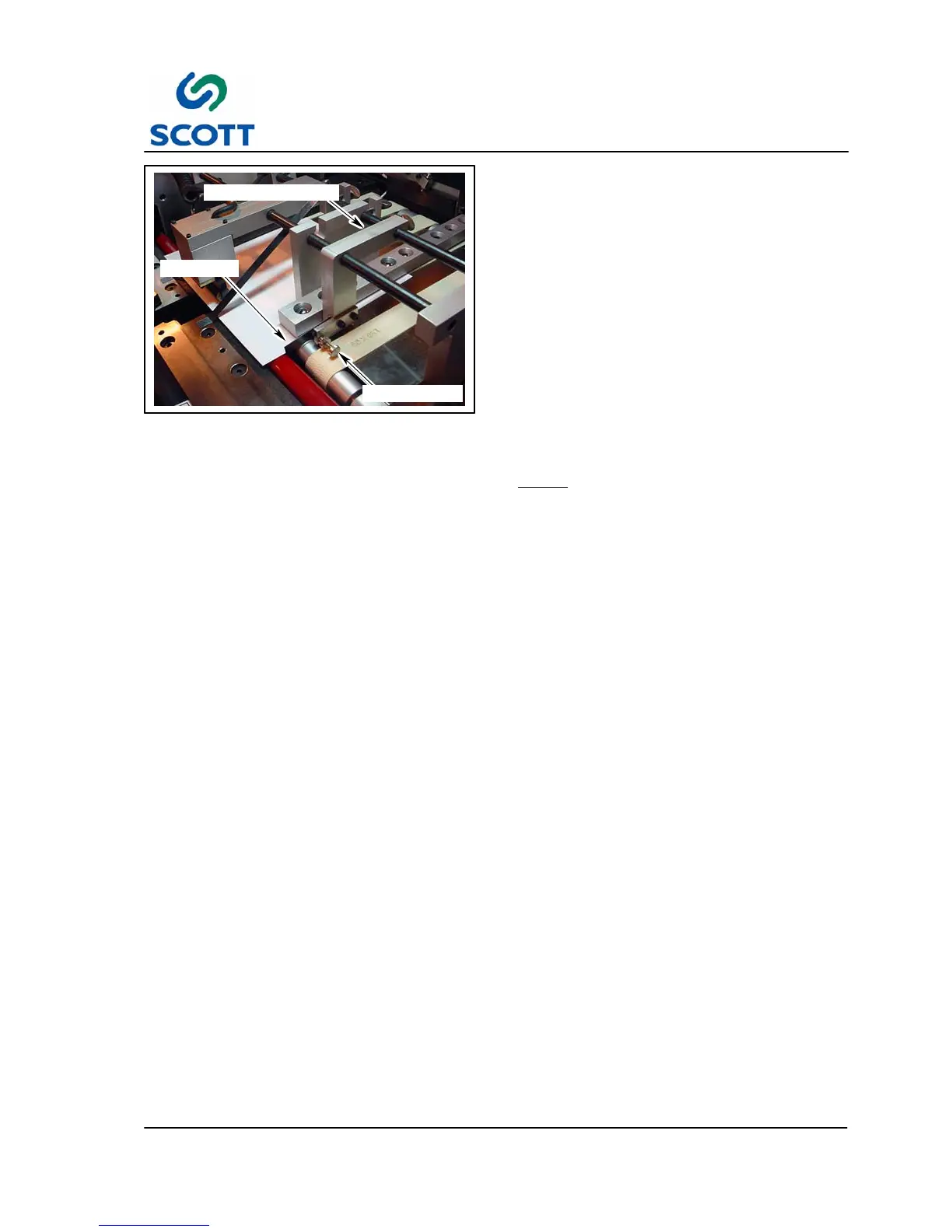
SIDE GUIDE
THUMB SCREW
MOUNTING BRACKET
Fig. 3 -52. Side Guide Set--Up
3.3.4 Side Guide Set--Up
To adjust the Side Sheet Guide:
Step: 1. Slowly jog one piece of sheet stock
(without Mylar) up to the tab cutter.
Lower knife blade and stop the sheet.
Step: 2. Loosen the side guide thumb nut and
screw.
Step: 3. Loosen the thumb screw on the mounting
bracket and position the assembly close
to the sheet stock.
Step: 4. Tighten mounting bracket thumb screw.
Step: 5. Slowly turn the thumb screw until the side
guide just touches the side of the sheet
stock.
Note ! If the side guide is positioned too
tightly against the sheet stock it will
stop the sheet as it passes through
the conveyor. If it is positioned too far
from the sheet stock it will cause the
sheet to twist as it passed through.
Step: 6. Tighten the thumb nut on the guide.



 To Next Page