3 Operation
3--31
F--9999--8 Build 8 Issue 1
START
Fig. 3 -63. Start Pushbutton
Step: 5. Press START pushbutton.
PLASTIC
FEED
Fig. 3-64. Plastic Feed Pushbutton
Note ! If tabs are to be laminated, include
this Step. If not, skip this Step.
Step: 6. Press PLASTIC FEED pushbutton to turn
ON.
PAPER
FEED
Fig. 3 -65. Paper Feed Pushbutton
Step: 7. Press PAPER FEED pushbutton to turn
ON machine for the run.
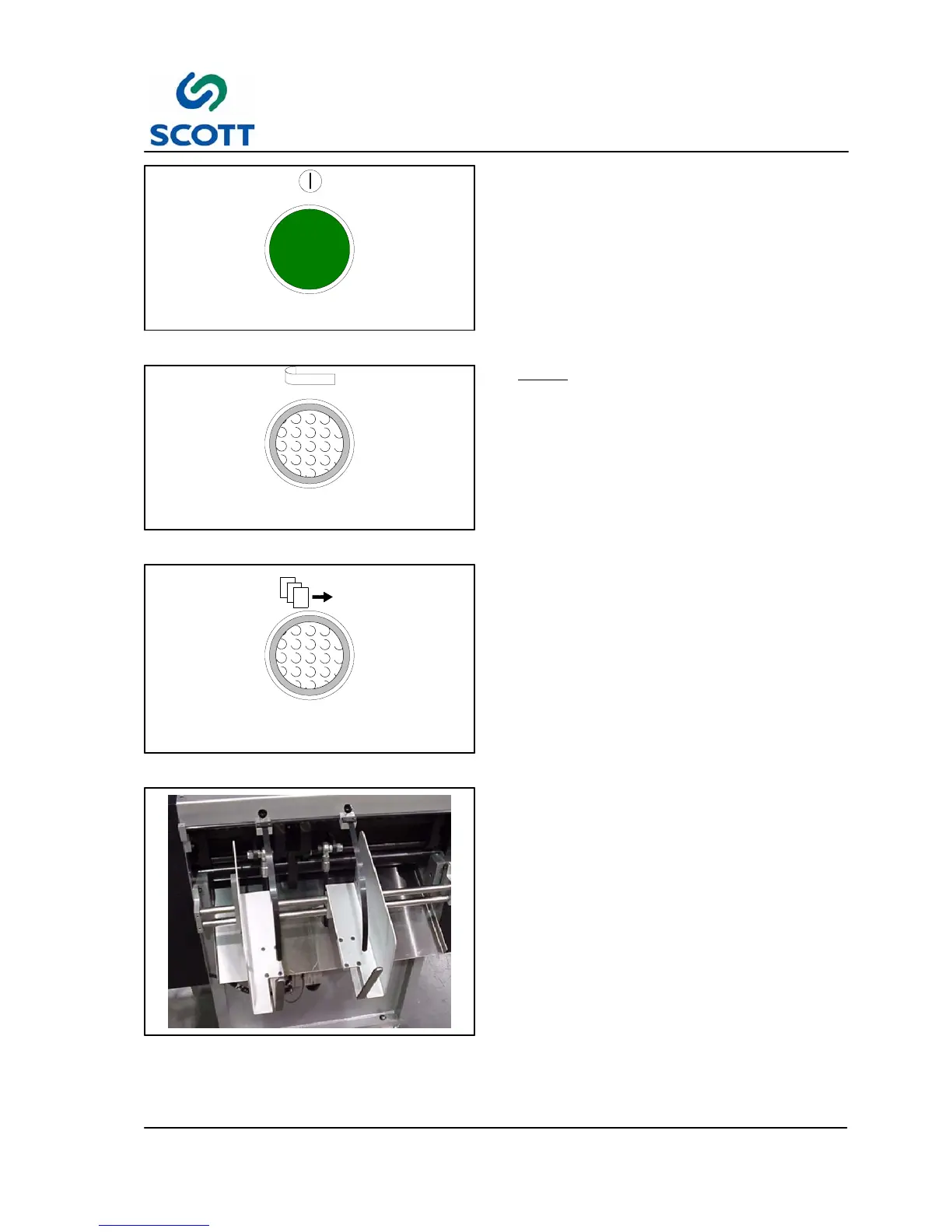
Fig. 3-66. Remove Finished Tabs
Step: 8. Adjust paper catcher to collect outgoing
stock.
Step: 9. Remove finished tabs as necessary to
prevent over filling the basket.



 To Next Page