21
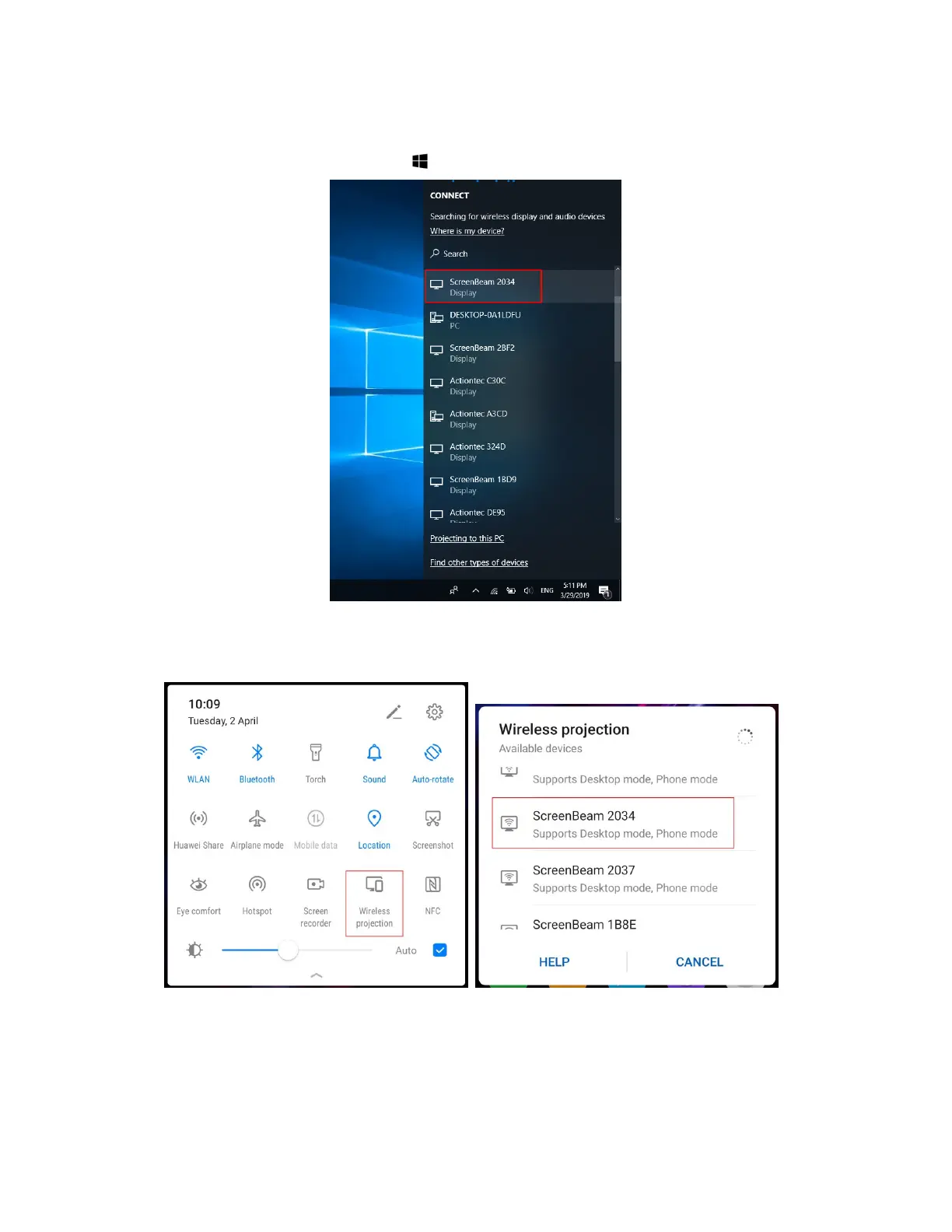
For Windows 10
Select Connect from the Action Center by swiping from right or simultaneously
pressing the Windows key and K.
For Android
Select the Screen Mirroring option from the quick access menu and follow the
connection instructions.
Note: Different Android device manufacturers may have different names for their
wireless display apps.
2. Enter in the PIN if required. If the PIN code is not displayed, try the hidden PIN 1234
(default).
Note: You should consult your network administrator if no PIN is displayed on the



 To Next Page