42
3. Follow the directions from Method 1 from Step 5 on.
V.2.3 Method 3: Wireless P2P Direct Connection
1. Using a Windows 10/8.1 device, connect the device to the ScreenBeam per section III.3
Connect using Wi-Fi Miracast above.
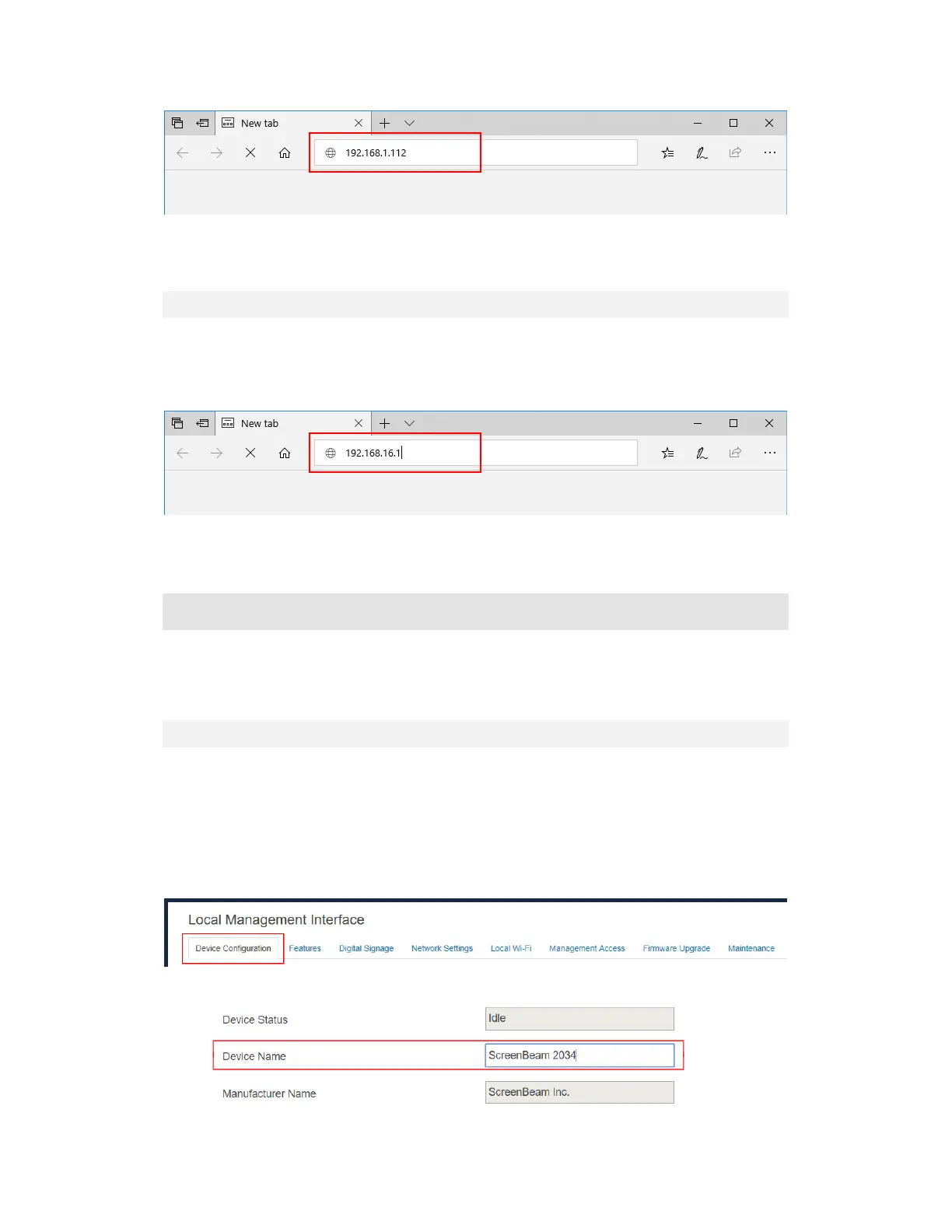
2. Once connected, enter https://192.168.16.1 into a web browser to access the LMI.
3. Follow the directions from Method 1 from Step 5 on.
V.3 Configuring ScreenBeam
After you have logged into the Local Management Interface, you can configure ScreenBeam
1100 Plus on LMI.
V.3.1 General Settings
This section introduces some general settings for the receiver.
V.3.1.1 Renaming the Receiver
To rename your receiver, follow this procedure:
1. Go to the Device Configuration tab page by clicking the Device Configuration tab.
2. Type a new name in the Device Name box.



 To Next Page