60
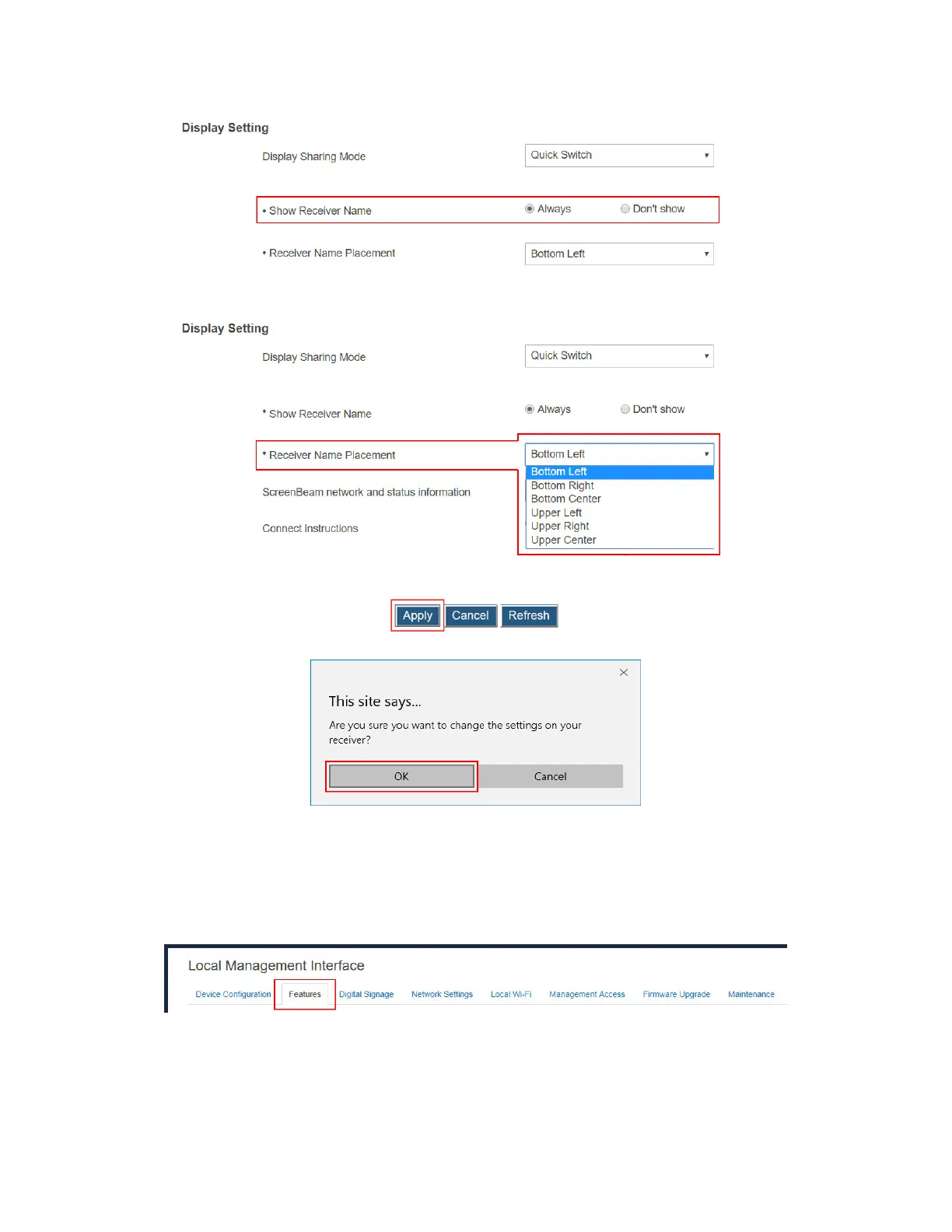
4. Select an option from the Receiver Name Placement drop-down box.
5. Click the Apply button, and then click OK on the pop-up message box to confirm.
V.3.6.3 Setting up Information Display on RTC Screen
To set up the receiver’s information display on RTC screen, follow this procedure:
1. Go to the Features tab page by clicking the Features tab.
2. Go to the Display Setting section, and select a desired option from the ScreenBeam
network and status information menu. Available options are: Display all, Display
minimal, and Display none.
Display all: The receiver displays all network and status information on the
connected display.



 To Next Page