11
II.2.3 Dual-network Connection
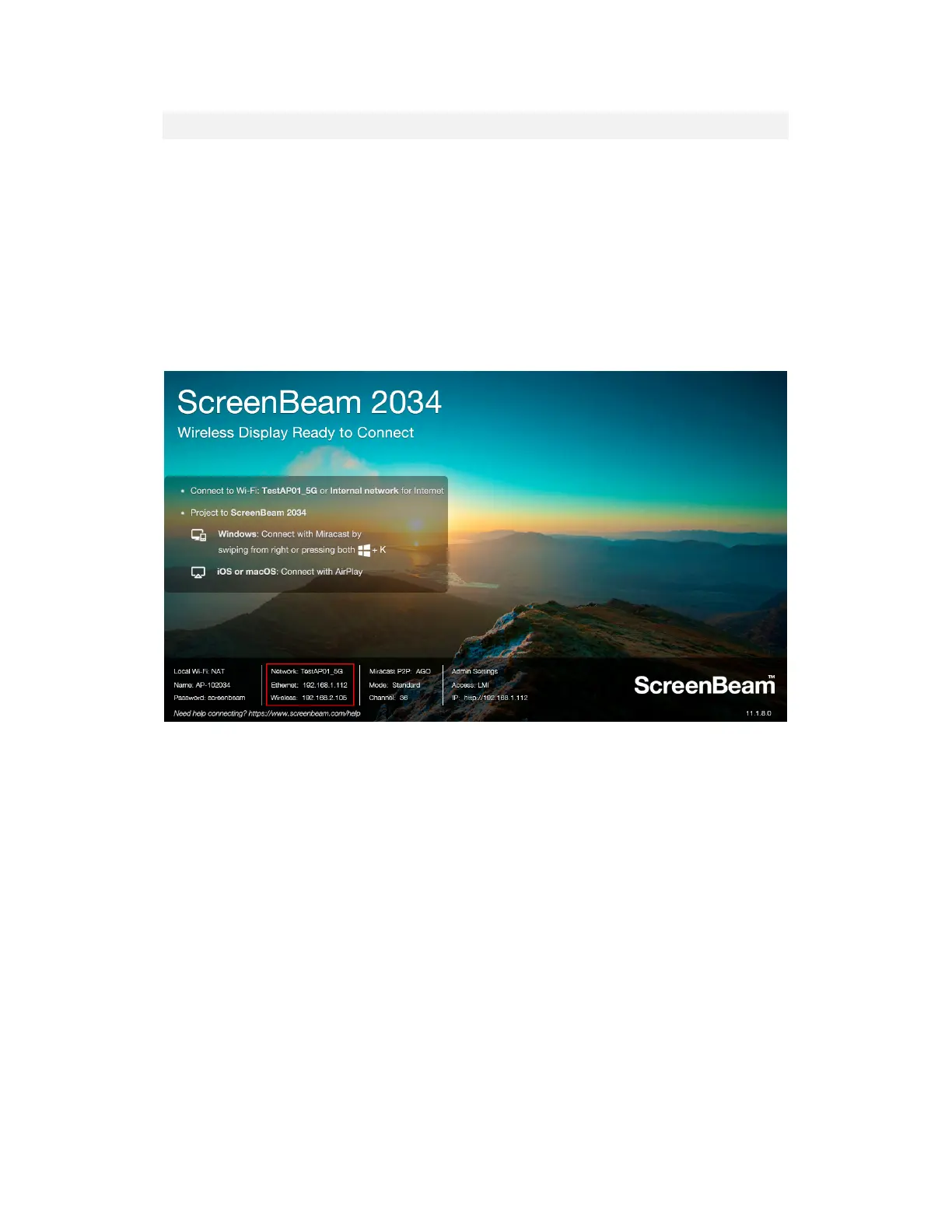
ScreenBeam 1100 Plus can be connected to two different networks concurrently. This dual-
network feature allows the flexibility of supporting wireless display for either staff (on internal
network) or visitors (on guest network).
1. Plan your network in advance. For example, one for internal use, and one for guest use.
2. Connect ScreenBeam 1100 Plus to the internal network via Ethernet, and verify that an
IP address is assigned.
3. Connect ScreenBeam 1100 Plus to the guest network via wireless connection, and verify
that an IP address is assigned.
Now both the user that connects to the internal network and the user that connects to the
guest network can connect to ScreenBeam for wireless display.



 To Next Page