20
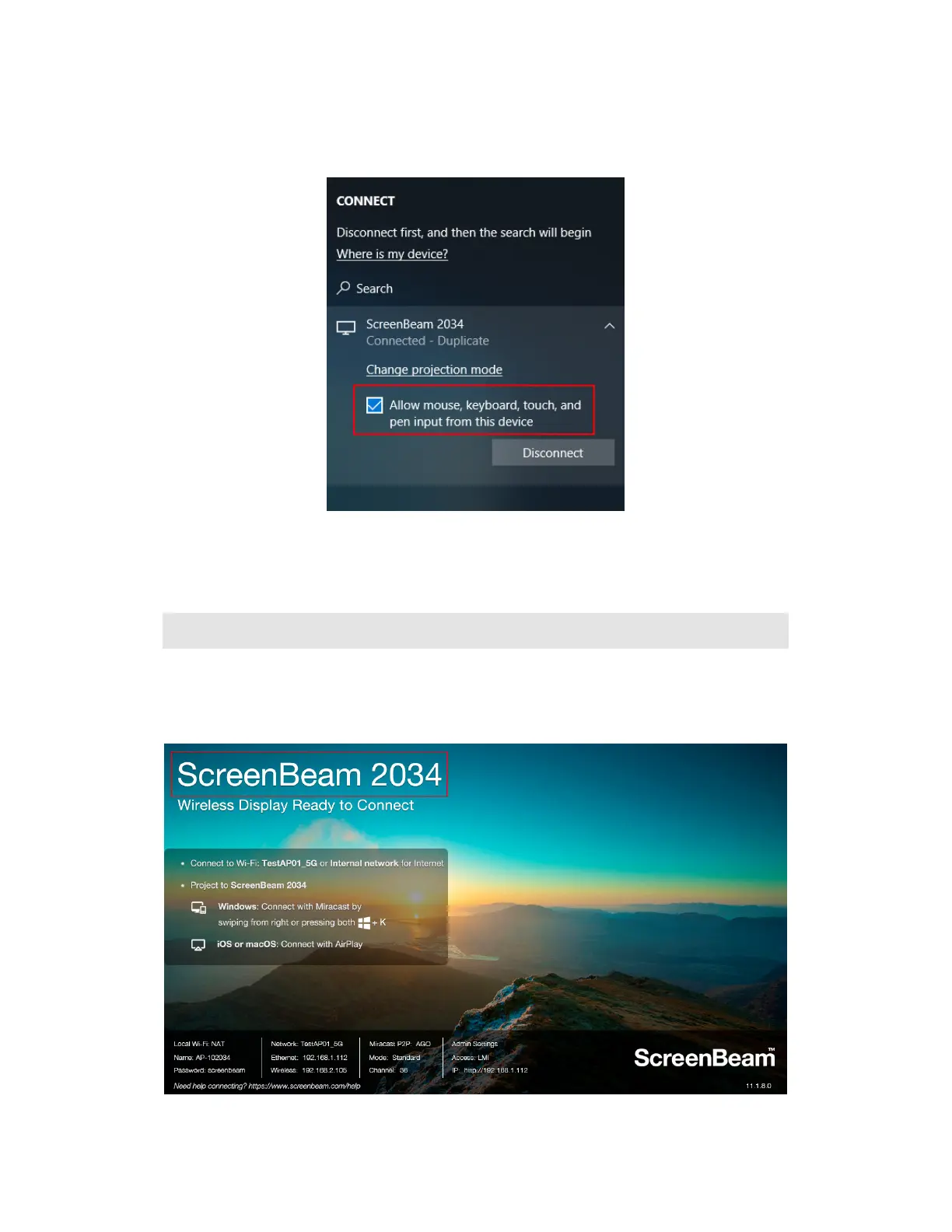
6. If the display has touch functionality, Windows 10 devices can take advantage of the
touch and inking feature by selecting Allow mouse…. (Refer to section IV.3 USB over
Network Control for more details.)
Note: To disconnect, follow instructions in step 3 to return to the screen mirroring menu and
select mirroring off.
III.3 Connect using Wi-Fi Miracast
This section explains how to connect a client device to ScreenBeam 1100 Plus using Wi-Fi
Miracast.
1. Select the ScreenBeam receiver name as shown on the TV display.



 To Next Page