64
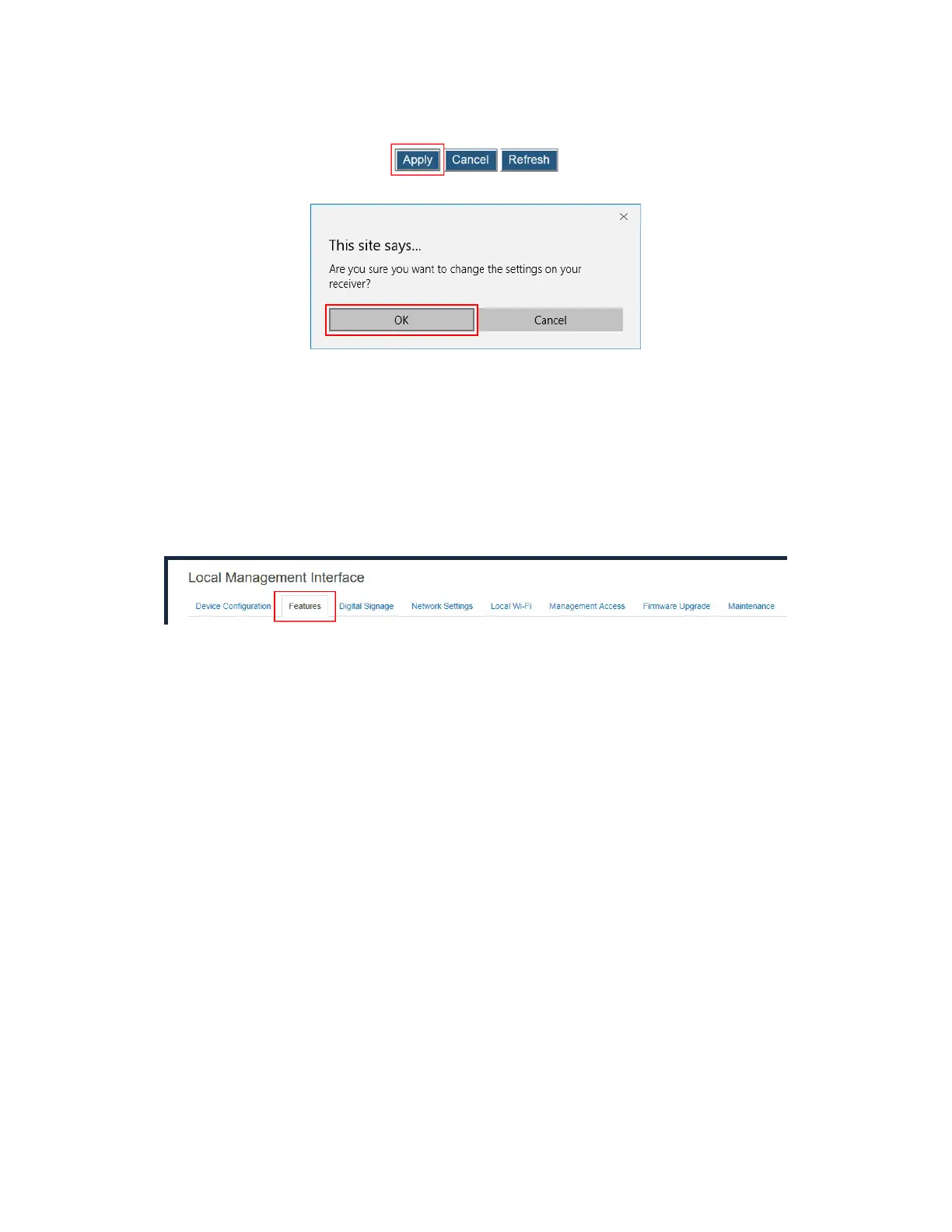
3. Click the Apply button, and then click OK on the pop-up message box to confirm.
V.3.6.5 Waking up the Receiver
When the receiver runs screen saver or when its HDMI/VGA port output is turned off, it can
be waked up by any one of two events: scanning and connecting.
Note: The Wake Up feature is available when HDMI/VGA Port Power management is set
to Screensaver or Display Off.
To set up the receiver’s wakeup feature, follow this procedure:
1. Go to the Features tab page by clicking the Features tab.
2. Go to the Display Setting section, and set the Wake Up feature to On Scan or On
Connect.
On Connect: The receiver will wake up from sleep or screen saver only when a
source device is connecting.
On Scan: The receiver will wake up from sleep or screen saver when it detects that
a source device is scanning.



 To Next Page