41
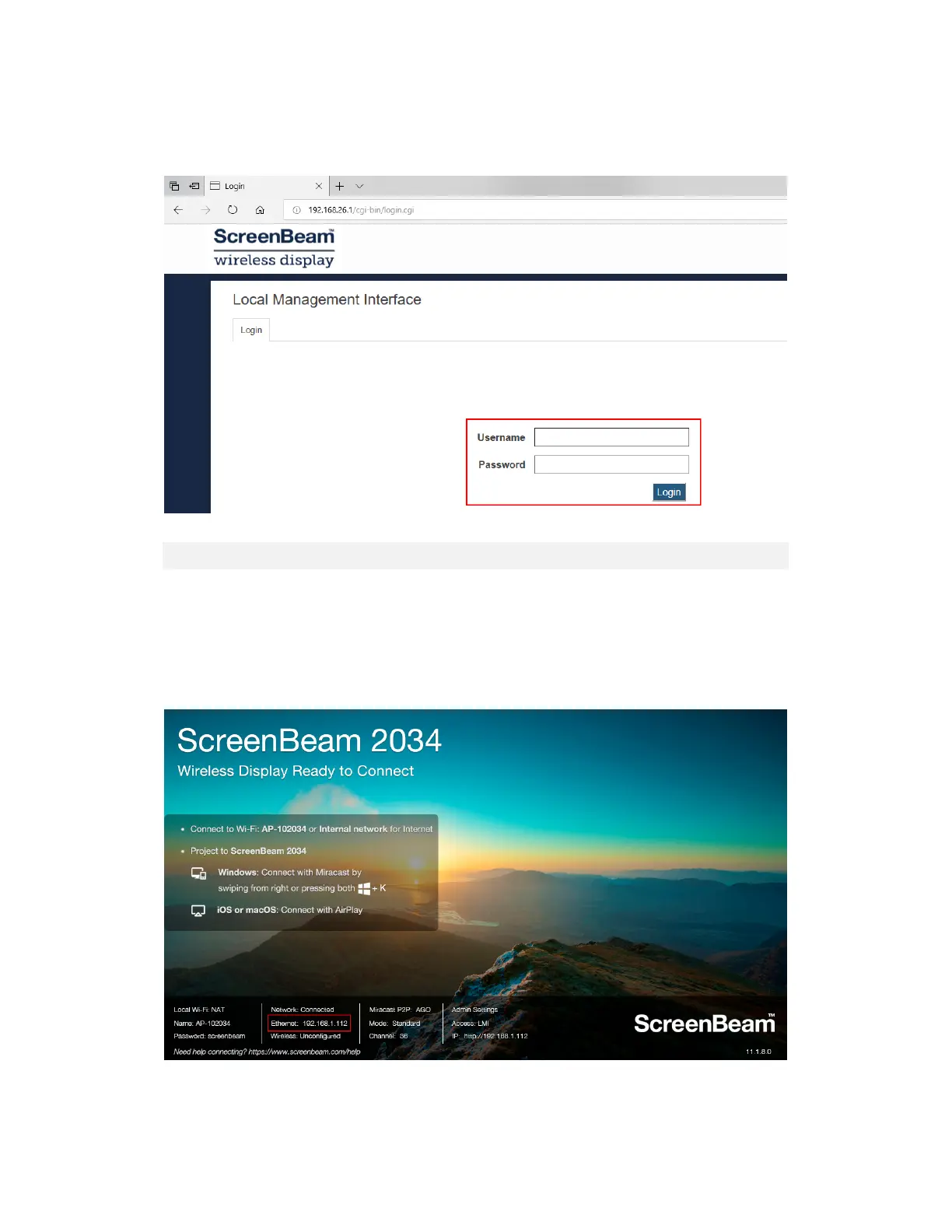
6. When the ScreenBeam management page appears, enter the Username Administrator
and Password screenbeam (both case-sensitive).
By default, the Username is Administrator, and password is screenbeam.
V.2.2 Method 2: Network Connection via DHCP
1. Using a shielded RJ-45-terminated Cat5e or better Ethernet cable, connect the
ScreenBeam Ethernet port to a DHCP enabled network.
2. The Ready to Connect screen on the display will show the IP address assigned to the
ScreenBeam. Enter this address into the web browser on a device on the same network
as the ScreenBeam.



 To Next Page