40
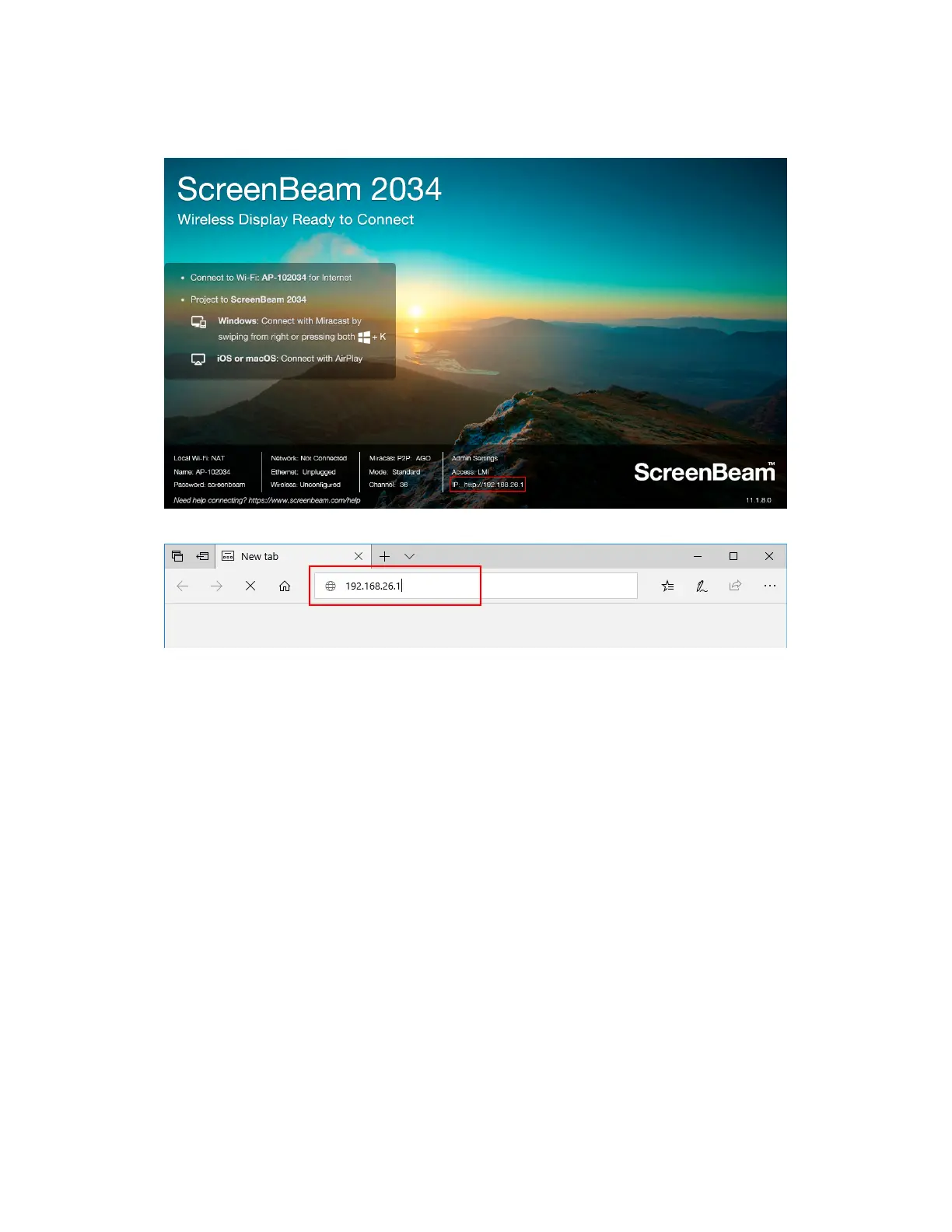
If the receiver is connected a network, the IP address can be identified on the Ready
to Connect screen.
4. Enter the assigned IP address into the web browser on a device.
5. The browser may give an error stating “The connection or site is not secure or private.”
Manually accept the connection as follows:
Chrome browser: click Advanced, and then click Proceed.
Edge/IE browser: click Details, and then Go on to the webpage (not
recommended).
Firefox browser: click Advanced, then click Add Exception, then click Confirm
Security Exception.



 To Next Page