84
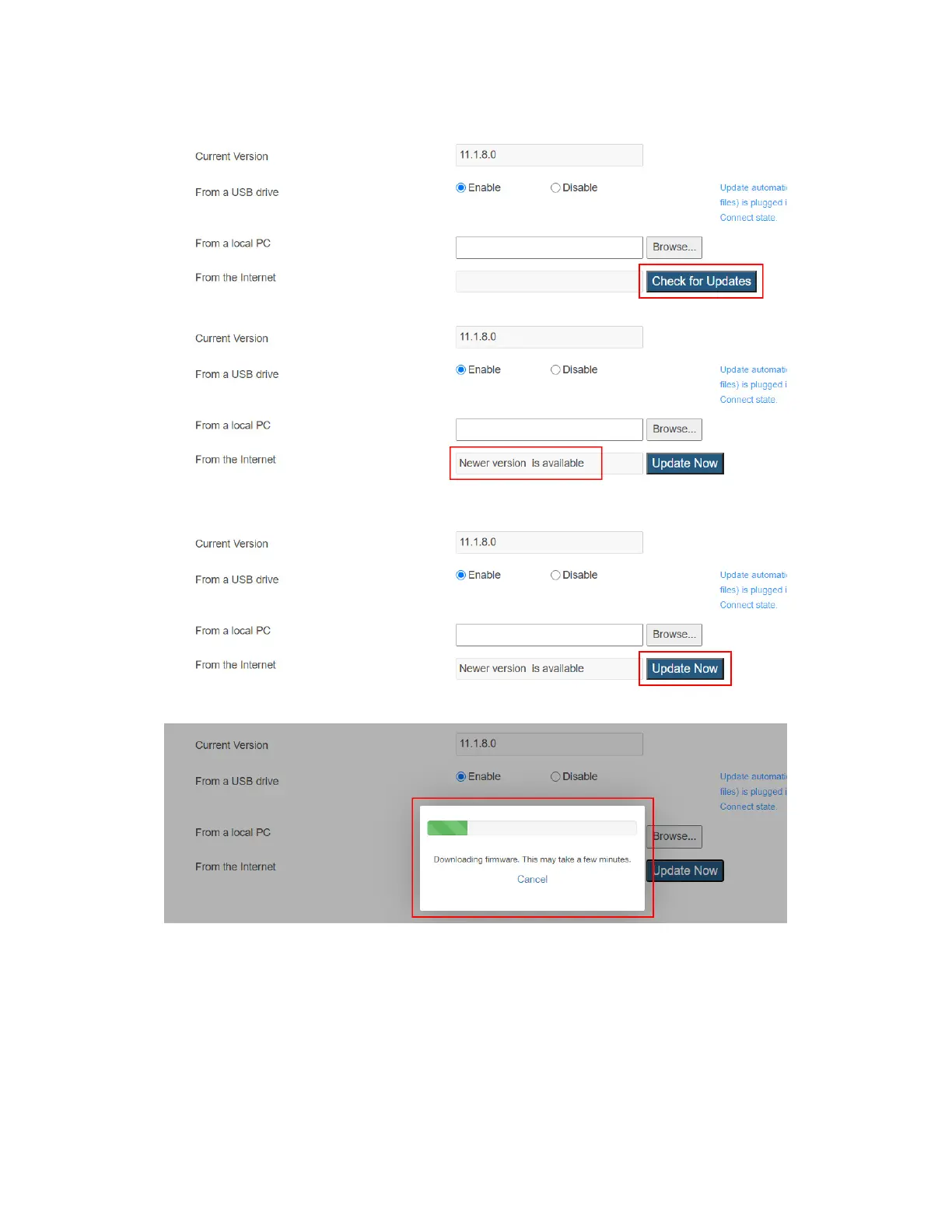
version is available”.
4. Click the Update Now button to start firmware update for the receiver.
5. The receiver downloads firmware from the Internet update server.
6. The receiver reboots and upgrades itself after the file is downloaded successfully.
Firmware upgrade status is displayed on the connected display.
7. When the receiver returns to the Wireless Display Ready to Connect Screen, the
receiver has been upgraded.
Warning! Do NOT power off your receiver during the upgrade process. The upgrade
will take some time. Please be patient.



 To Next Page