6.3
Date Code 20170207 Field Reference Guide SEL-734B Capacitor Bank Control
Commissioning
Close and Open the Capacitor Bank From the Front Panel
Close and Open the Capacitor Bank From the Front
Panel
The SEL-734B ships with the manual mode enabled by default. Manual mode
allows you to operate the capacitor bank from the front panel.
Step 1. Press the MANUAL pushbutton to ensure that manual mode is
enabled.
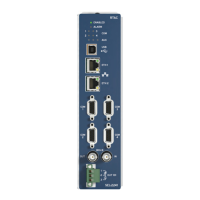
Step 2. On Compact Enclosure models, ensure that the MANUAL LEDs
are illuminated. On the Full-Size Enclosure model, ensure that
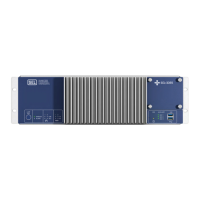
the THREE-PHASE LED is illuminated. If the THREE-PHASE LED is
not illuminated, press the MANUAL pushbutton until it
illuminates.
Step 3. Press the CLOSE pushbutton. The CLOSE COMMAND LED should
start flashing and the front-panel LCD should show the delayed
time to close. Once the countdown reaches 0, the controller will
close the capacitor bank.
Step 4. Verify that all three switches closed.
Step 5. Verify that the SEL-734B indicates the switches are closed and
that no alarms are present.
Step 6. Press the OPEN pushbutton. The OPEN COMMAND LED should
start flashing and the front-panel LCD should show the delayed
time to open. Once the countdown reaches 0, the controller will
open the capacitor bank.
View the Sequential Events Recorder
After the controller operates the switches for the first time, you should view
the Sequential Events Recorder (SER). Follow the instructions below to view
the SER from the QuickSet HMI.
Step 1. Open the QuickSet HMI.
Step 2. Navigate to the SER window.
Step 3. Choose the date range as appropriate.
Step 4. Click the Update SER button.
QuickSet will poll the data from the SEL-734B and show the
data in the window. QuickSet reports the SEL
OGIC
®
element
name in the SER report. Refer to the appropriate design
template guide to determine the function of the SEL
OGIC
element used for capacitor bank control. You can also complete
the next steps to view an aliased SER report.
Step 5. Click the Aliased SER button to view an aliased SER report.
This shows the SEL
OGIC element function, instead of the
SEL
OGIC element name, to the capacitor bank control
algorithm. Please refer to your design template guide for
further details.



 To Next Page