Synchronizing devices
103
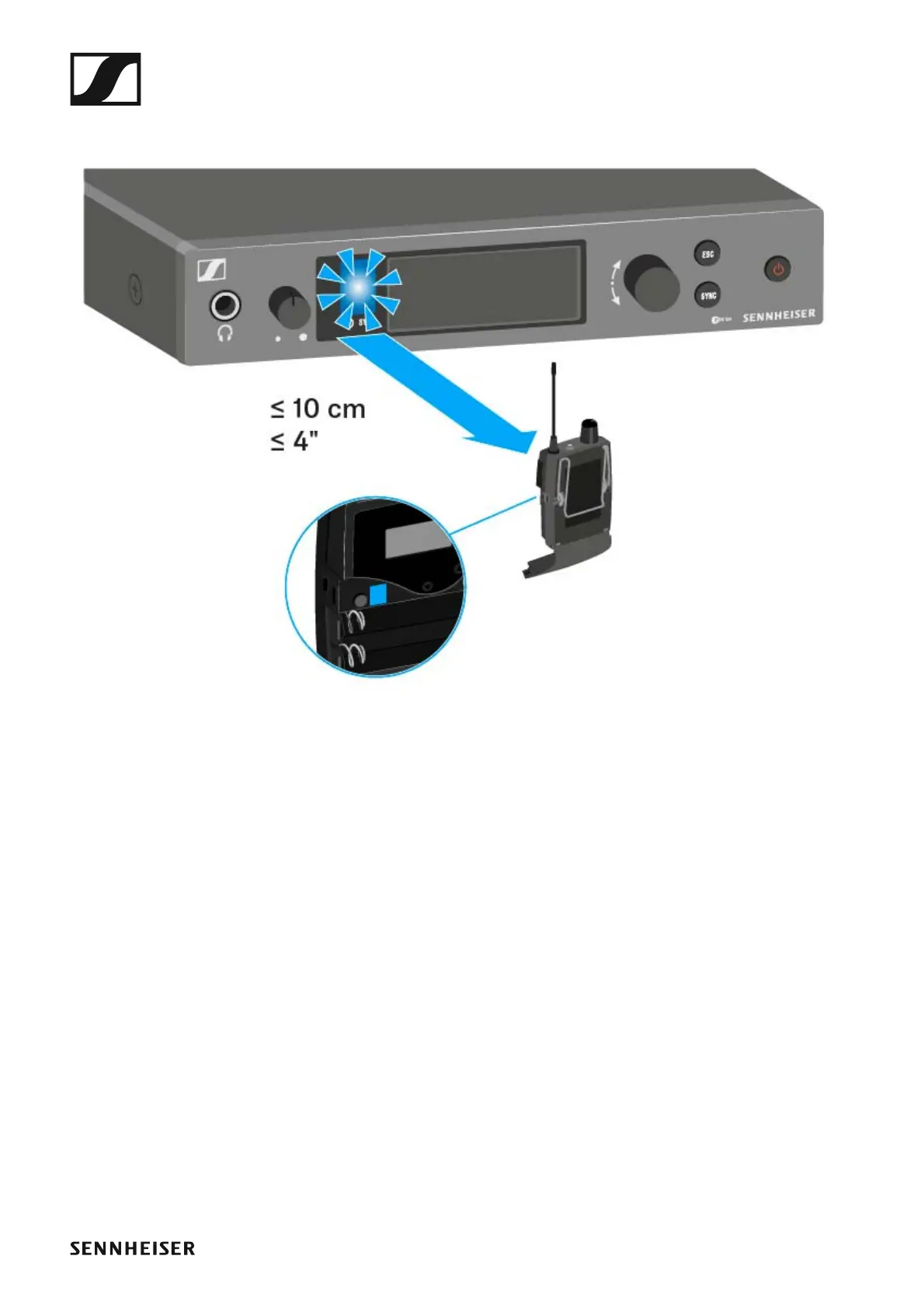
▷ Hold the infra-red interface of the receiver in front of the infra-red in-
terface of the transmitter.
►
The parameters are transferred to the receiver. The blue LED blinks
during transmission.
When the transfer is complete, a tick appears in the transmitter’s dis-
play as a confirmation. Then the transmitter will return to the standard
display.
To cancel synchronization:
▷ Press the ESC button on the transmitter.
An X appears in the display.
This icon also appears when:
• no receiver is found or the receiver is not compatible.
• no receiver is found and the synchronization process automatically
ends after 30 seconds.


 To Next Page
 Loading...








