Using the EK IEM G4
76
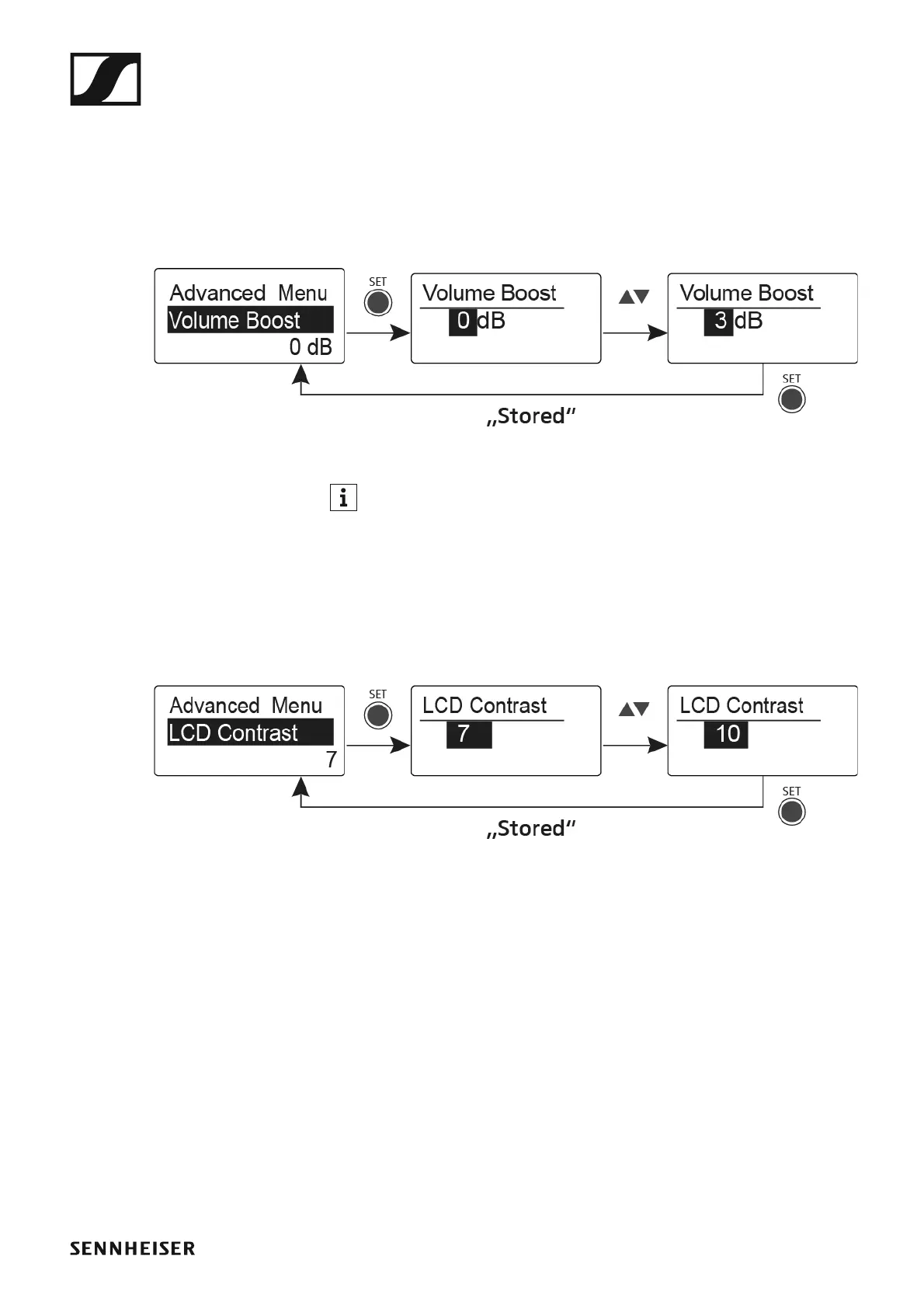
Advanced -> Volume Boost menu item
In the Volume Boost menu item of the Advanced submenu, you can adjust
the volume boost.
Setting range:
• 0 dB, +3 dB or +6 dB
►
When configuring the settings, ensure that the audio signal is not dis-
torted.
Advanced -> LCD Contrast menu item
In the LCD Contrast menu item of the Advanced submenu, you can adjust
the display contrast of the display panel.
►












 To Next Page