Using the EK IEM G4
78
Load Profiles
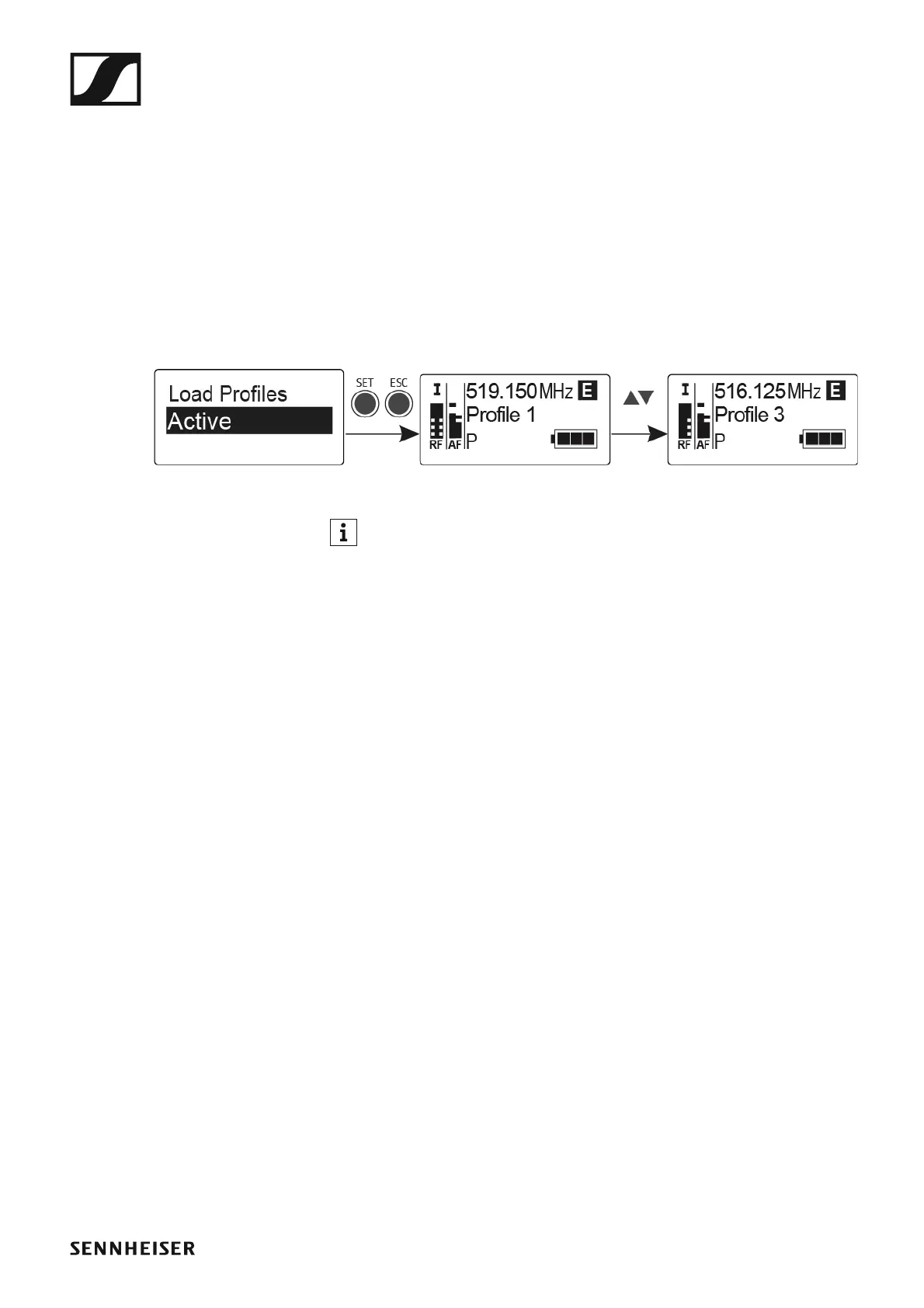
To select a saved profile:
▷ Call up the Load Profiles menu item in the Engineer Mode submenu.
▷ Select Active to activate the loading of the profiles.
E appears on the standard display.
▷ Press the ESC button to exit the menu item.
▷ Select a profile by pressing the UP/DOWN button on the standard dis-
play.
The selected profile is loaded; you hear the audio signal of the corre-
sponding receiver.
►
If there is no profile saved, Inactive appears in the Load Profiles
menu item.
Engineer Mode remains activated, even if you replace the batteries or
switch the EK off and on again.












 To Next Page