Using the SR IEM G4
93
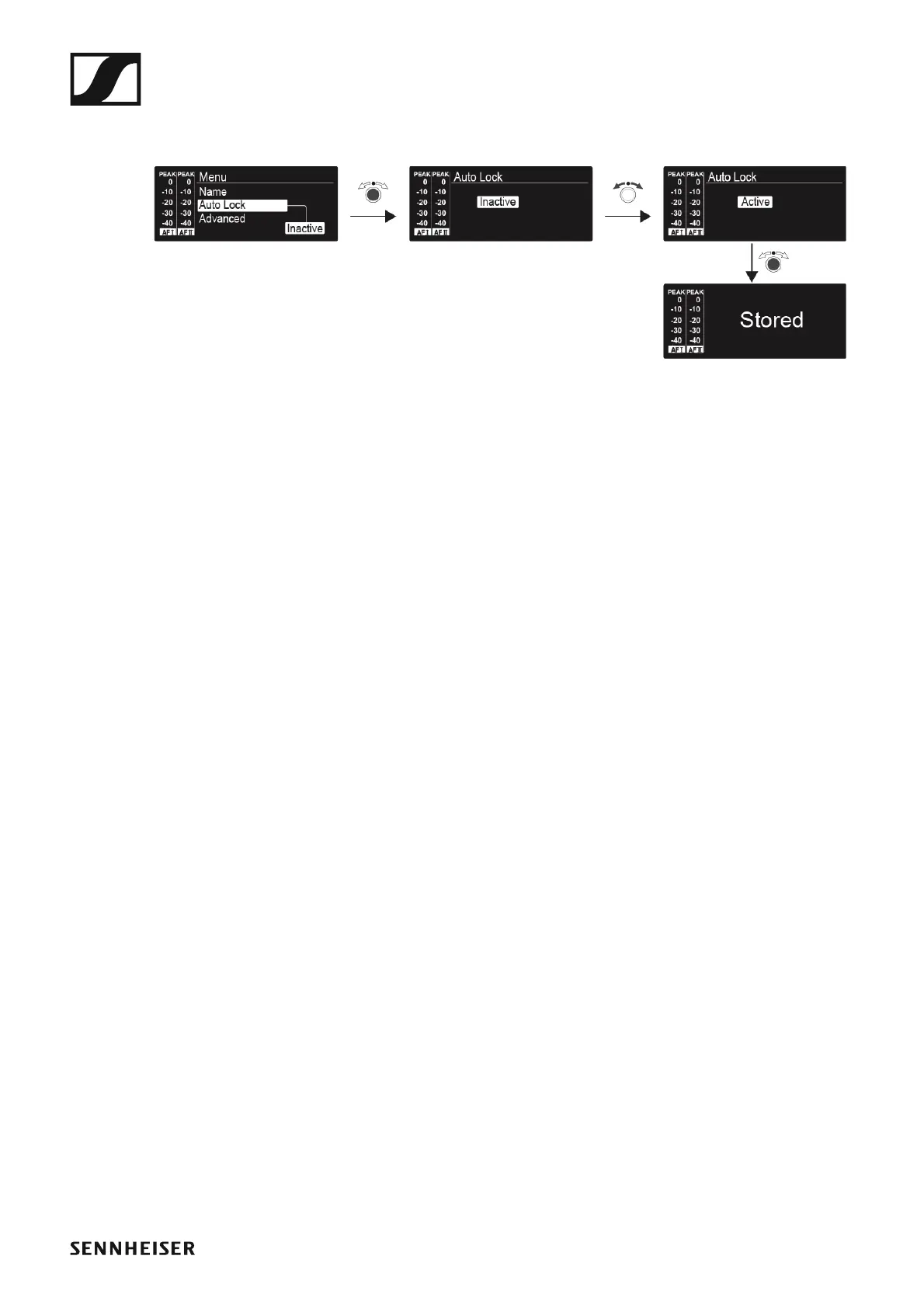
Auto Lock menu item
• Switching the automatic lock-off function on and off
►
This lock prevents the transmitter from being unintentionally switched off
and also prevents any unintentional changes to the transmitter’s configu-
ration. In the standard display, the lock icon shows whether the lock-off
function is currently switched on.
You can find information about using the lock-off function under “Lock-off
function”.












 To Next Page