Using the SR IEM G4
82
Switching the SR IEM G4 on and off
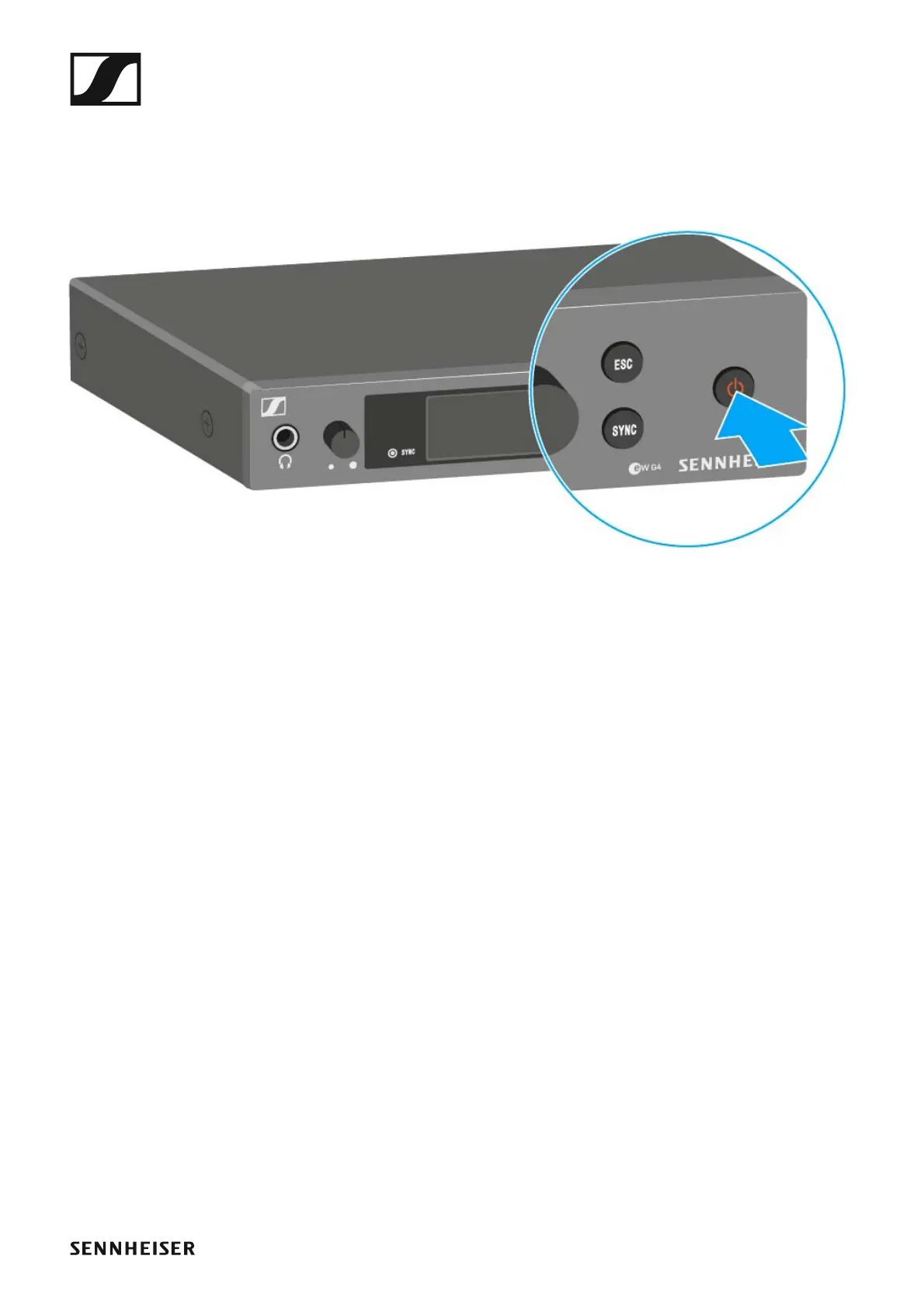
To switch on the transmitter:
▷ Short-press the STANDBY button.
The transmitter switches on and the standard display appears.
To switch the transmitter to standby mode:
▷ If necessary, deactivate the lock-off function (see “Lock-off function”).
▷ Press and hold the STANDBY button until OFF appears on the display
panel.
The display panel switches off.
To completely switch the transmitter off:
▷ Disconnect the transmitter from the power supply system by unplug-
ging the power supply unit from the wall socket.












 To Next Page