Using the EK IEM G4
71
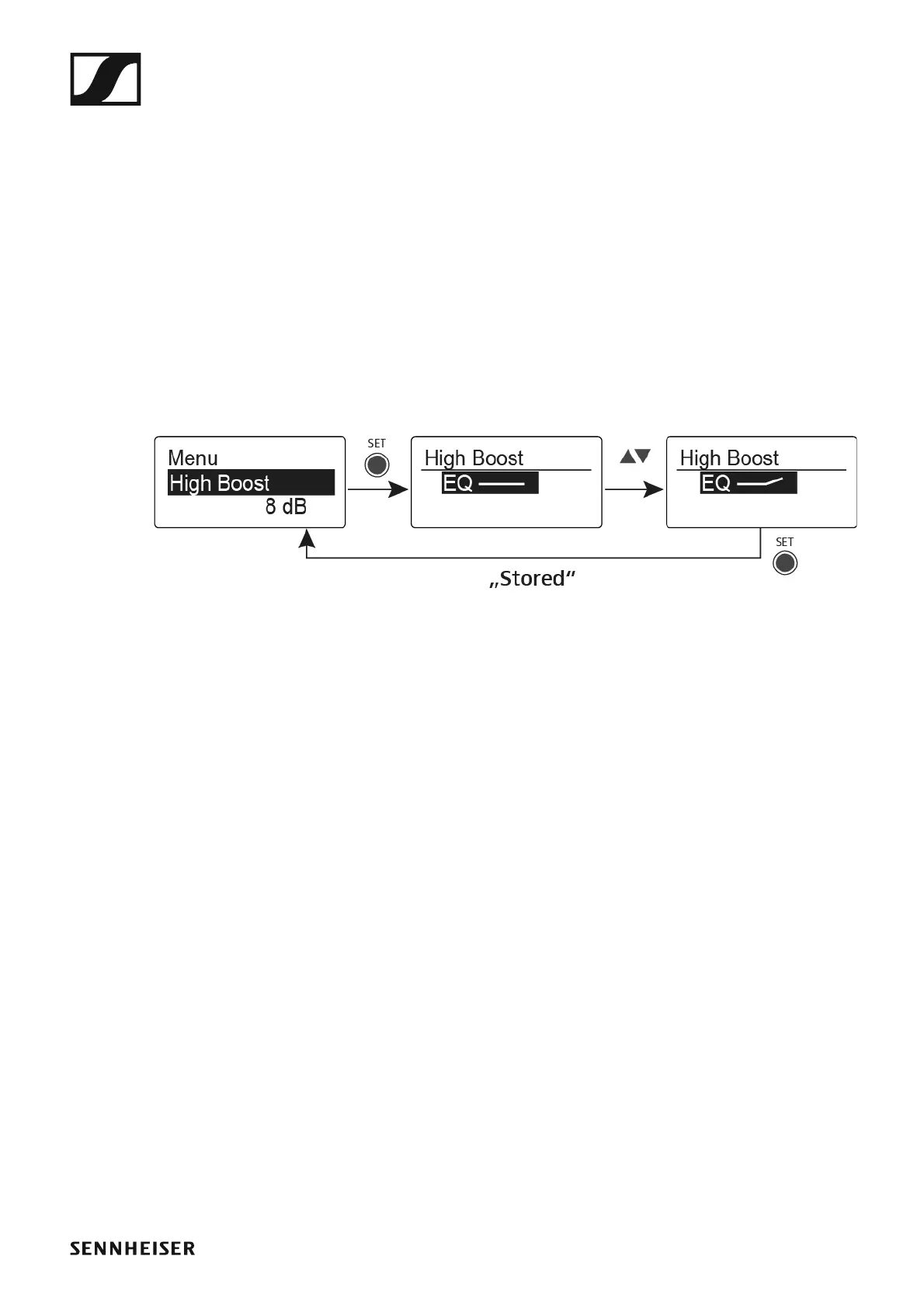
High Boost menu item
In the High Boost menu item you can change the treble boost of the output
signal.
Setting range:
• 8 dB at 10 kHz
To open the High Boost menu item:
▷ On the home screen, press the SET button to open the operating menu.
▷ Press the UP or DOWN button until the High Boost menu item appears
in the selection frame.
▷ Press the SET button to open the menu item.
▷ Adjust the settings as desired.
►
▷ Press the SET button to save the changes you made to the settings.
or
▷ Press the ESC button to cancel the entry without saving the settings.












 To Next Page