Using the SR IEM G4
92
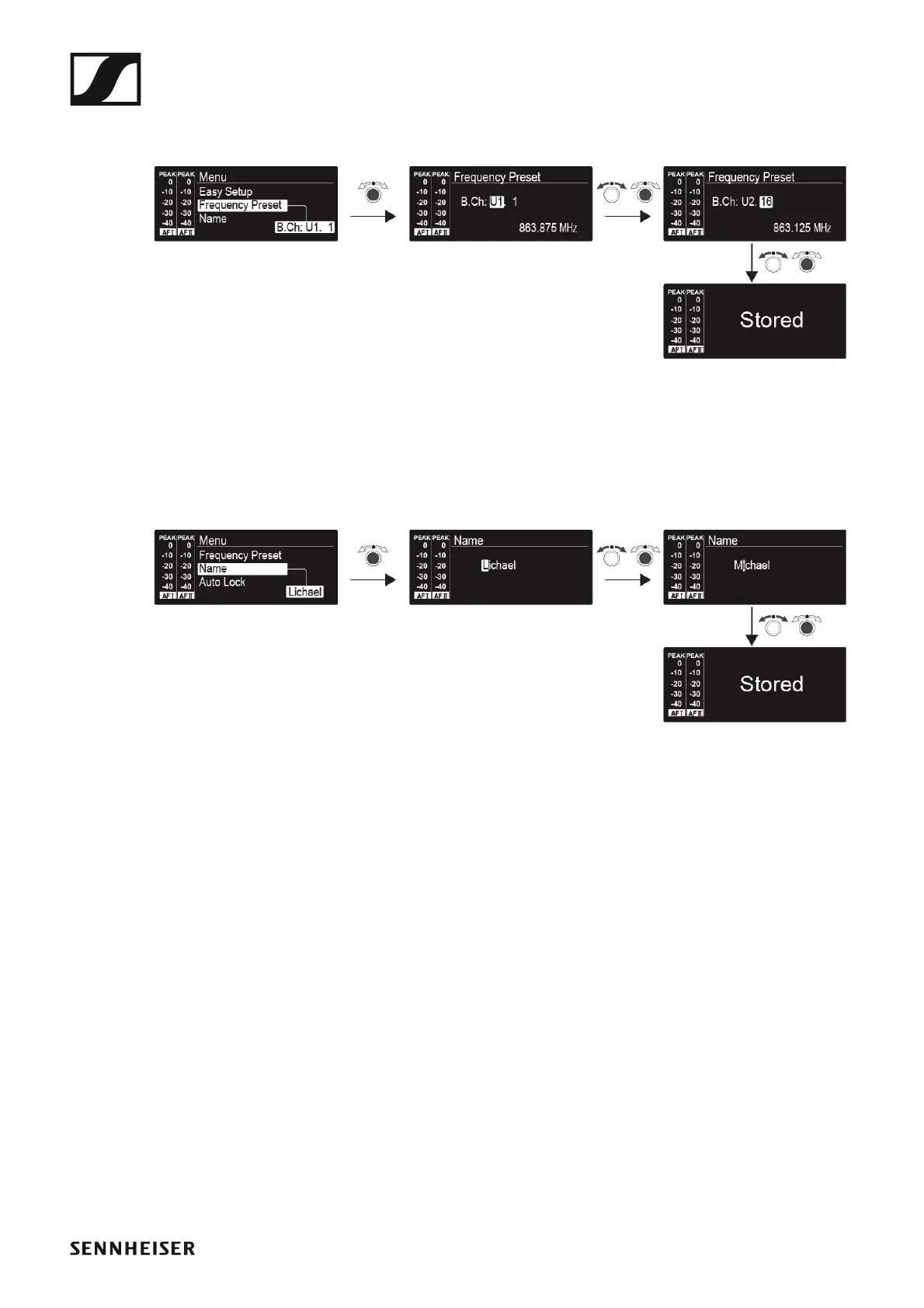
Frequency Preset menu item
• Manually selecting a frequency bank and channel
►
Name menu item
• Entering names
►
In the Name menu item you can enter any name you want for the transmit-
ters (e.g. the names of the musicians).
The names are a maximum of 8 characters:
• All letters except umlauts.
• Numbers from 0 to 9
• Special characters and spaces
Enter the names as follows:
▷ Turn the jog dial to select a character.
▷ Press the jog dial to switch to the next position.
Once you have entered the last character, press the jog dial to save the
name.












 To Next Page