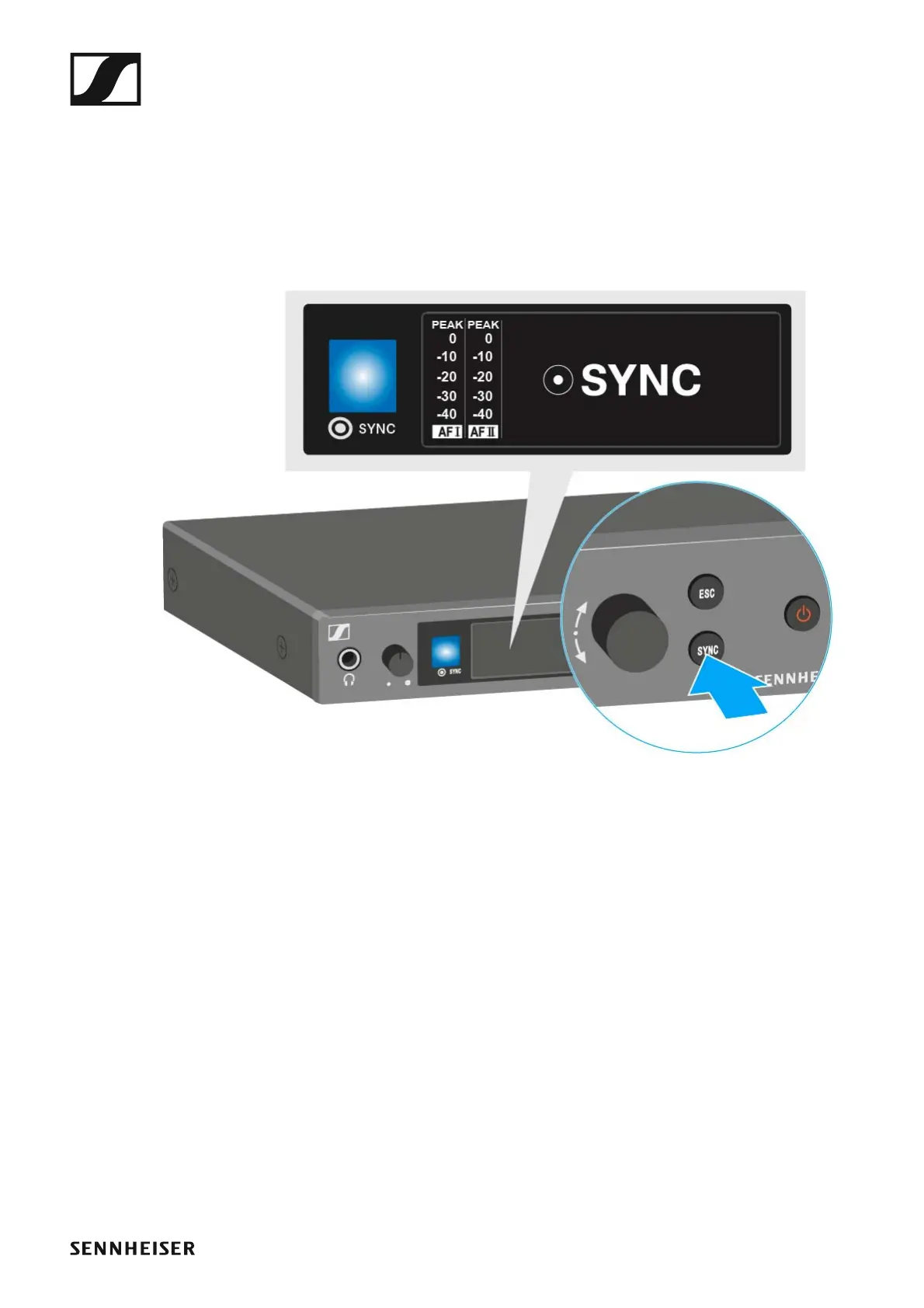
Synchronizing devices
102
Sync function (SR IEM G4 -> EK IEM G4)
You can adjust the Parameters to be transferred to the receivers here:
“Advanced > Sync Settings menu item”.
▷ Switch the transmitter and the receiver on.
▷ Press the SYNC button on the transmitter.
Sync appears in the transmitter’s display and the blue LED turns blue.
►












 To Next Page