Using the EK IEM G4
75
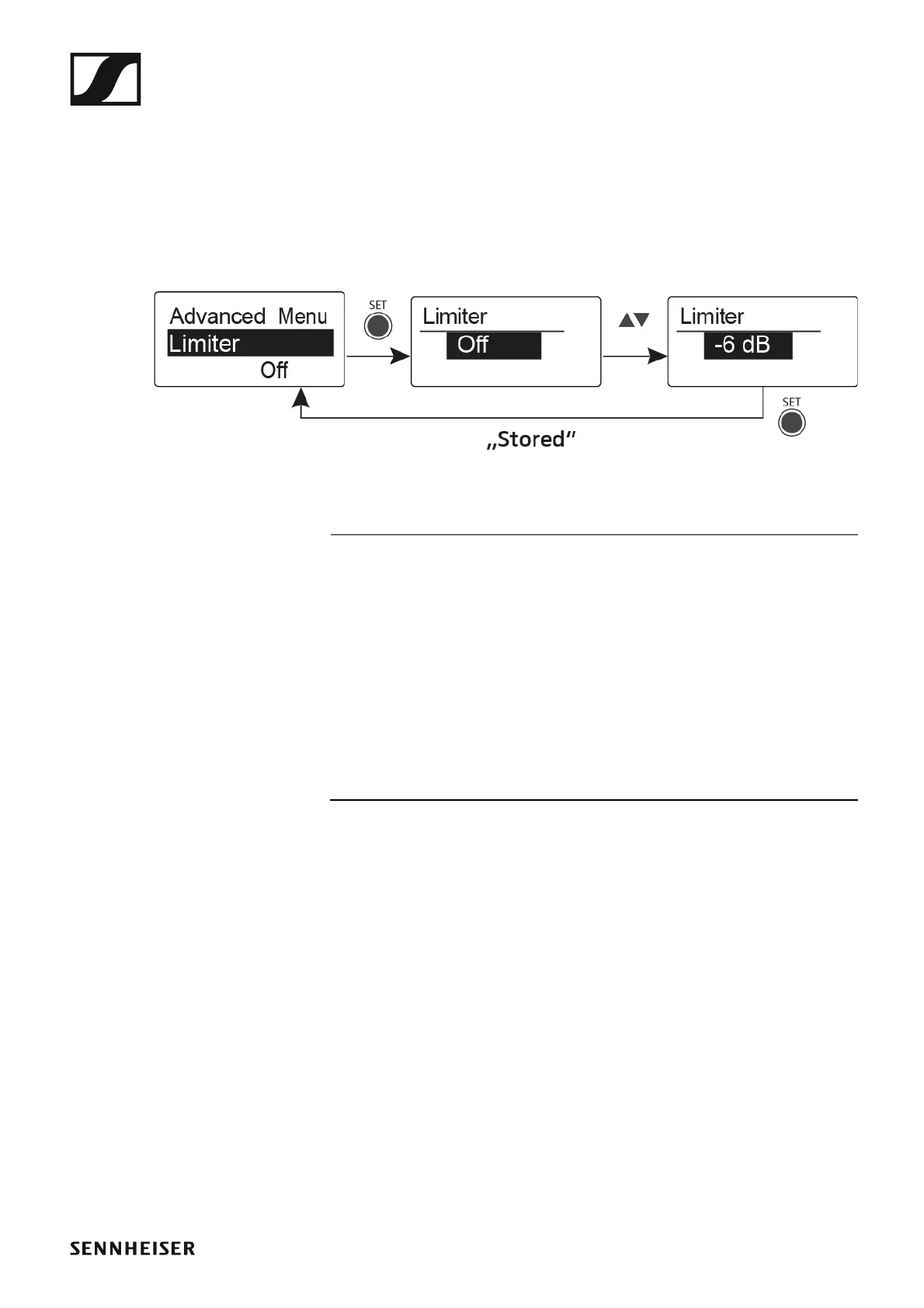
Advanced -> Limiter menu item
In the Limiter menu item of the Advanced submenu, you can adjust the
volume of the headphone output PHONES.
Setting range:
•Off
• −18 dB, −12 dB or −6 dB
►
CAUTION
Risk of hearing damage
The limiter limits the volume of the headphone output PHONES and thus
protects your hearing. When the limiter is switched off, you may expose
yourself to high volumes over a prolonged period which can cause perma-
nent hearing damage.
▷ Set the limiter to the lowest level before putting the earphones on.
▷ Do not continuously expose yourself to high volume levels.












 To Next Page