Using the SR IEM G4
97
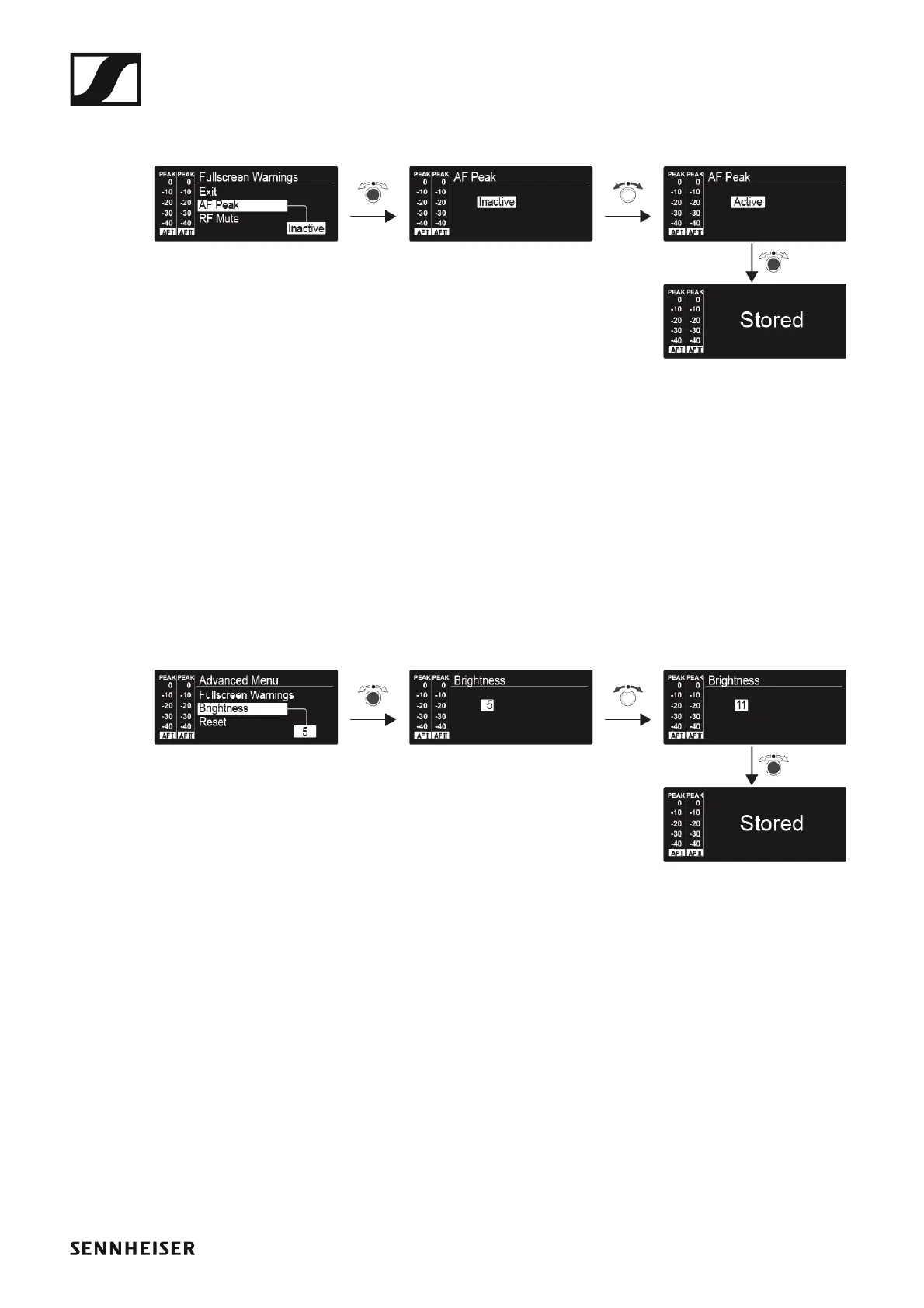
Advanced > Fullscreen Warnings menu item
• Activating/deactivating warnings
►
You can activate or deactivate the following warnings:
AF Peak
• The audio level is too high.
RF Mute
• The RF signal from the transmitter to the receiver is deactivated.
Advanced > Brightness menu item
• Adjusting the contrast of the display panel
►
You can configure the contrast of the display in 16 steps.
Setting range: 0 to 15












 To Next Page