YoucanseealldevicelogmessagescomingfromtheopenSPOT2here.Allloglinesareshownhereexceptlines
comingfromtheWi-Fimodulehandler.UsetheUSBserialconsolelogifyoualsowanttoseethesemessages.
IfLimitlinesischecked(it'scheckedbydefault)thenonlyalimitednumberofloglinesareallowedtobeinthe
log.ThisisgoodforlimitingthewebbrowserCPU/memoryuse.
Youcanexporttheloglinestoa.txtfilebyclickingontheExportlogbutton.
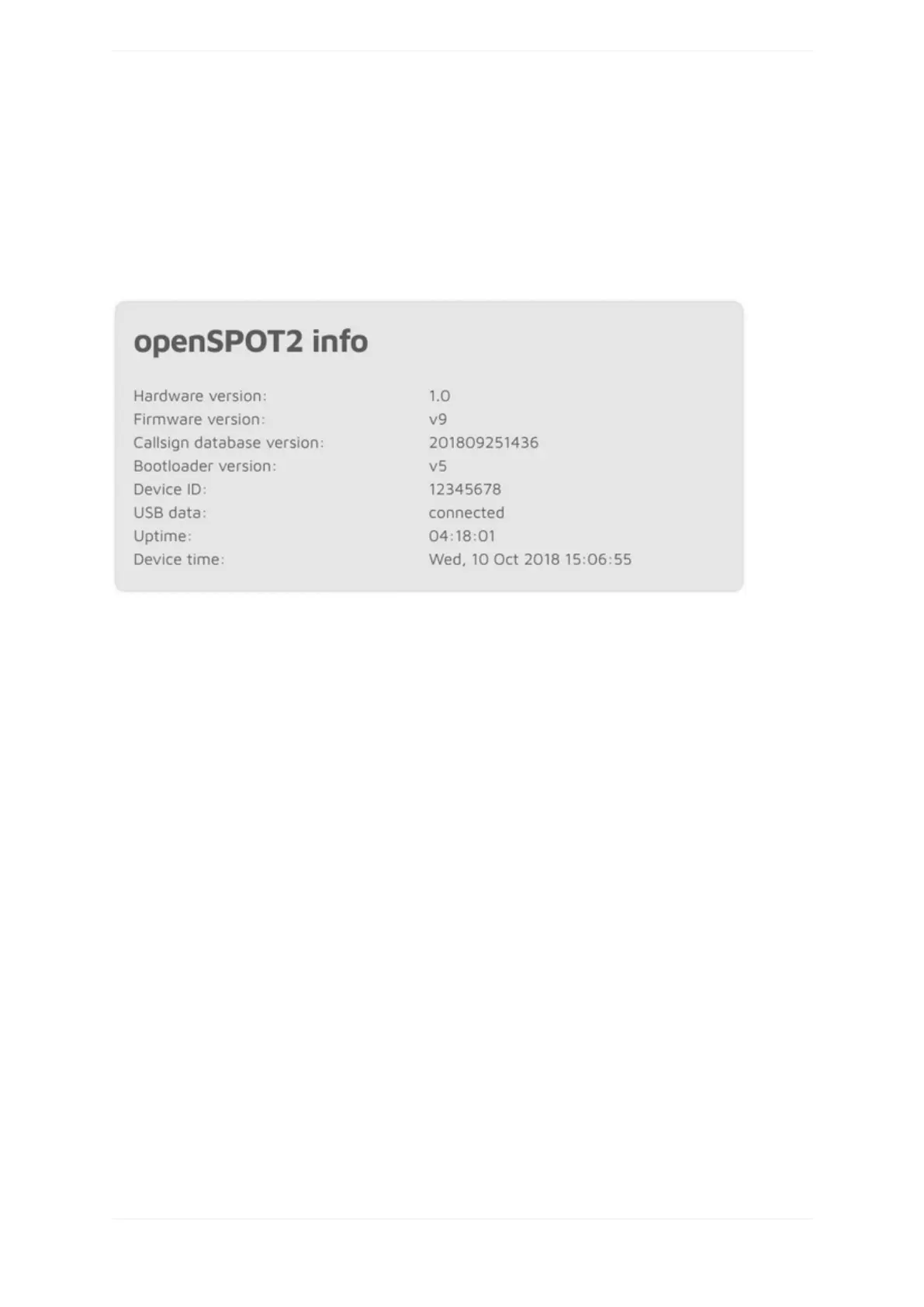
openSPOT2info
Youcanseebasicinformationaboutthedeviceinthissection.
TheUSBdatafieldshowsconnectedwhentheopenSPOT2isconnectedtoahostwithUSBenumeration
capabilities(likeacomputer)usingaUSBcablewhichsupportsdatatransfer,notjustcharging.TheUSBserial
consolecanonlybeusedifthisfieldshowsconnected.ThesuppliedUSBcablesupportsdatatransfer.
Graphs



 To Next Page