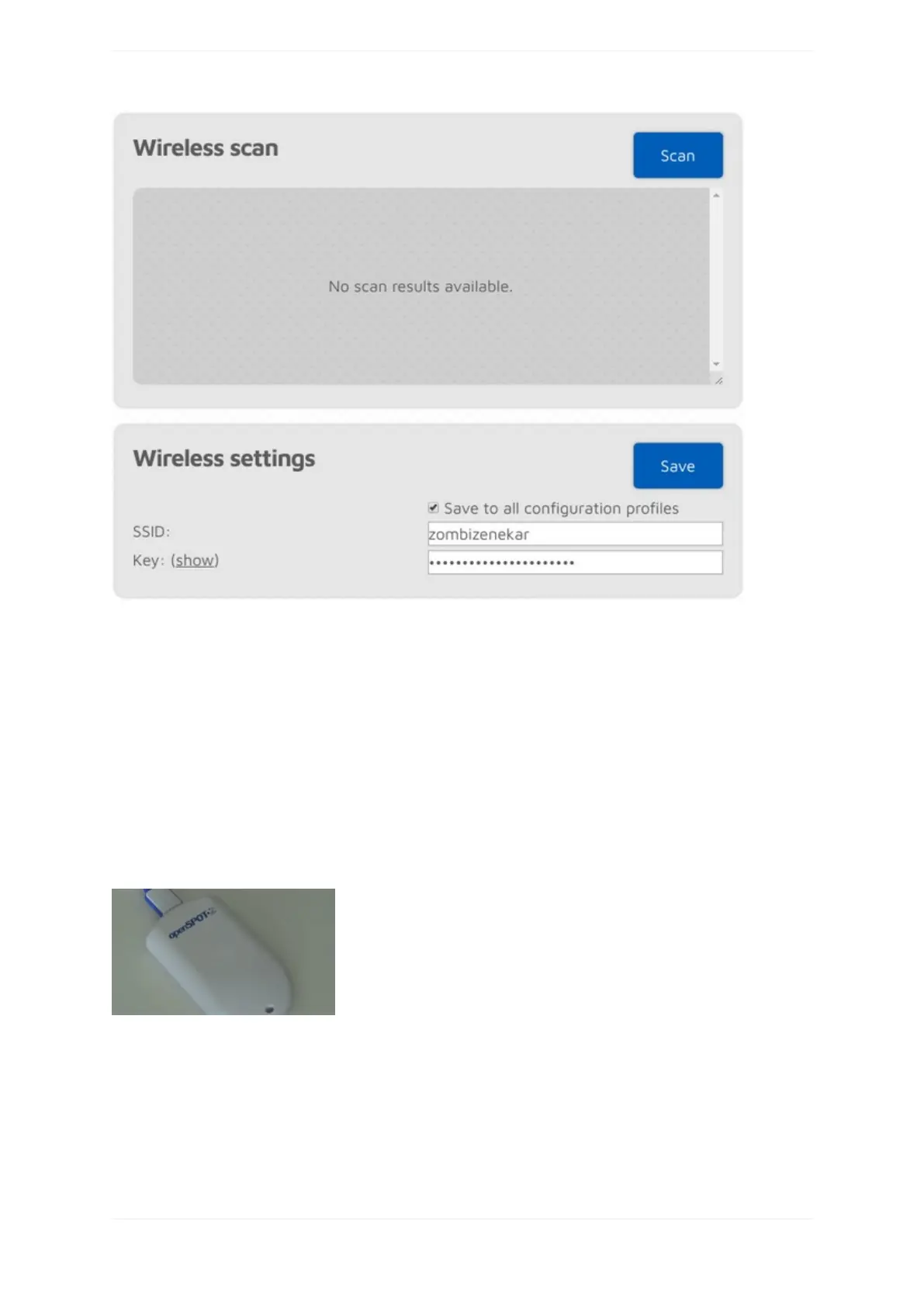
IfAdvancedmodeisenabled,youcandefineupto5Wi-Finetworks(perconfigurationprofile)toconnect.If
thefirstconfiguredWi-Finetworkisnotavailable,thentheopenSPOT2willtryconnectingtothesecondone.If
it'snotavailableeither,thenit'lltrythethirdoneandsoon.Aftertryingconnectingtoalloftheconfigured
networks,itrestartsthesequencewiththefirstnetwork.
IfyouaremanuallyaddingaconnectiontoaniPhone'ssharedinternetconnectionthenmakesureyoucopyand
pastethephone'sWi-FiSSIDastheiPhoneusesaspecialapostrophecharacterwhichlooksnearlythesameas
theoneyoucanenterwithyourkeyboard,butit'sdifferent,andallcharactersneedtomatch.
IftheSavetoallconfigurationprofilesisactivethentheconfiguredWi-Finetworkswillbesavedtoallprofiles
andwillbecommonbetweenprofiles.
IfnonetworksareconfiguredthentheopenSPOT2switchestoaccesspoint(AP)modeandstartsbroadcasting
it'sownWi-Finetwork.ThisisindicatedbytheLED:
Inthiscase,completethestepsdescribedintheInitializationsetupsectionoftheusermanualtosetaWi-Fi
networkfortheopenSPOT2.
TheAPmodeSSIDcanbesetintheAPSSIDinputfield.Bydefaultthere'snoWi-Fipasswordsetforthe
openSPOT2'sAPmode,butyoucansetoneattheAPkeyinputfield.TheAPmodeWi-Fichannelcanbesetin
theChannelnumberinputfield.IftheAlwaysstartinAPmodecheckboxischecked,thentheopenSPOT2will
alwaysswitchtoAPmodeafterpoweredonevenifthereareconfiguredWi-Finetworksinthecurrent
configurationprofile.



 To Next Page