Argus Radar - RADAR CONFIGURATION
988-10187-004 3.33
3.15 Software Upgrade
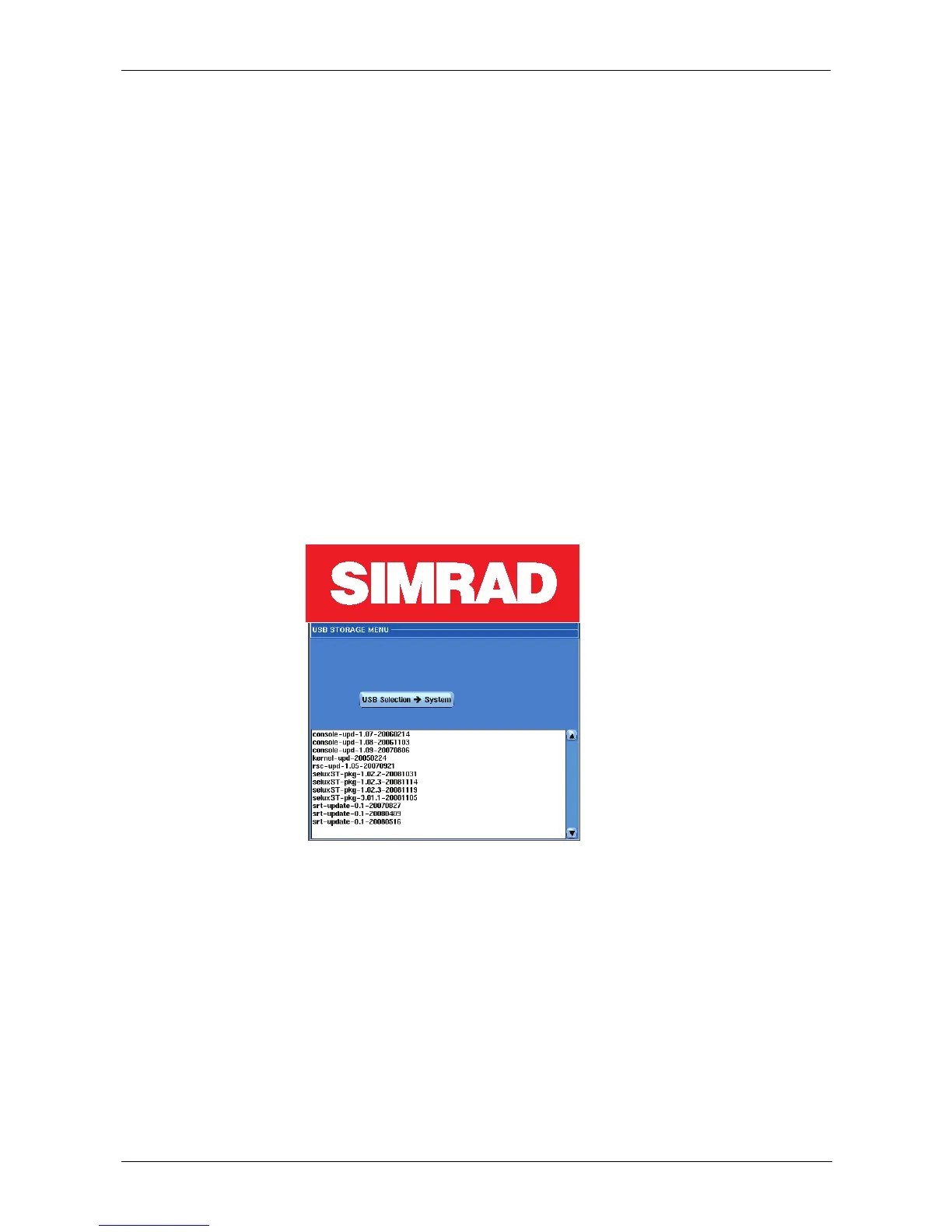
Pressing the SW Upgrade button, the following menu will be displayed. If you need to
upgrade the software of the Argus console, choose the relevant Console Update file
(normally the latest).
Argus software update packages were historically named as:
selux-pkg-X.Y.Z-YEARMONTHDAY
- but from Argus version 3.2.5 they will be named as:
argus-pkg-X.Y.Z-YEARMONTHDAY
Where X.Y.Z usually is the version, the subversion and the revision of the main application
program (MMI), and the Year Month Day number identifies the creation date of the
package. Zipped files cannot be used and they should be decompressed before
transferred to the memory stick.
Other updates are available like the SRT-update-X.Y.-YEARMONTHDAY and they will be
automatically recognized as upgrade files for the SRT and transferred accordingly.
Press the "USB Selection -> System" push button to start the Upgrade.
Another menu window will be displayed with two progress bars showing the state of the
upgrade on each processor of the Antares PCB (A and B).
The operator just needs to wait until the progress bars show "Success. Software
Updated".
Note that it is possible to read the value 100% in the progress bar, but the
upgrading is not terminated until the notice appears.
To run the new software, reset the system by the Restart button in the Radar Setup Menu
or just by resetting the Antares Assy.



 To Next Page