Argus Radar - RADAR CONFIGURATION
988-10187-004 3.28
3.13 USB Menu (Fig 3.1.2-N)
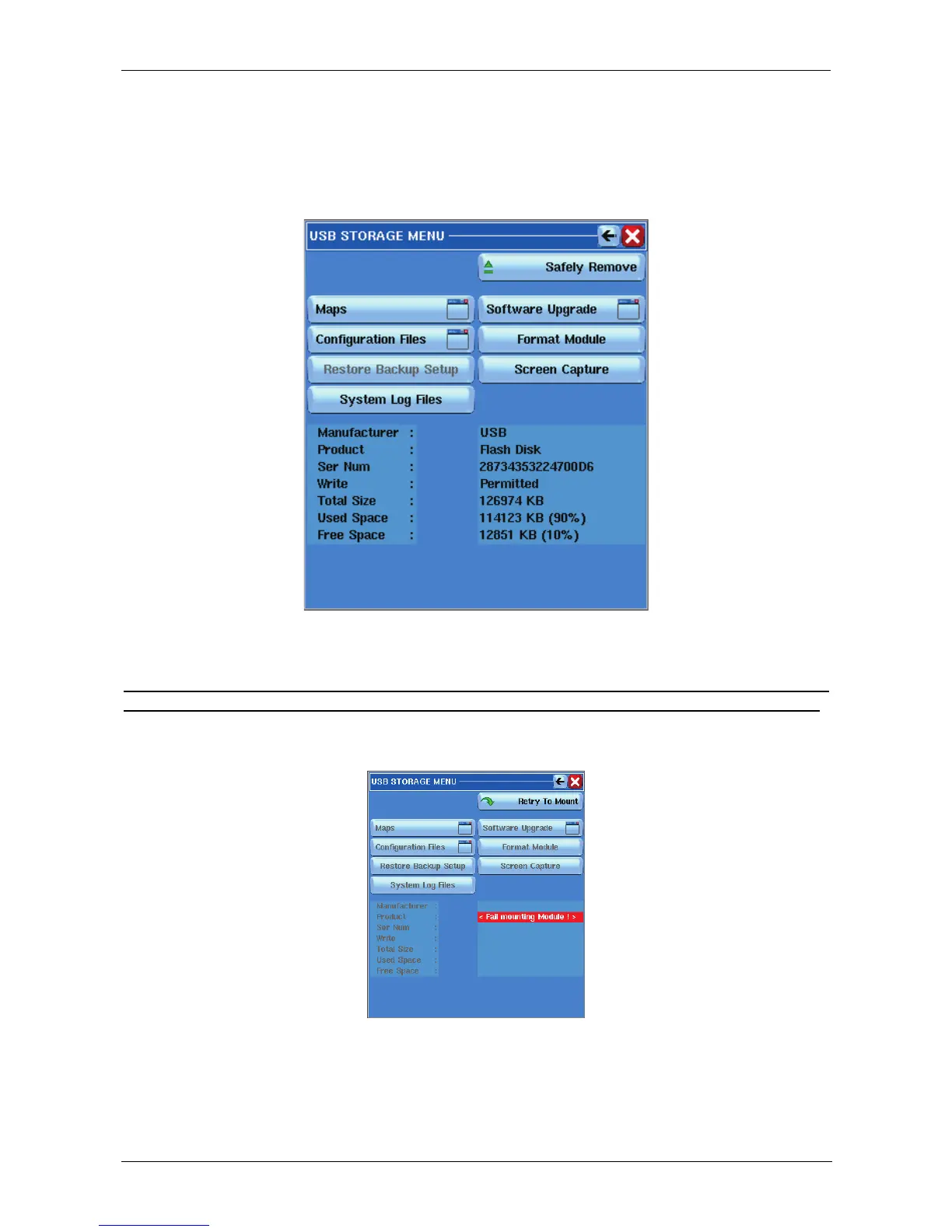
By pressing the button, the system will try to mount any memory stick inserted in the USB
port, and the following window will be displayed:
Figure 3.13.1 USB Menu
If no USB memory is connected to the keyboard’s USB socket or in case of incompatibility
of the USB memory with Linux OS, the above window will indicate: Fail mounting module!
In this case the USB memory installed cannot be used, due to an incompatibility between
it and the system.
Figure 3.13.2 USB Storage



 To Next Page