Argus Radar - RADAR CONFIGURATION
988-10187-004 3.27
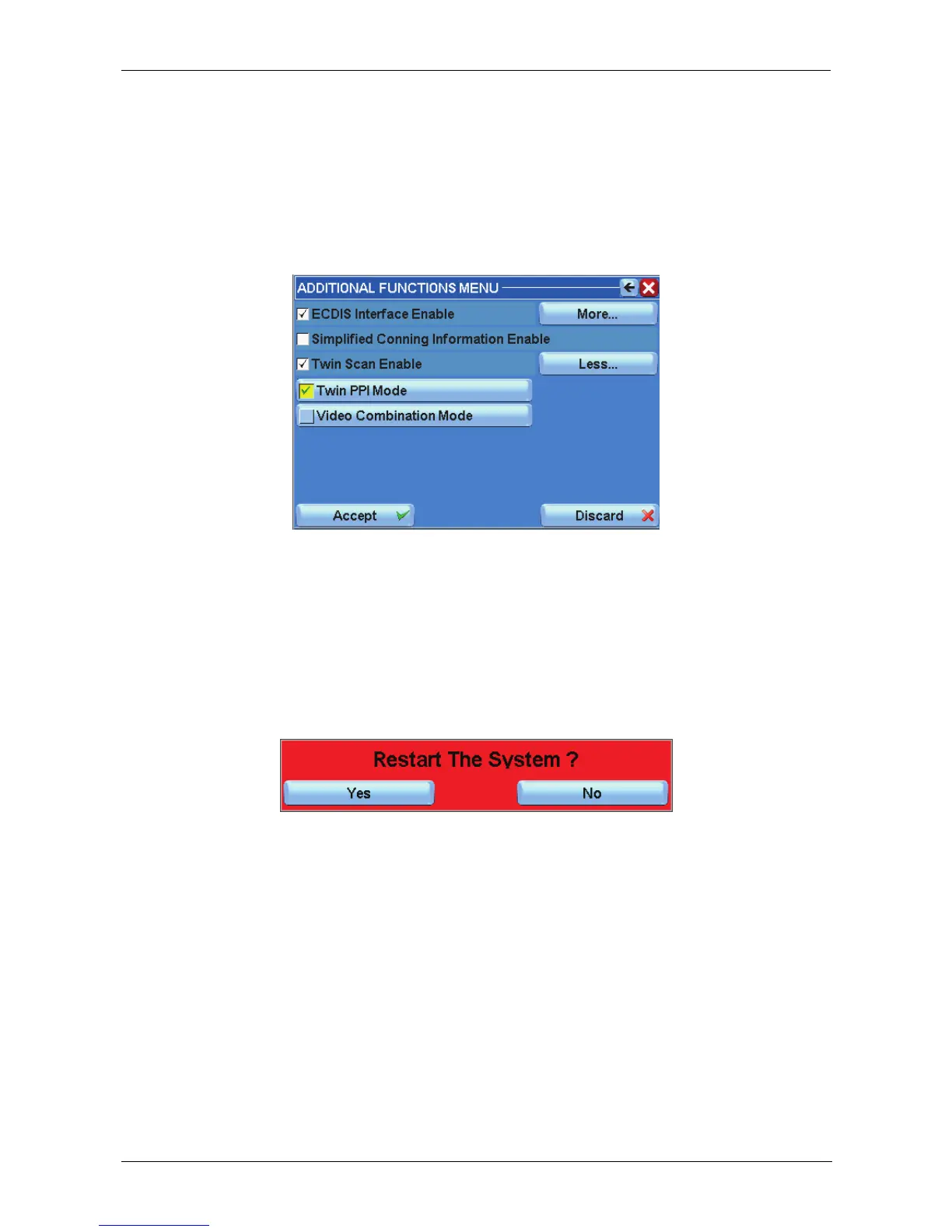
- Twin Scan Enable (Figure 3.11.6-C)
Selecting this function enables/disables the Video Combination Mode (if the wide screen
configuration is being used) for the video configurations in the TXRX Interswitch menu.
Enabling/disabling the Twin PPI Mode function, which is used to select different radar
transceivers for each PPI.
Figure 3.11.6-C
3.12 Restart button
Press this button (Fig 3.1.2 – M, page 3.2), to reboot the Argus system. After pressing the
button, another red window will appear asking for a confirmation of the requested action.
Figure 3.12.1
The following actions are applied only after a reboot of the system:
• Display Resolution change
• System Program Version change
• IP Address settings
• Moving the Main Menu column from left to right or from right to left
• Adding or removing the percentage value from the Video Processing Progress Bars



 To Next Page