Argus Radar - RADAR CONFIGURATION
988-10187-004 3.6
3.4 Own Ship Dim. and Weight
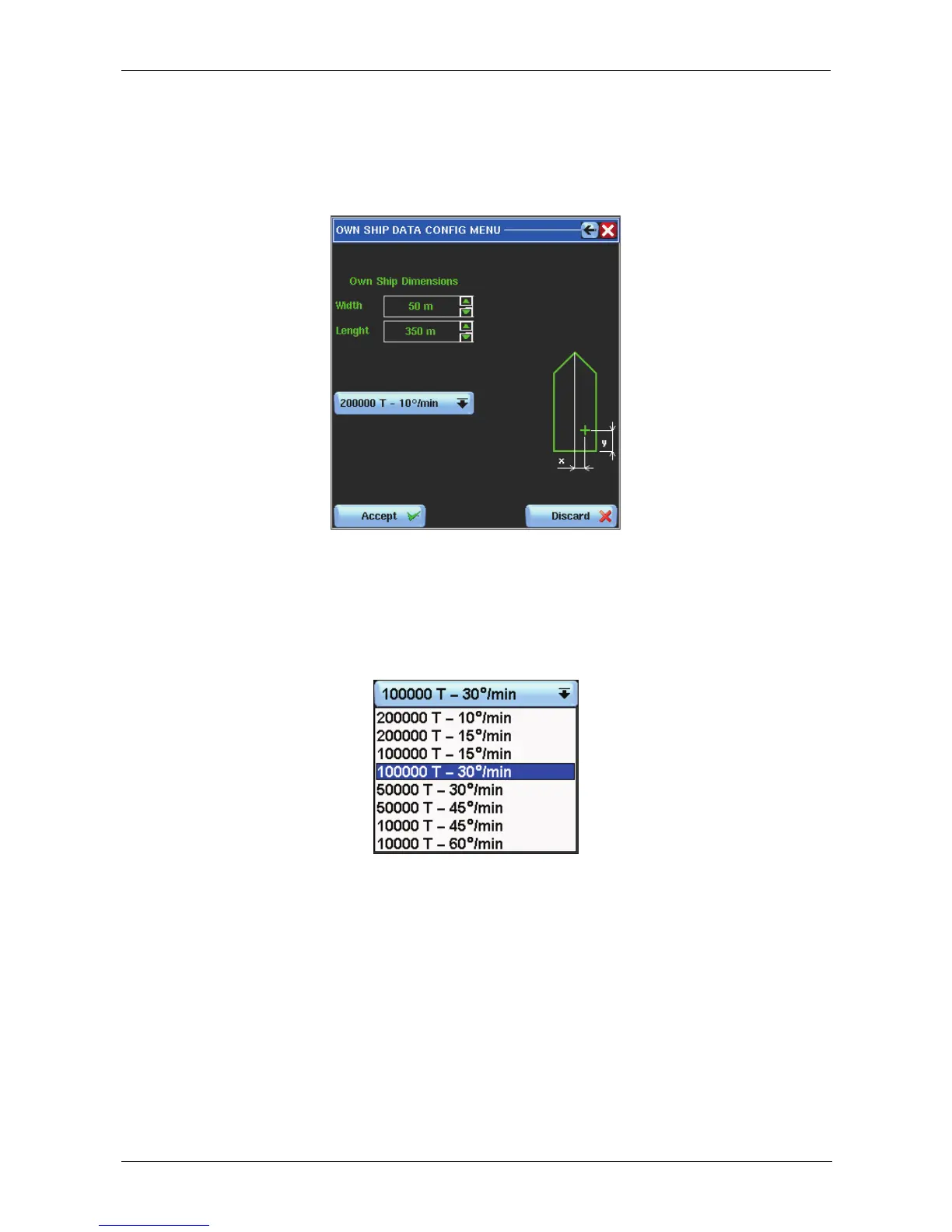
By pressing the “Own Ship Dim. and Weight " button, the following window will appear:
Figure 3.4.1 Own Ship Dim. and Weight
In the window, it is possible to insert the following data:
• Weight: by pressing the relevant button will open a list:
The list shows a selection of 8 pre-defined Tonnage / ROT values. The chosen selection
related to the tonnage of the ship will be used to define the Rate of Turn for the Trial
Manoeuvre computing.
Be sure to select a relevant value, otherwise the Trial Manoeuvre will provide
incorrect information;
Length: look to the help line for correct use of the 3 Mouse Operating Push Buttons in
order to decrease, increase the length value or input a new length value in meters.
Width: look to the help line for correct use of the 3 Mouse Operating Push Buttons in
order to decrease, increase the width value or input a new width value in meters.



 To Next Page