Argus Radar - TROUBLESHOOTING
988-10187-004 5.6
5.4.7 Fans Assy Replacement
Required Tools
Torx wrench T10.
Scissor.
Removing (Figure 5.6)
1. By following the procedure of Para 5.4.1, remove the DISPLAY CORE
UNIT Cover.
2. By following the procedure of Para 5.4.3 remove the Antares assy.
3. By means of the scissor cut the cable ties fixing the fans cable.
4. By means of the T10 Torx wrench, loosen and remove the screws (pos.
1) fixing the Fans Assy (pos. 2).
5. Remove the Fans Assy.
Installation
In order to install the new filter, perform the removing operation in reverse
order.
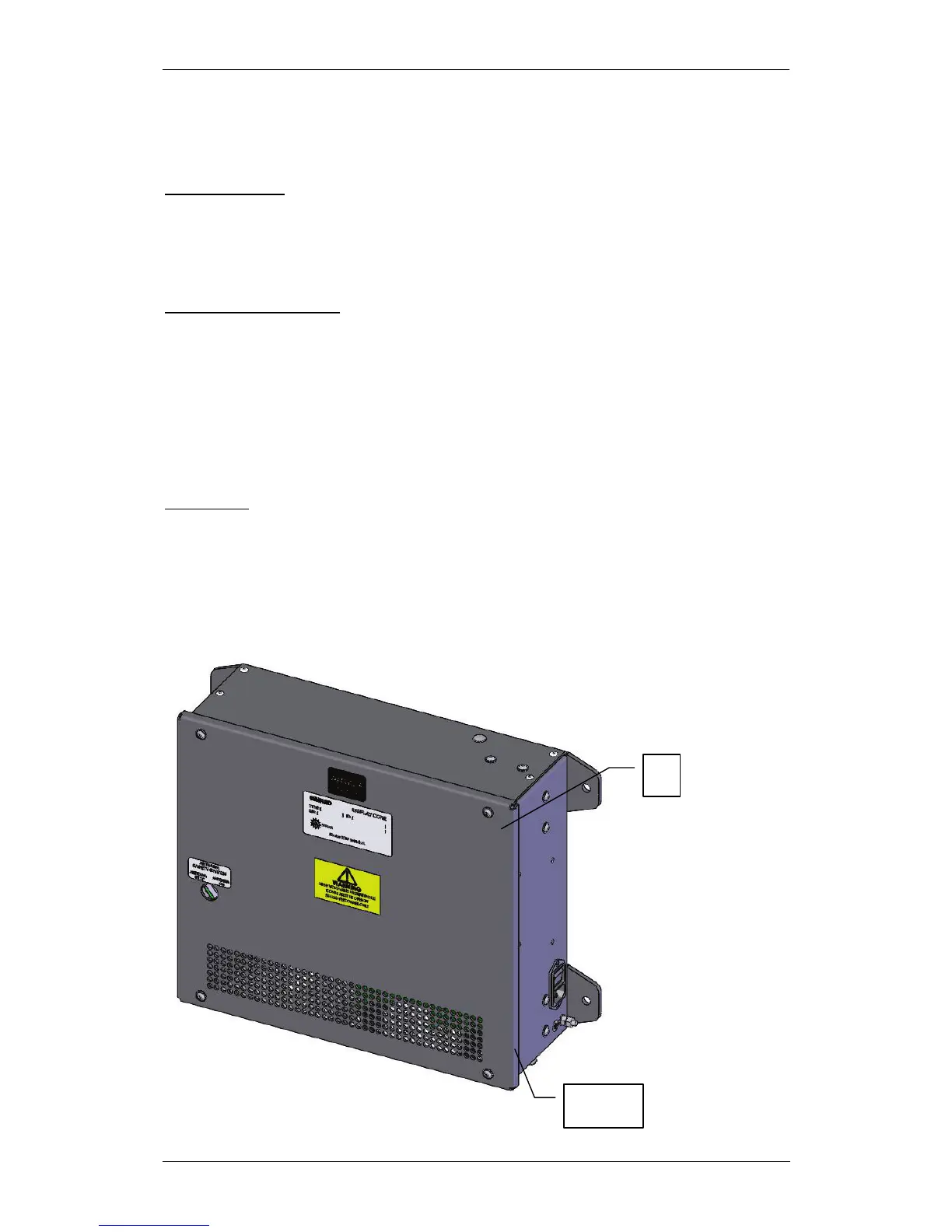
Fig 5.1 Display core unit



 To Next Page