Argus Radar - RADAR CONFIGURATION
988-10187-004 3.12
3.8 TXRX Settings
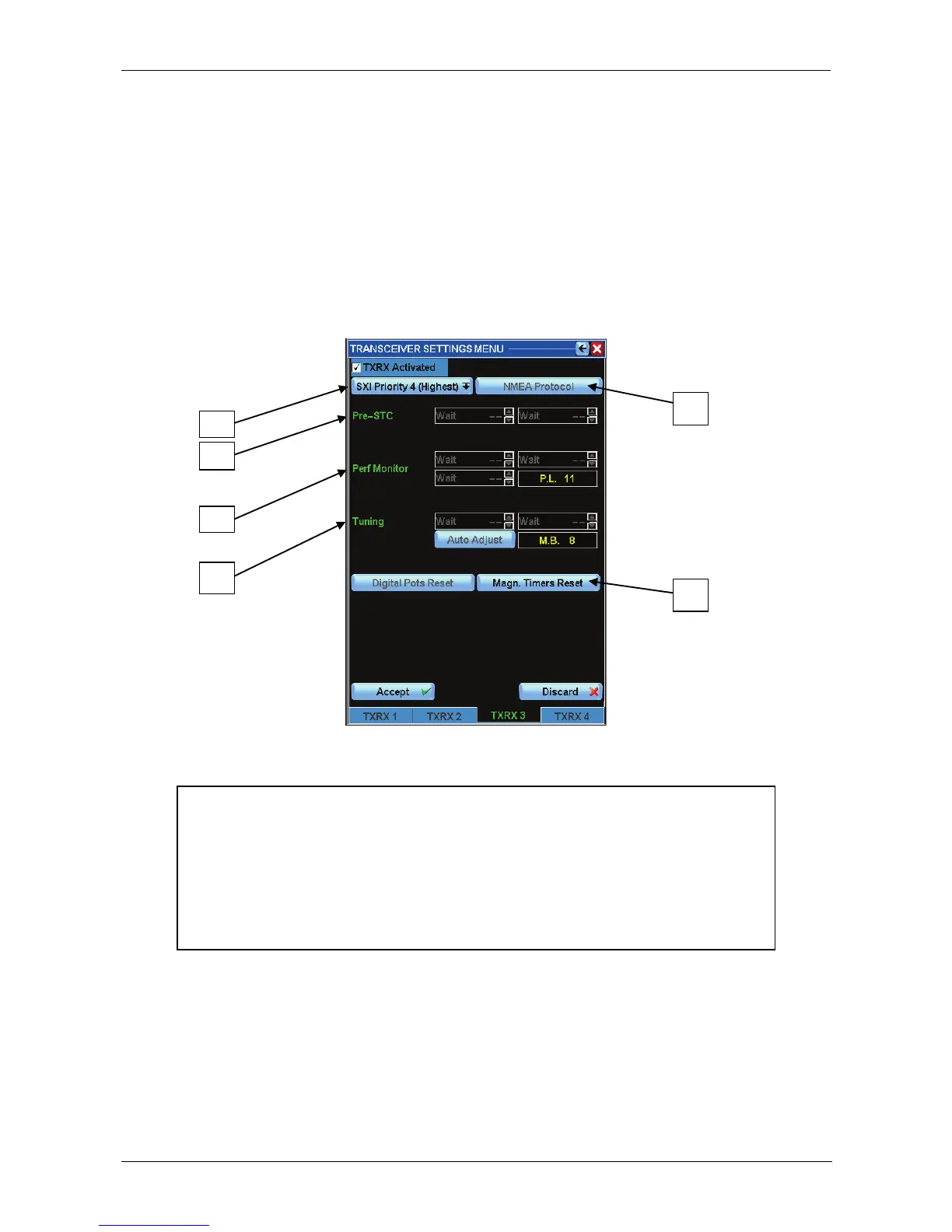
Pressing the button TXRX settings (G button of fig. 3.1.2, page 3.2), the window below will
appear. The TXRX buttons can be up to four, to which can be connected the 3
rd
and the
4
th
TXRXs. In the "TXRX n SETUP MENU" (where n is the number of the TXRX chosen) it
is possible to adjust the TXRX parameters such as video, heading line, azimuth type, etc.
Note: Some of these functions are protected by a password i.e. can only be accessed by
authorized personnel.
Figure 3.8.1 TXRX Settings Menu
NOTE
In case of connection with a MOSFET transceiver with an "RTM Control
P.C.B." on board instead of an "RTM Control B P.C.B." (TXRX software
version lower than 54), the buttons in position 12-15-16-17-19 will not be
activated. In case of connection with a non Simrad transceiver or with an
old transceiver type (non MOSFET), all the buttons above and the button
in position 5 will not be activated.
The password protected NMEA Protocol button (E) selects the protocol to use. All SRT
and SRT derived transceivers work with NMEA protocol.
The communication mode is working at a baud rate of 4800 bps. More TXRX information
is available from the Debug Display window (see Chapter 4), selecting the TXRX
communication messages.



 To Next Page