Argus Radar - RADAR CONFIGURATION
988-10187-004 3.29
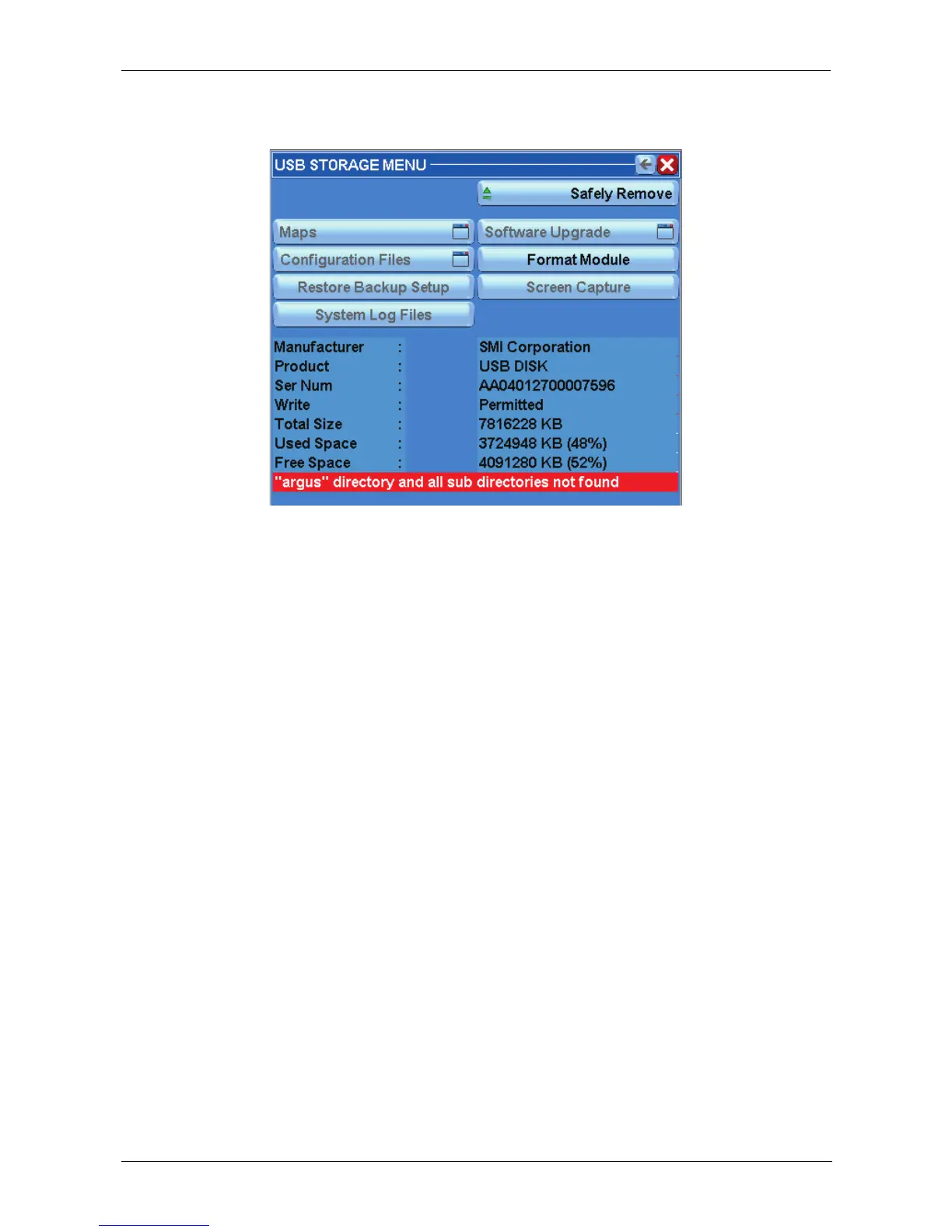
If the USB memory is used with the ARGUS for the first time, the following window will be
displayed:
Figure 3.13.3 USB Storage
To enable the Memory Stick, a directory file tree is needed in the USB memory.
A directory named “ARGUS” shall be created in the root of the USB memory and it should
contain other directories named “logs”, “maps”, “screenshots”, “setup”, and “update”.
If this file tree is not present, a warning will appear, and the only action possible will be
“Format Module”. This will not erase any files in USB Module, but just create the required
directory tree.
By pressing the “Format Module” button, the window will return to the previous, and it will
be possible to access the functions.
The USB flash disk will be mounted in /mnt/usb and the USB STORAGE Menu will appear
as shown by the following picture.
The figure shows the possibility to store maps, backup setup files, system logs and
screenshot pictures on the flash disk and to get maps, backup setup files and to upgrade
the Argus software from the flash disk.
This is a list of the sub-directories that can be found under the Argus directory.
• Maps : All files *.map.
• Setup: Sub-directories named NAME_XXXXX_cfg, where NAME given when it was
stored (usually own ship name) and XXXXX is the serial number of the ANTARES
p.c.b.
• Update: All console update packages.
• Screenshots: Screenshots of the display picture in PNG format. Named usually as
G/V-SERNUM-YEARMONTHDAY-HOURMINUTES.png, where G or V means a



 To Next Page