26
Replacement Procedures
Service Manual
SKOPE TME/SKT ActiveCore
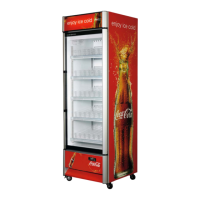
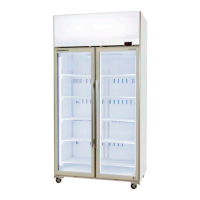
Sign Light The sign is lit by one T8 LED tube which can be replaced by following the steps below.
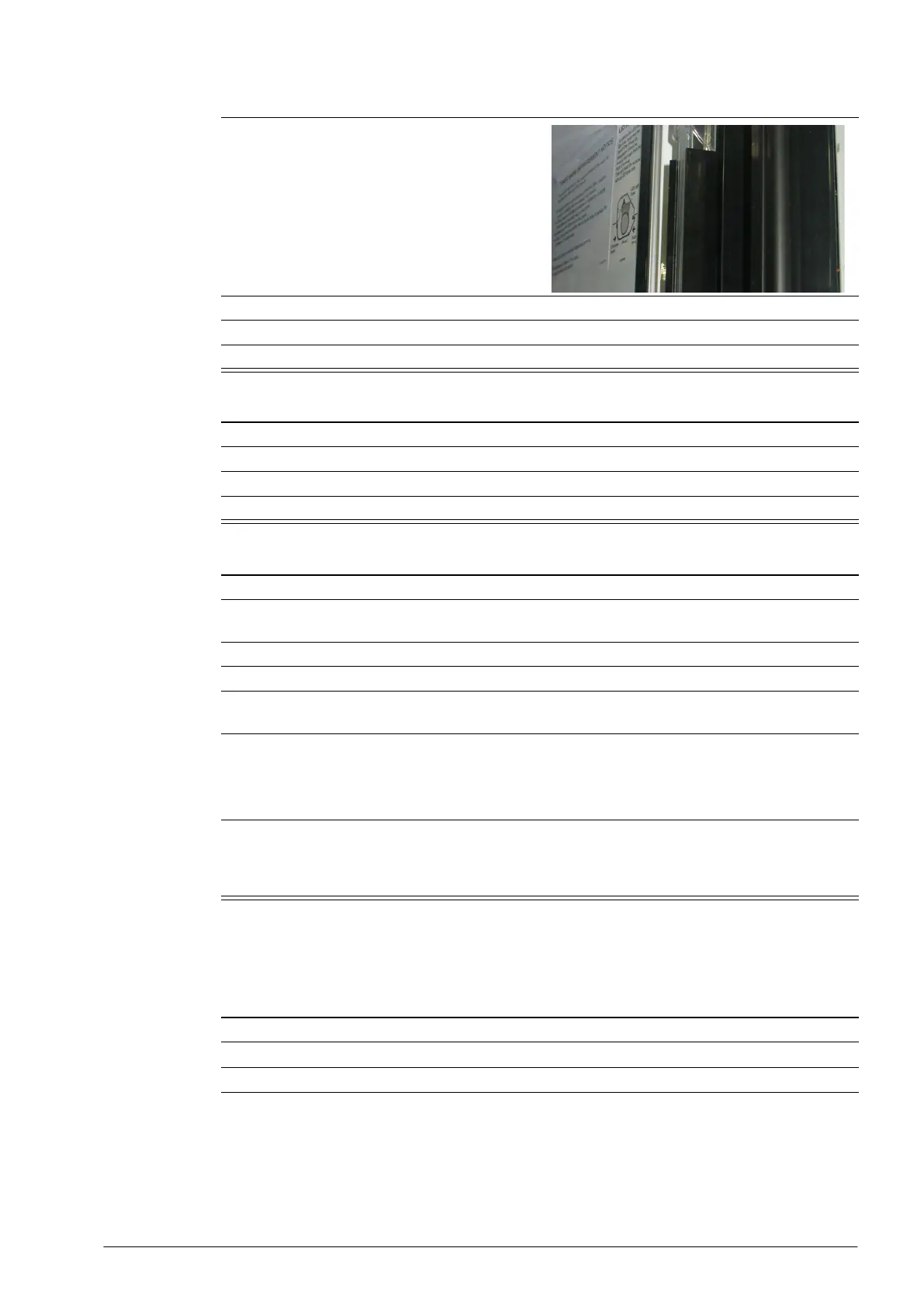
Once clipped in place, the plastic casing should line
up with the front face of the cabinet opening,
providing a neat finish.
6. Screw the assembly into place with the three fixing screws.
7. Ensure the light is firmly clipped in. Tap the assembly to correct if necessary.
8. Reconnect to the power supply and check for correct operation.
Procedure 14: To replace the LED driver power supply
1. Isolate the fridge from the power supply (see page 23).
2. Unplug the LED driver.
3. Remove the LED driver.
4. Replace the LED driver and reassemble.
Procedure 15: To replace an interior wiring loom
1. Isolate the fridge from the power supply (see page 23).
2. Gain access to the shelf and side light plugs by undoing the side light assembly fixing screws (×3,
located behind the light assembly) and moving the assembly out of the way
3. Unplug all shelf and side light components from the wire loom.
4. Move up to the cabinet roof, and unplug the wiring loom from the power supply.
5. Remove the putty from the loom entry point on the cabinet roof, and pull the loom up through the
cabinet ceiling.
6. Refit the new loom and reassemble. Ensure:
• All plugs are clean, correctly fitted and plugged in.
• That the shelf light component plugs are hidden behind the side light assembly.
• That the ceiling and roof hole is completely sealed with putty.
7. Refit the side light assembly by clipping the lip on the inside of the plastic casing behind the front
edge of the side channel.
Once clipped in place, the plastic casing should line up with the front face of the cabinet opening,
providing a neat finish.
Procedure 13: To replace an LED modular side light component (continued)
Procedure 16: To replace the sign light
1. Isolate the fridge from the power supply.
2. Undo the two fixing screws from the sign top cover and remove the top cover.
3. Remove the front sign panels and decal by sliding them up and out of the sign.



 To Next Page