7 PICOSCALE CONTROL GUI
7.6 Streaming Monitor
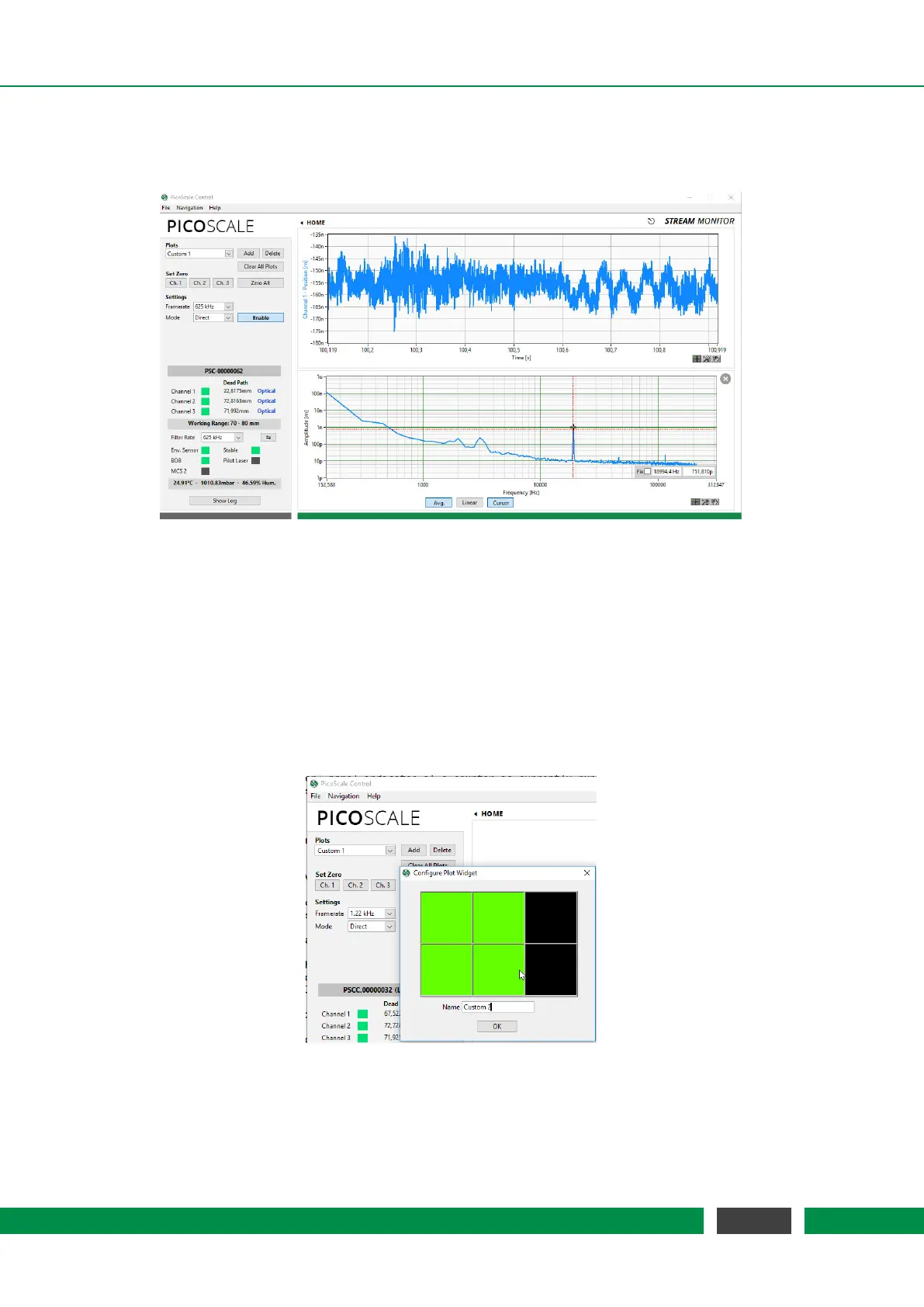
Figure 7.20: Stream View Panel with two active streams.
For continuous data extraction from the PICOSCALE system, data frames can be configured and
afterwards streamed to the user PC. In the PICOSCALE GUI the streaming interface can be con-
trolled and used within the Stream Monitor panel. Each panel can be undocked using the small
symbol next to the "STREAMMONITOR" headline so that you may move it to a different screen, for
example.
7.6.1 Configure data receiver layout
Figure 7.21: Setting up a new data receiver layout.
PICOSCALE Control allows to define a great variety of different plot layouts. When clicking the
Add button a new windows opens up and by sweeping over the desired pattern you can define a
71
PicoScale User Manual



 To Next Page