7 PICOSCALE CONTROL GUI
7.9 Property Dialog
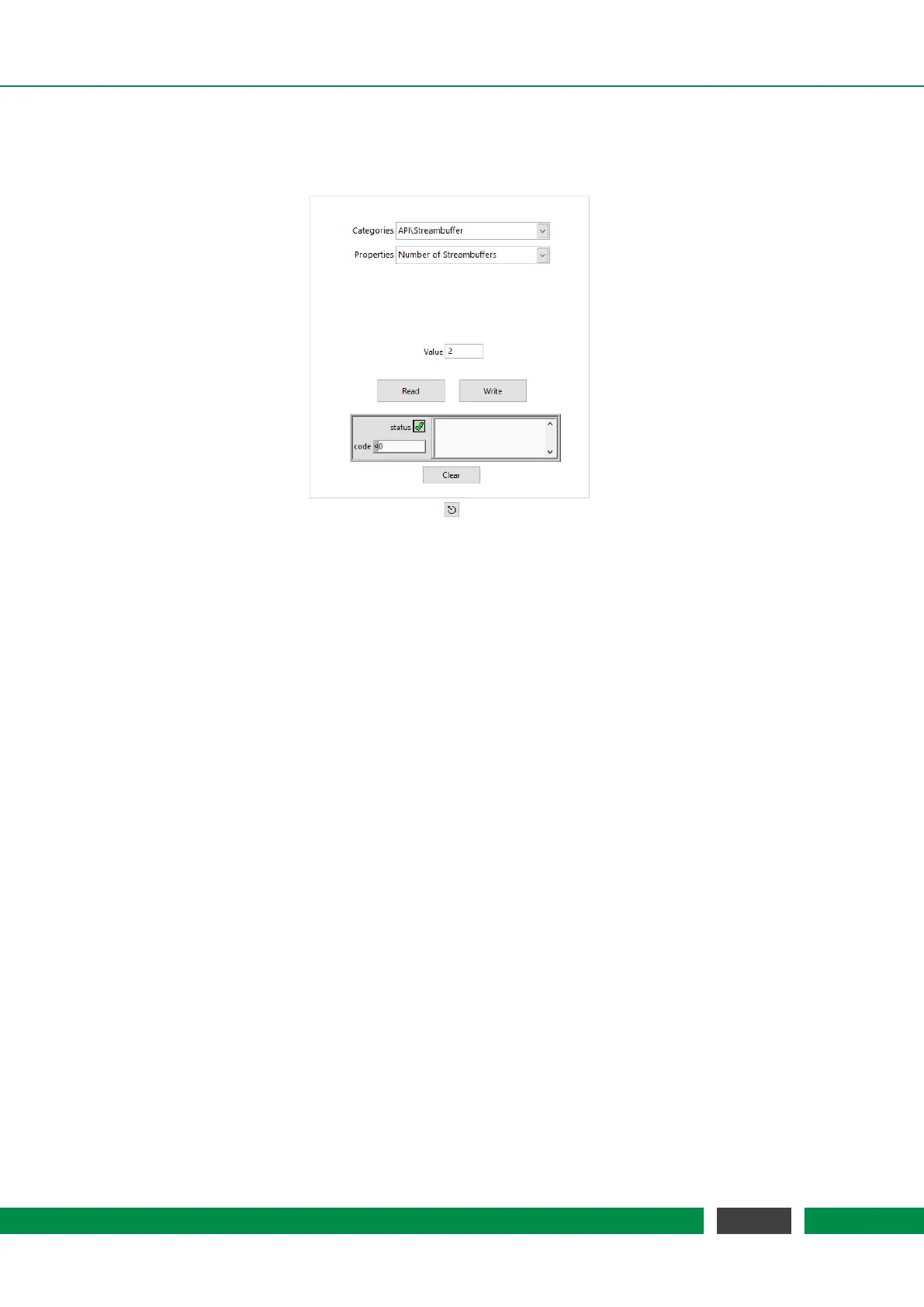
Figure 7.26: Properties dialog box.
Properties are configuration values that define the behaviour of the device. The dialog can be
reached over the menu Navigation, Settings and Properties. Each property has a data type and
an access mode. Some properties may be read and written, while others are read only or (in
rare cases) write only. Within the Property Dialog, you can read or write these properties. For a
detailed description of the properties, please refer to the
PICOSCALE Programmer’s Guide. Please
note that changing properties without due consideration may have significant consequences in
the performance of the
PICOSCALE.
78
PicoScale User Manual



 To Next Page