7 PICOSCALE CONTROL GUI
7.8 Configuration Manager
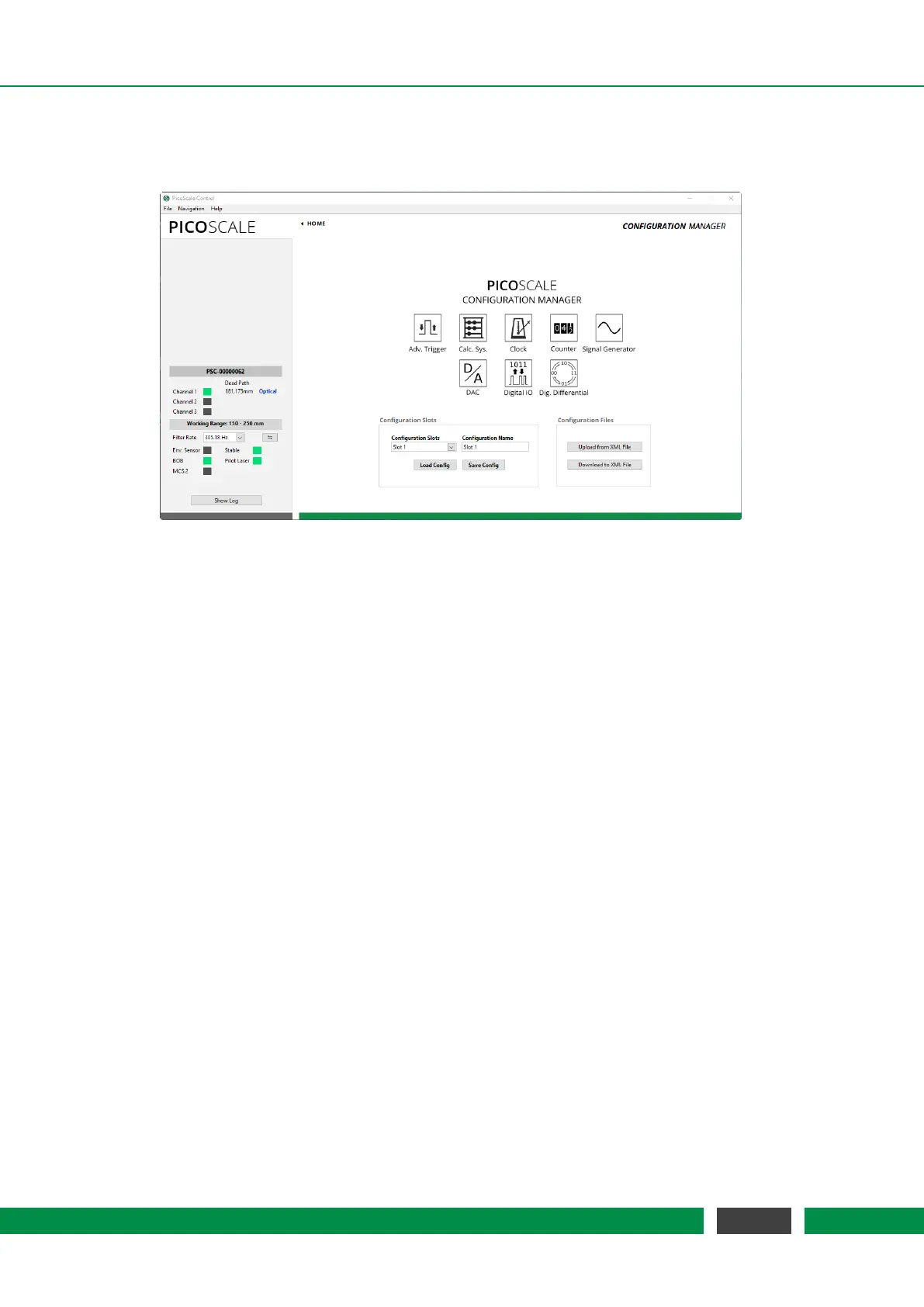
Figure 7.25: Configuration Manager. The current settings can be stored in so-called configuration
slots. Each configuration slot can also be down- and uploaded to *.XML files.
The
PICOSCALE allows to store specific configuration settings to provide an easy and efficient way
to proceed your measurements after a restart of the system. Therefore, there are eight configura-
tion slots available, that can be named freely. Each configuration slot contains the settings of the
following modules:
• Advanced Trigger
• Calculation System, including look-up tables
• Clock Generator (*)
• Counter (*)
• Signal Generator, including custom shapes (*)
• Digital-to-analog converters
• Digital IO interface
• Digital Differential interface
(*) The outputs of these modules are disabled when the corresponding settings are loaded and
need to be enabled when needed. This prevents unintended signal output.
Once you have configured your system, you may store the settings in a configuration slot which
can optionally be renamed. The configuration slots are stored in the
PICOSCALE internally. Ad-
ditionally, you may download the active configuration (independently of the actual slots) to an
*.XML file. This file can be uploaded and several
PICOSCALE controllers can thus be configured
the same way.
77
PicoScale User Manual



 To Next Page