20.
Type the information for the sixth
ID
label. Using our sample letter, you would type:
$125.00
21.
Depress the RETURN
KEY
to enter this information. The Cursor jumps to the seventh
ID
label.
22.
Type the information for the seventh
ID
label. Using our sample letter, you would type:
June
23.
24.
25,
26,
27,
28.
Continue in this manner for each
ID
label.
When you complete all
ID
labels, depress the RETURN
KEY.
The SCREEN displays the next
frame. The Cursor is located on the line after the first
ID
label.
Proceed to type in the variable information for each name/address on your mailing list
following the above steps. You ca n store a maximum of 40 frames per mailing list.
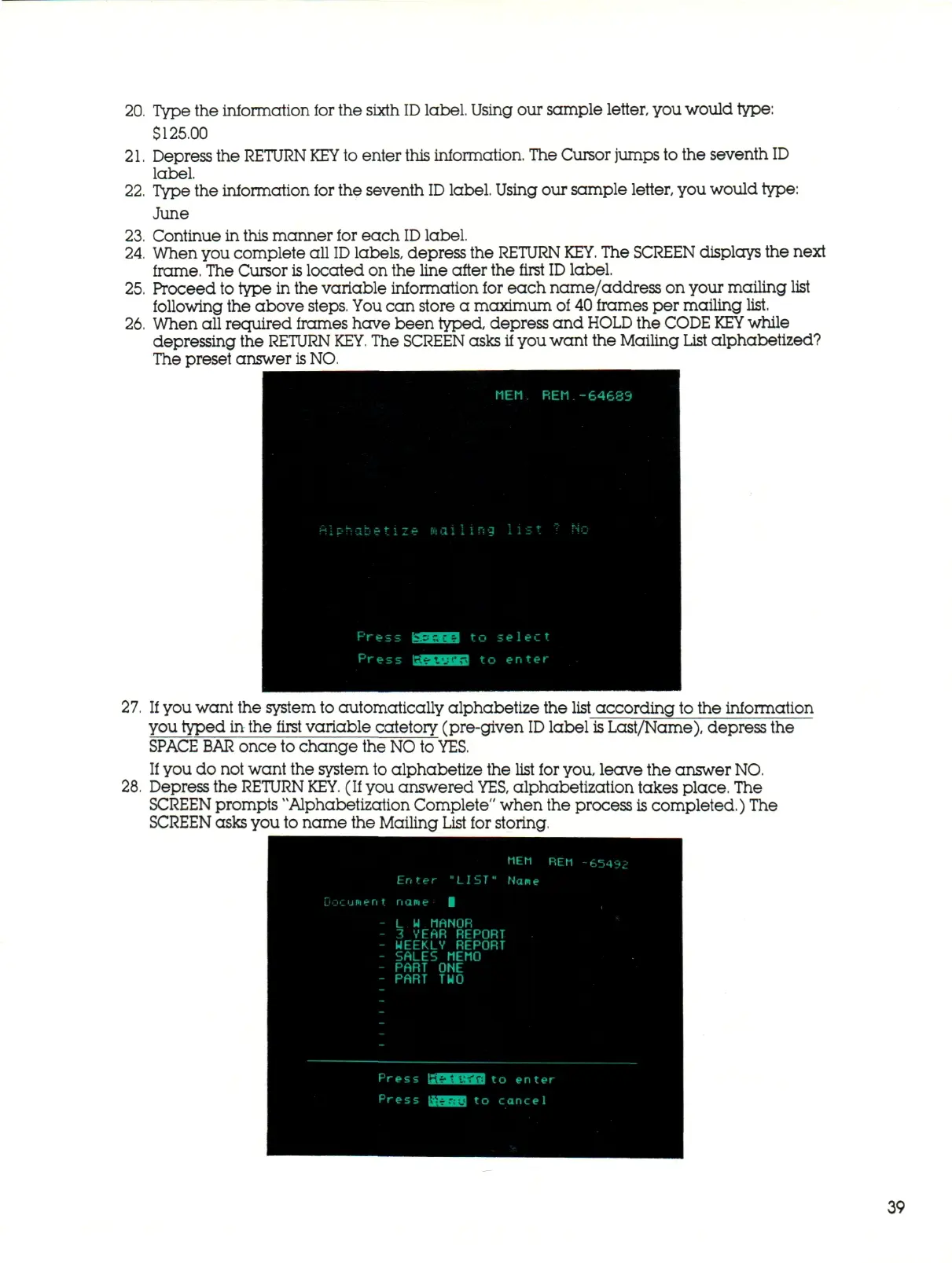
When all required frames have been typed, depress and
HOLD
the CODE
KEY
while
depressing the RETURN
KEY.
The SCREEN asks if you want the Mailing List alphabetized?
The preset answer is NO.
MEM.
REM
-64683
press usena
Press GtMHiid
,ng list
7
h
to select
to enter
If you want the system to automatically alphabetize the list according to the information
you typed in the first variable catetory (pre-given
ID
label is Last/Name), depress the
SPACE
BAR
once to change the NO to
YES.
If you do not want the system to alphabetize the list for you, leave the answer NO.
Depress the RETURN
KEY.
(If you answered
YES,
alphabetization takes place. The
SCREEN prompts "Alphabetization Complete" when the process is completed.) The
SCREEN asks you to name the Mailing List for storing.
MEM REM -65492
Enter "LIbT" Name
uI>Isnt
nane
L
H
MANOR
3 YEAR REPORT
WEEKLY REPORT
SALES MEMO
PART
O N E
PART
T U O
Press ISUMHMJ
to
en t e r
Press »gail
to
cancel
39



 To Next Page