Dot
:um
MEM REM
Enter "LETTER" Name
en
t
name 1
- L
.
W . MANOR
- 7 VEAR REPORT
- UEEKLV REPORT
-
'"ALES
MEMO
si-
i c
T
n
M
c
-
r
h h
=
U'
i t
-
PHRT
TWO
- MAILING LIST A
- OVERDUE-BASIC
Pre;;
IflaiBI to
e n t e r
Press iBEB to cancel
-65492
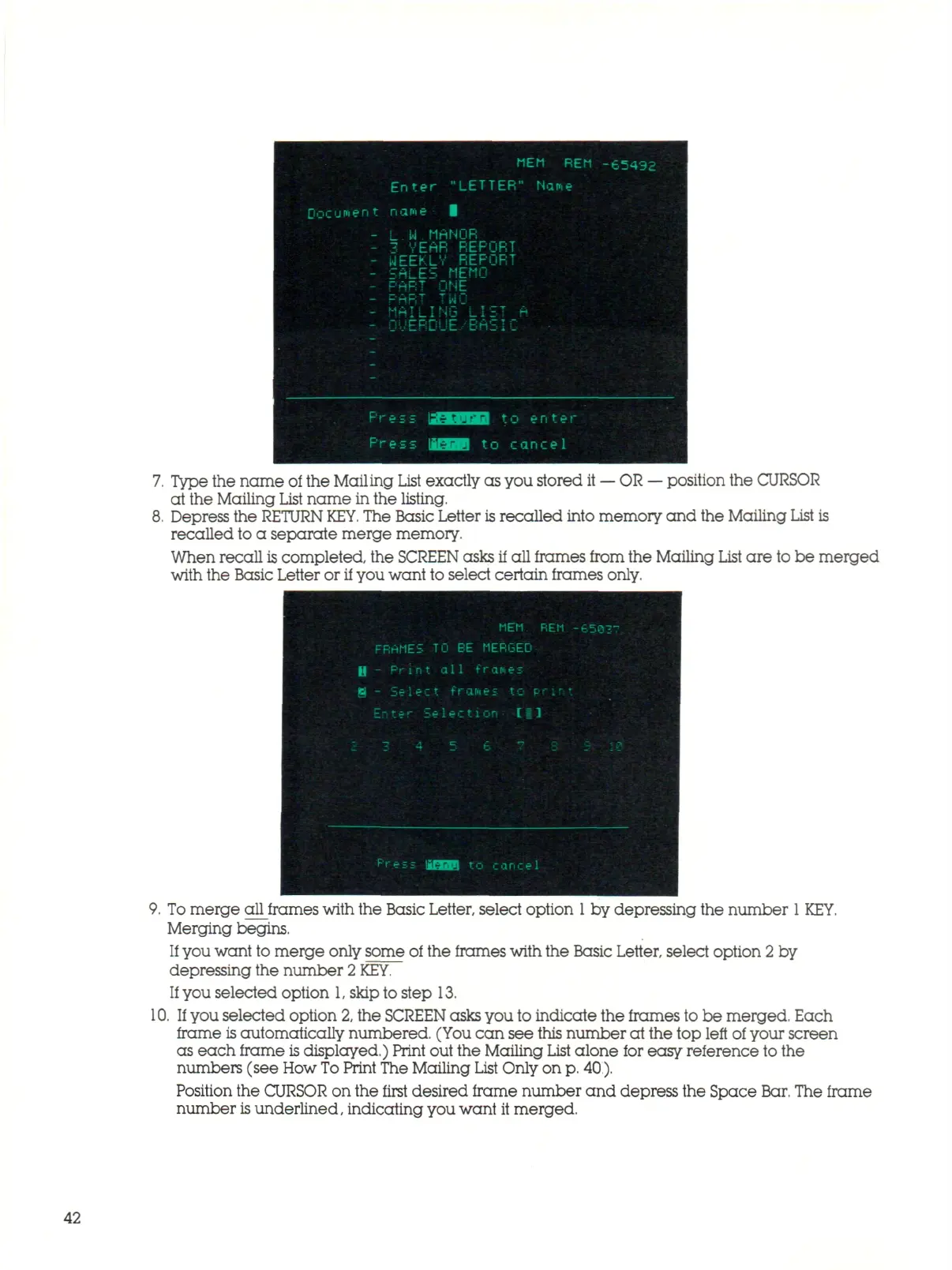
Type the name of the Mailing List exactly as you stored it
—
OR
—
position the CURSOR
at the Mailing
List
nam e in the listing.
Depress the
RETURN
KEY.
The Basic Letter
is
rec all ed into memory and the Mailing
List
is
recalled to a separate merge memory.
When recall
is
completed, the SCREEN asks if all frames from the Mailing List a r e to be merged
with the Basic Letter or if you want to select certain frames only.
9. To me rg e all frames with the Basic Letter, select option
1
by depressing the number
1
KEY.
Merging begins.
If
you want to merge only some of the frames with the Basic Letter, select option 2 by
depressing the number
2
KEY.
If
you selected option
1,
skip to step 13.
10.
If
you selected option
2,
the SCREEN asks you to indicate the frames to be merged. Each
frame
is
automatically numbered. (You can see this number at the top left of your screen
as each frame is displayed.) Print out the Mailing
List
al on e for easy reference to the
numbers (see How
To
Print The Mailing
List
Only on
p.
40.).
Position the CURSOR on the first desired frame number and depress the Space Bar. The frame
number
is
underlined, indicating you want it merged.
42



 To Next Page