100
D335 User Manual Customizing the Phone Settings
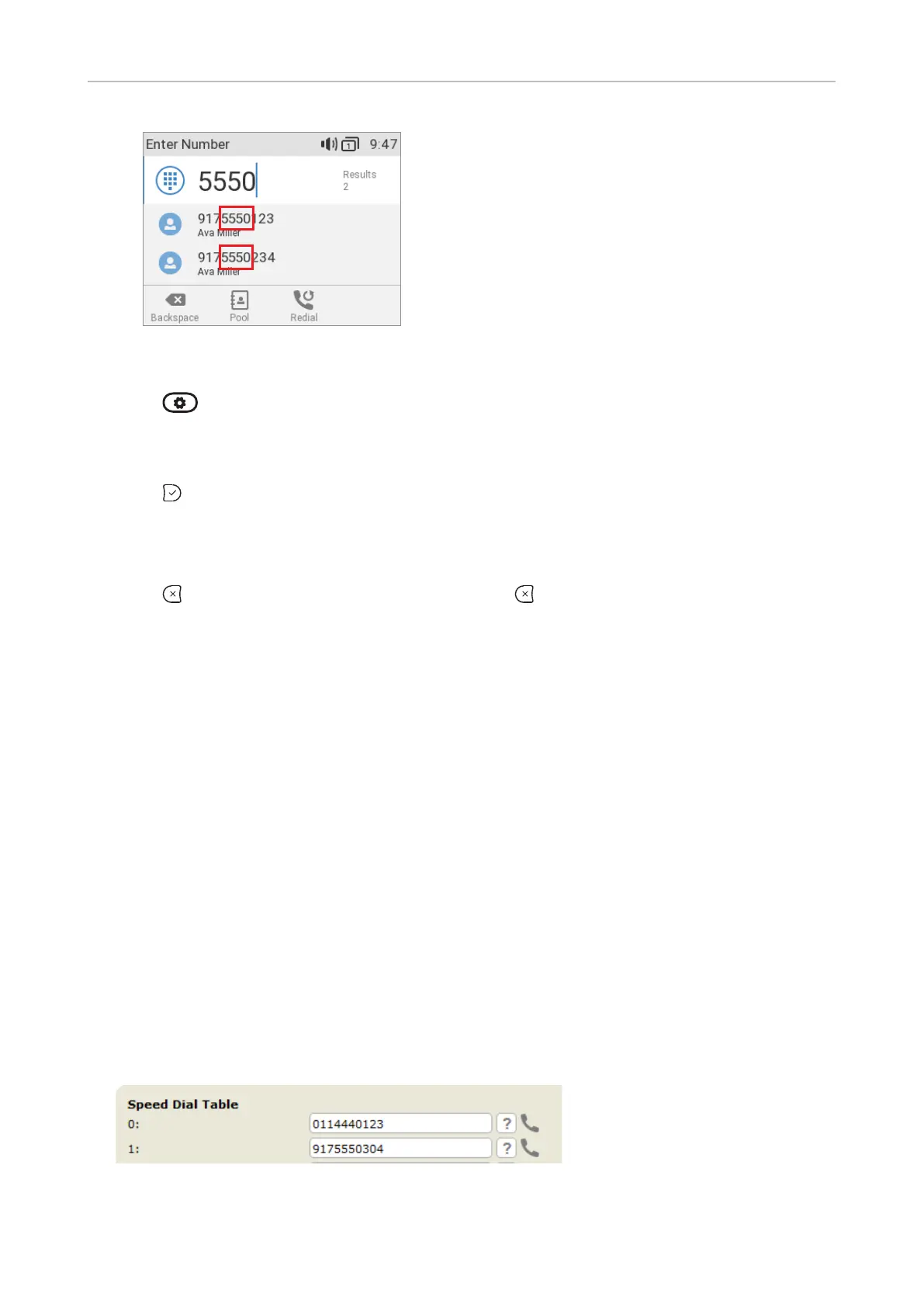
Setting on the phone
1. Press and select Preferences.
2. Select General.
3. Select QuickLookup.
4. Press to change the setting from yes to no (on / o) and vice versa to enable or disable the
function.
5.
QuickLookUp Start Length.
6. Press for two seconds to return to the idle
screen.
Setting on the web interface
1. Open the Preference page, Behavior tab.
2. In the Contact Search section, click the radio button to turn the QuickLookUp function on or o.
3. QuickLookup Start
Length.
4. Click Apply and Save.
Speed dial
and/or long numbers without having to enter the complete phone number. The numbers must be set
1. In the menu on the left side of the phone's web interface, click Speed Dial.
2.
Type each phone number without spaces or punctuation between the digits.



 To Next Page