102
D335 User Manual Software Update
Software update
Manual update
The phone must be running in administrator mode.
1. Open a browser and enter the address https://service.snom.com.
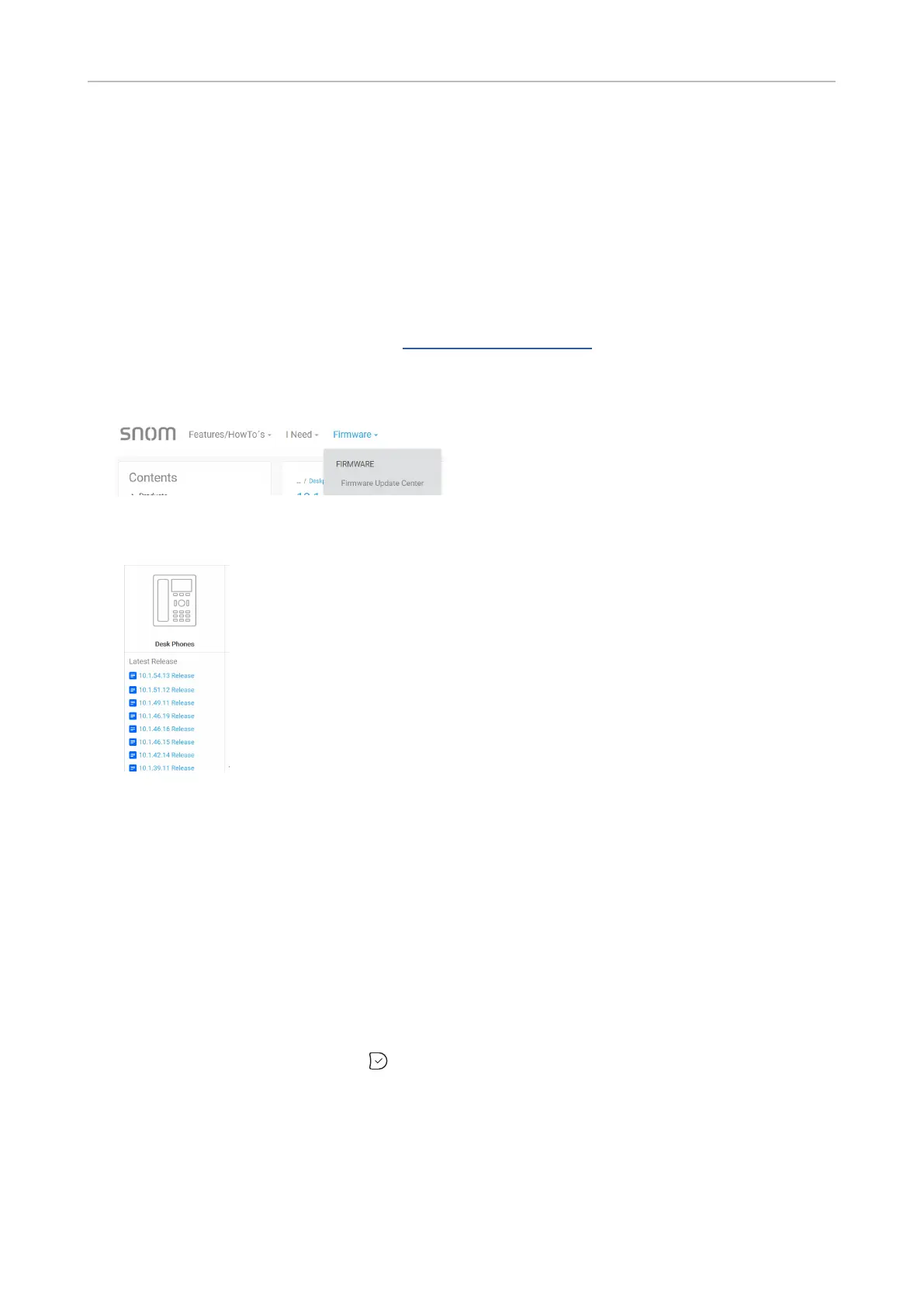
2. Klick Firmware in the navigation bar at the top of the page.
3. Click Firmware Update Center in the drop-down list.
4. Click the release version you want to update to from the list for your type of phone (desk phone,
DECT, etc.).
5. On the [FW] RELEASE page, read the release notes.
6. Scroll down to the Downloads table.
7. Scroll down to your phone model in the left column of the table.
8. Right-click on the download link
9. Click Copy link location or Copy link address (the exact wording depends on your browser).
10. Open the phone’s web interface and click Advanced in the menu on the left side of the display.
11. Click the Update tab.
12. In the Manual Software UpdateFirmware.
13. Click Load. The phone begins to reboot.
14. If the phone asks “Reboot?”, press .
15. DO NOT DISCONNECT THE POWER WHILE THE PHONE IS REBOOTING!



 To Next Page