51
D335 User Manual Using the Phone
Using dierent dialing methods
Auto dial
of seconds has elapsed since the last digit was typed.
Advanced Settings page, Behavior tab, Phone Behavior section, Auto Dial setting by
selecting a time span in seconds from the drop-down menu.
Redialing
1. Press to show the last numbers dialed, with the very last number at the top.
2. Press to dial that number or use / .
Calling number from call history (missed, received, dialed calls)
1. Press (dialed calls), (received calls), or (missed calls) to open the respective call list.
2. Use / to select a call.
3. Press to dial the number.
Calling number from phone directory
1. Press to open the phone's directory.
2. Use /
3. Press to dial the number.
Calling number from external directory
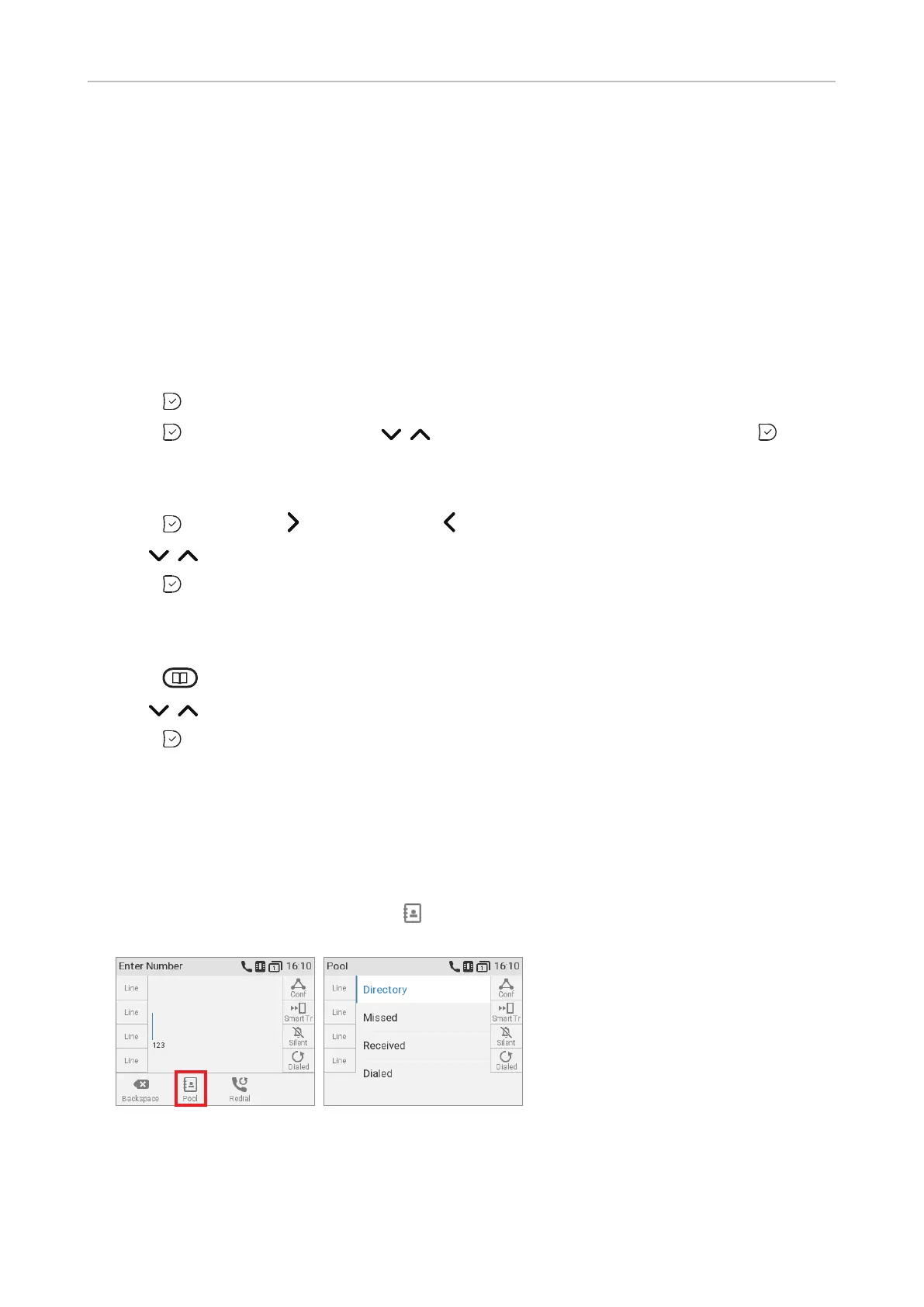
1. Open the dial screen to get access to the external directory, if available:
a.
(Fig. 1).
b. Press the function key underneath to show the list of available directories and call lists
(Fig. 2).
Fig. 1 Fig. 2
c. Select the external directory.



 To Next Page